NOTE
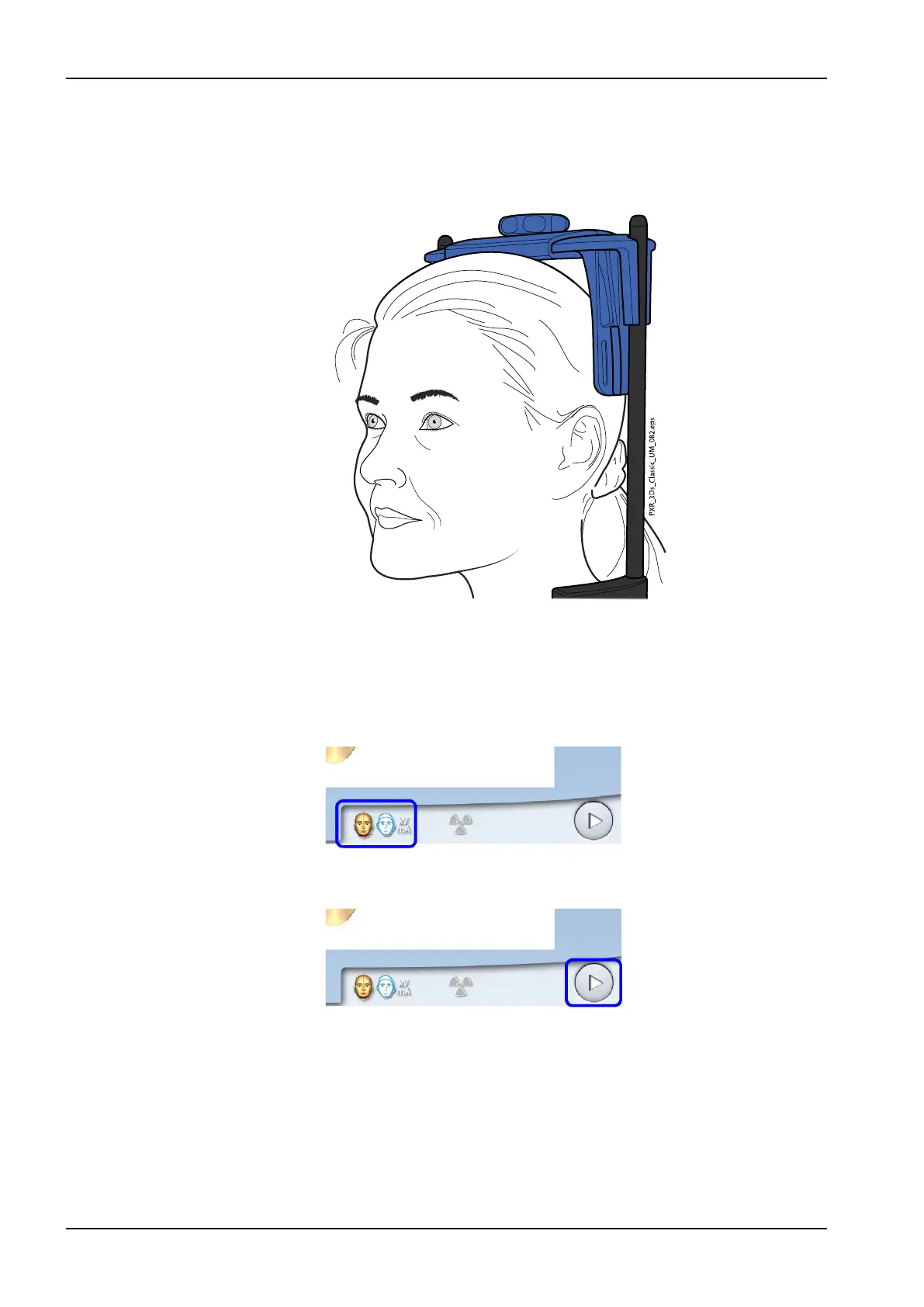
If you wish to see the patient’s ears clearly in the photo, position the
patient’s head so that the head support is at the back of the head as
shown here.
6. Ask the patient to grasp the patient handles.
9.3 Selecting exposure settings
1. To go to the next screen, select:
• This symbol
OR
• The forward button
2. Use this button to select the type of photo you wish to take. You can
toggle between two options:
9 3D face photo
54 Planmeca ProMax User's manual














 To Next Page