9.2 Patient positioning
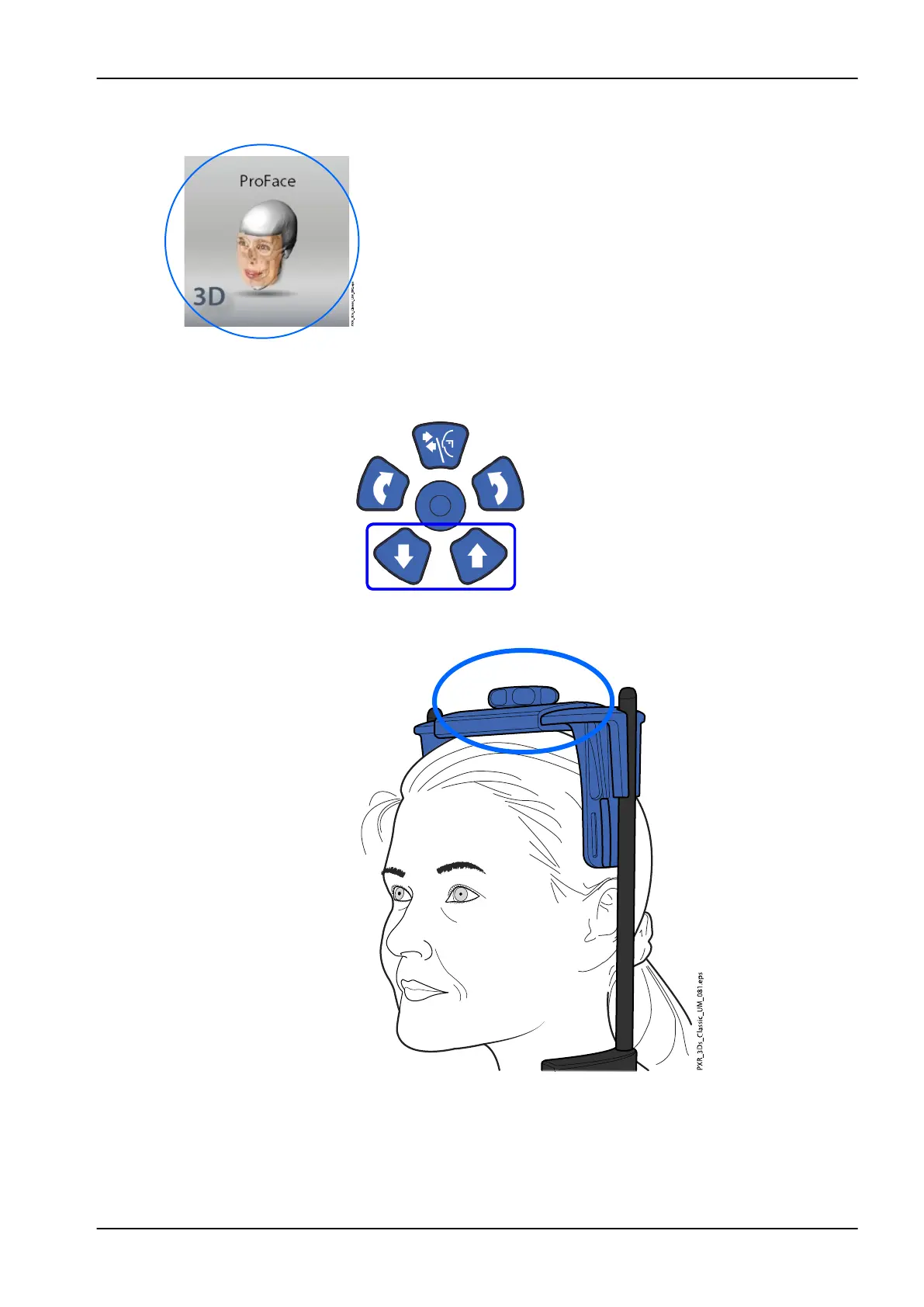
1. Select the ProFace program (Special Programs > ProFace).
2. Select the patient entry position as described in section "Selecting
patient entry position" on page 34.
3. Guide the patient to the X-ray unit. The patient can sit or stand
during the exposure. Ask the patient to keep their hair away from
their face and ears.
NOTE
We recommend that you image patients with poor health in a
sitting position.
4. Adjust the X-ray unit to suit the height of the patient. To do this, press
either of the height adjusting buttons until the patient support table is
approximately level with the patient’s lower jaw.
5. Position the patient’s head in the head support. You can adjust the head
support by turning the adjusting knob at the top.
9 3D face photo
User's manual Planmeca ProMax 53














 To Next Page