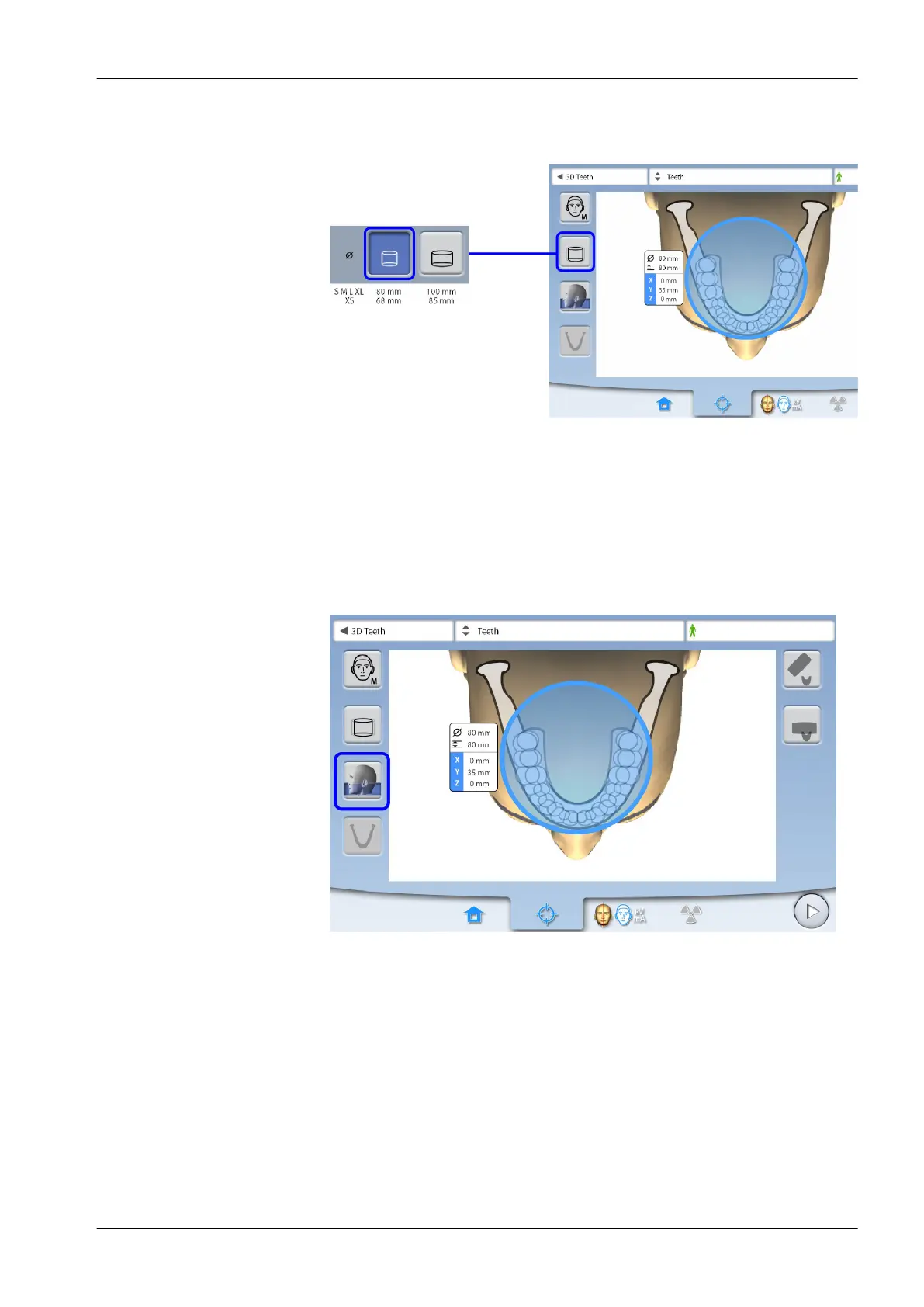
8.3.3 Selecting volume diameter
Use this button to select the diameter of the image volume.
NOTE
The available options depend on the selected program. For more information
on Planmeca 3D Plus and 3D Mid programs, see section "Planmeca ProMax
3D Plus and 3D Mid programs" on page 22.
8.3.4 Selecting volume height
Use this button to select the height of the image volume (full, lower or upper
height).
NOTE
The available options depend on the selected program.
8 3D patient exposure
User's manual Planmeca ProMax 33














 To Next Page