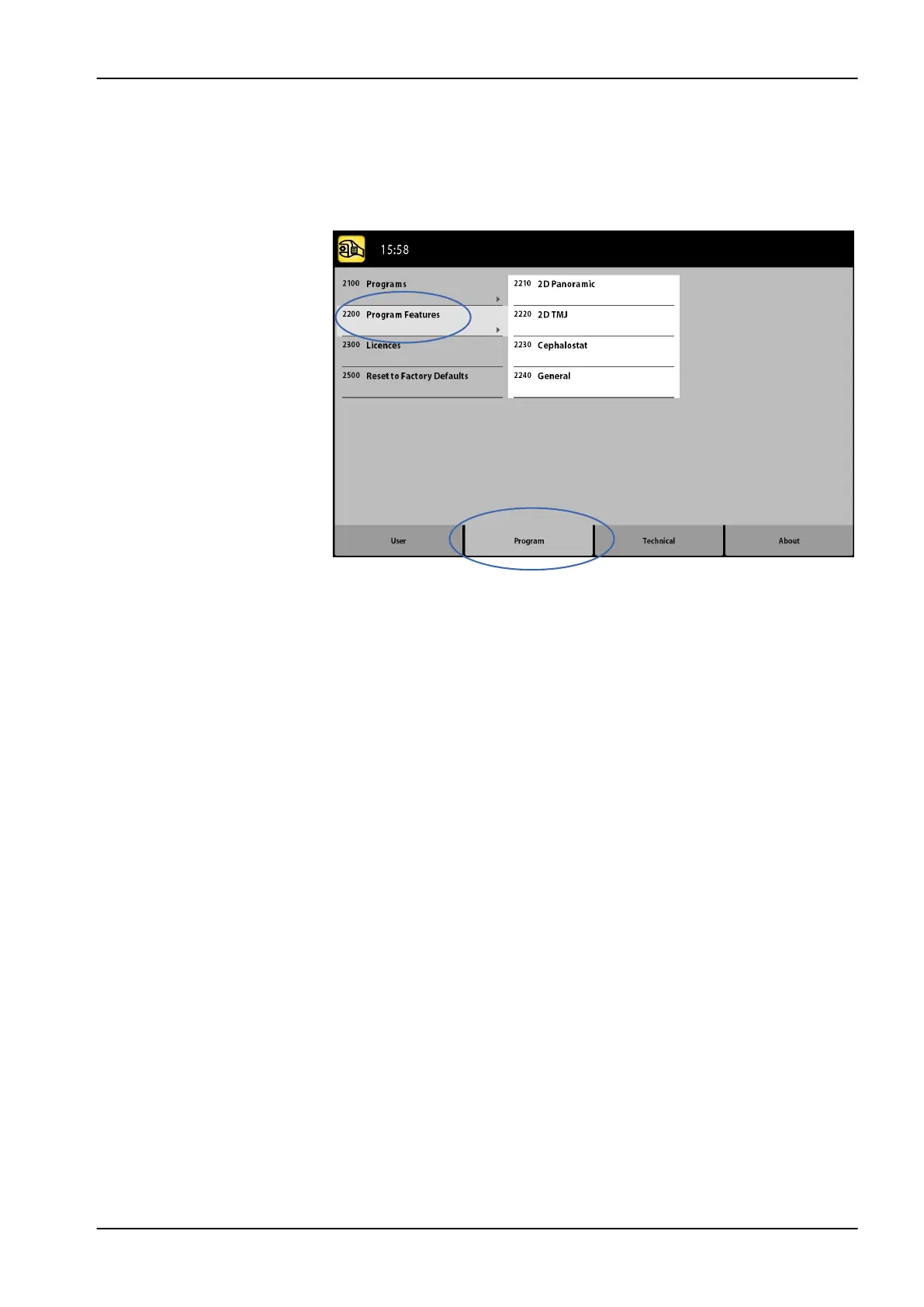
11.2.2 Program Features (2200)
• To manage program settings:
Select Program > 2200 Program Features to manage program settings. For
details on a specific setting, refer to the manual section that contains the
corresponding function.
11.2.3 Licences (2300)
• To activate a program licence:
1. Select Program > 2300 Licences.
2. Select the licence you wish to activate:
• SmartPan (Basic 2D panoramic, TMJ and sinus programs with 3D
sensor)
• Horizontal and Vertical Segmenting (Reduced exposure area for 2D
panoramic programs)
• Bitewing Panoramic Program (True extraoral bitewing program)
• Advanced Panoramic Programs (Additional 2D panoramic, TMJ and
sinus programs)
• Cephalometric DEC (Dynamic Exposure Control for 2D
cephalometric programs with Dimax sensor)
• 2D Views for 3D (LAT, PA and LAT-PA views for 3D programs)
• 3D Model Scan (3D Impression and 3D Plaster Cast programs)
• 3D ENT Programs (3D Ear Nose Throat programs)
• 3D Endodontic Imaging Mode (Endodontic image resolution for small
3D image volumes)
• Braces Protocol (3D Braces program, for Planmeca ProMax 3D Mid
only)
• Vertical Extension (For Planmeca ProMax 3D Plus only)
• 4D Jaw Motion (4D Jaw Motion program for Planmeca ProMax 3D
Mid X-ray units with ProFace sensor)
• ProTouch Desktop (Virtual control panel that allows you to take
exposures)
11 Settings
User's manual Planmeca ProMax 79














 To Next Page