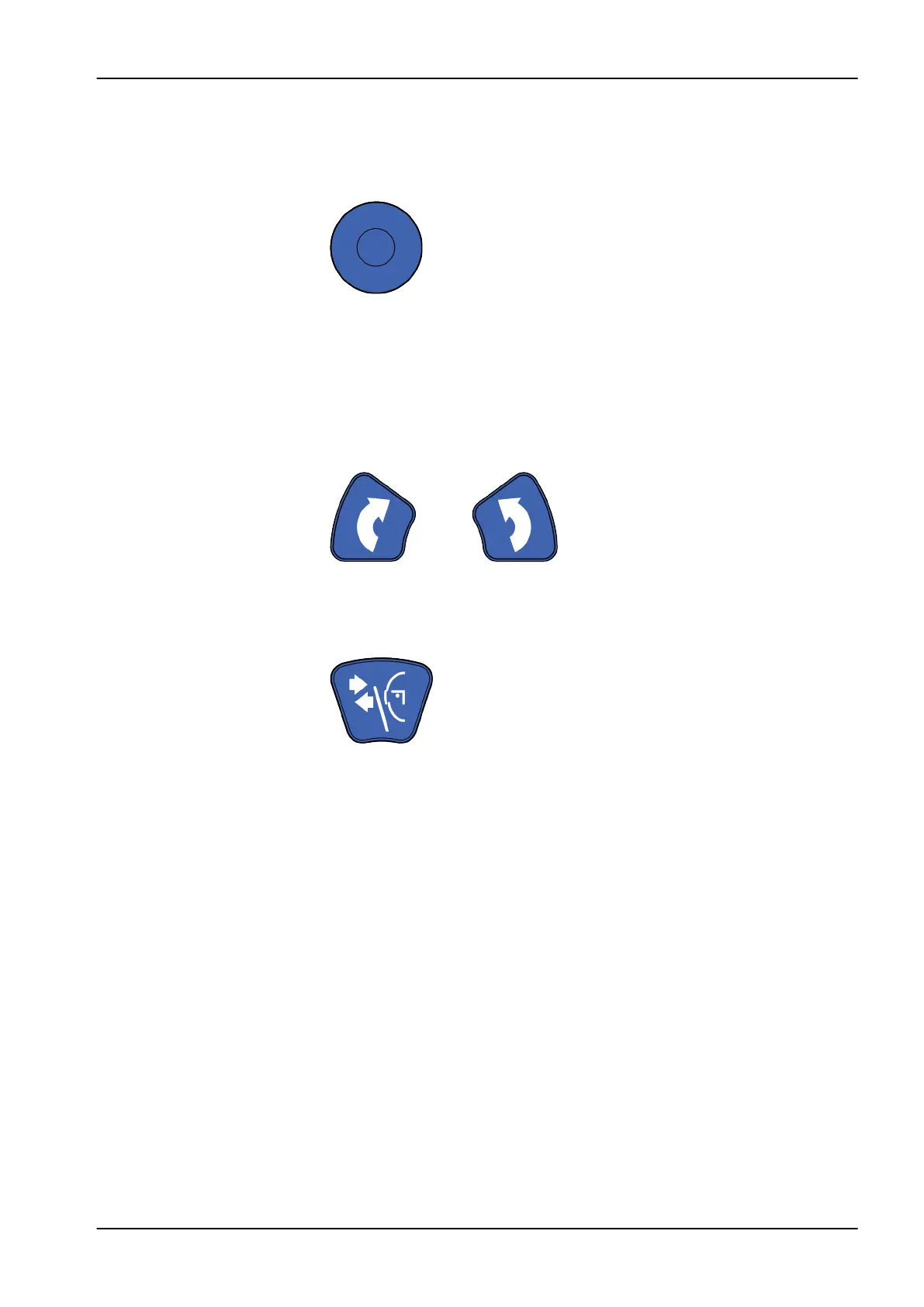
6.10.2 Positioning joystick
The positioning joystick is used for horizontal adjustment of the image
volume in 3D imaging. It is used when the patient is positioned in the X-ray
unit.
6.10.3 Image volume up / down
Use the image volume up and down buttons for vertical adjustment of the
image volume in 3D imaging. Use the buttons when the patient is positioned
in the X-ray unit.
The X-ray unit moves slowly when you press the up / down button. The
height of the patient support table is not changed, i.e. the patient remains in
the same position.
6.10.4 Open / close temple supports
Press the temple support button to open the temple supports in 2D imaging.
Close the temple supports by pressing the temple support button again.
6 Main parts
User's manual Planmeca ProMax 21














 To Next Page