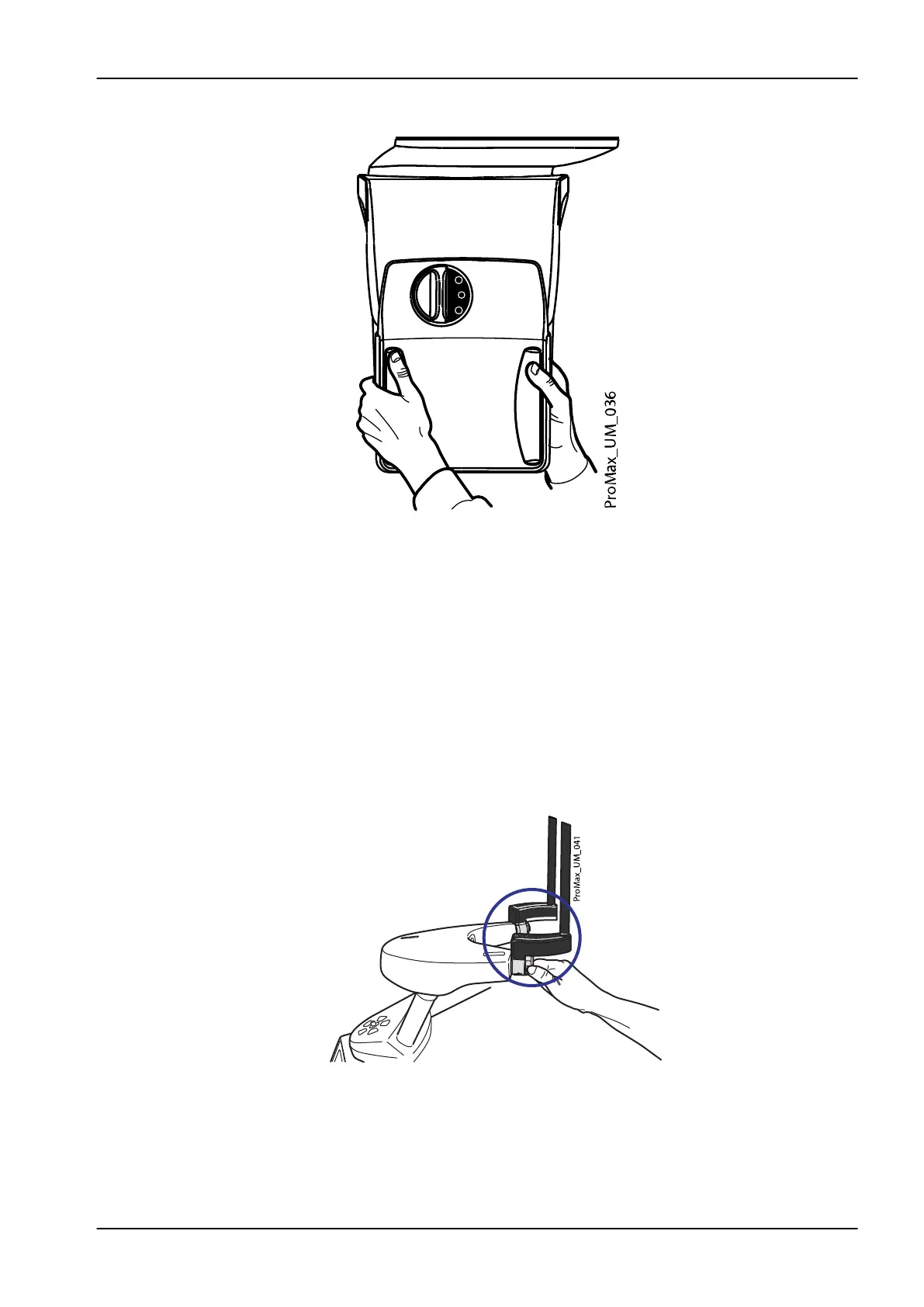
3. Carefully pull the sensor out.
NOTE
For safety reasons, wait for at least ten seconds before you attach a sensor
again. The blue indicator light under the locking knob has to switch off first.
8.1.2 Attaching patient supports
NOTE
The available head supports are shown in section "Head supports (option A
or B)" on page 12.
8.1.2.1 Attaching support bars
Insert the support bars into the holes in the patient support table and secure
them in position by tightening the locking knobs.
8 3D patient exposure
User's manual Planmeca ProMax 27














 To Next Page