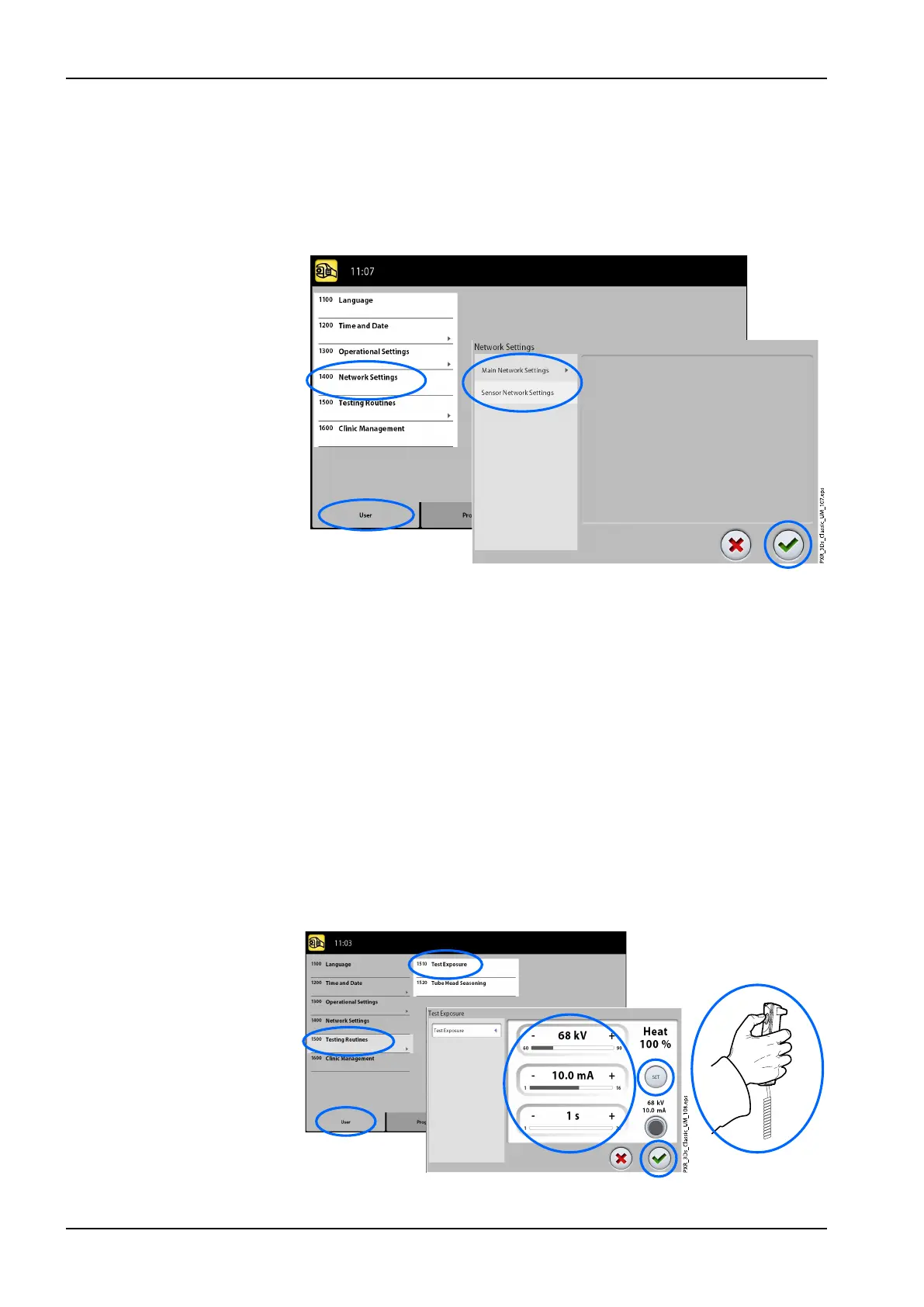
11.1.4 Network Settings (1400)
• To view network settings:
1. Select User > 1400 Network Settings.
2. Select the network settings you wish to view.
3. Select the green check mark button.
NOTE
Only a service technician or local administrator may change the network
settings.
11.1.5 Testing Routines (1500)
• To take a test exposure:
1. Select User > 1500 Testing Routines > 1510 Test Exposure.
2. Use the minus or plus buttons to set the exposure values you wish to
use.
3. Select the SET button.
4. Move to a protected area.
5. Press and hold down the exposure button for the duration of the
exposure. The C-arm will not move when you take a test exposure.
6. Select the green check mark button.
11 Settings
76 Planmeca ProMax User's manual














 To Next Page