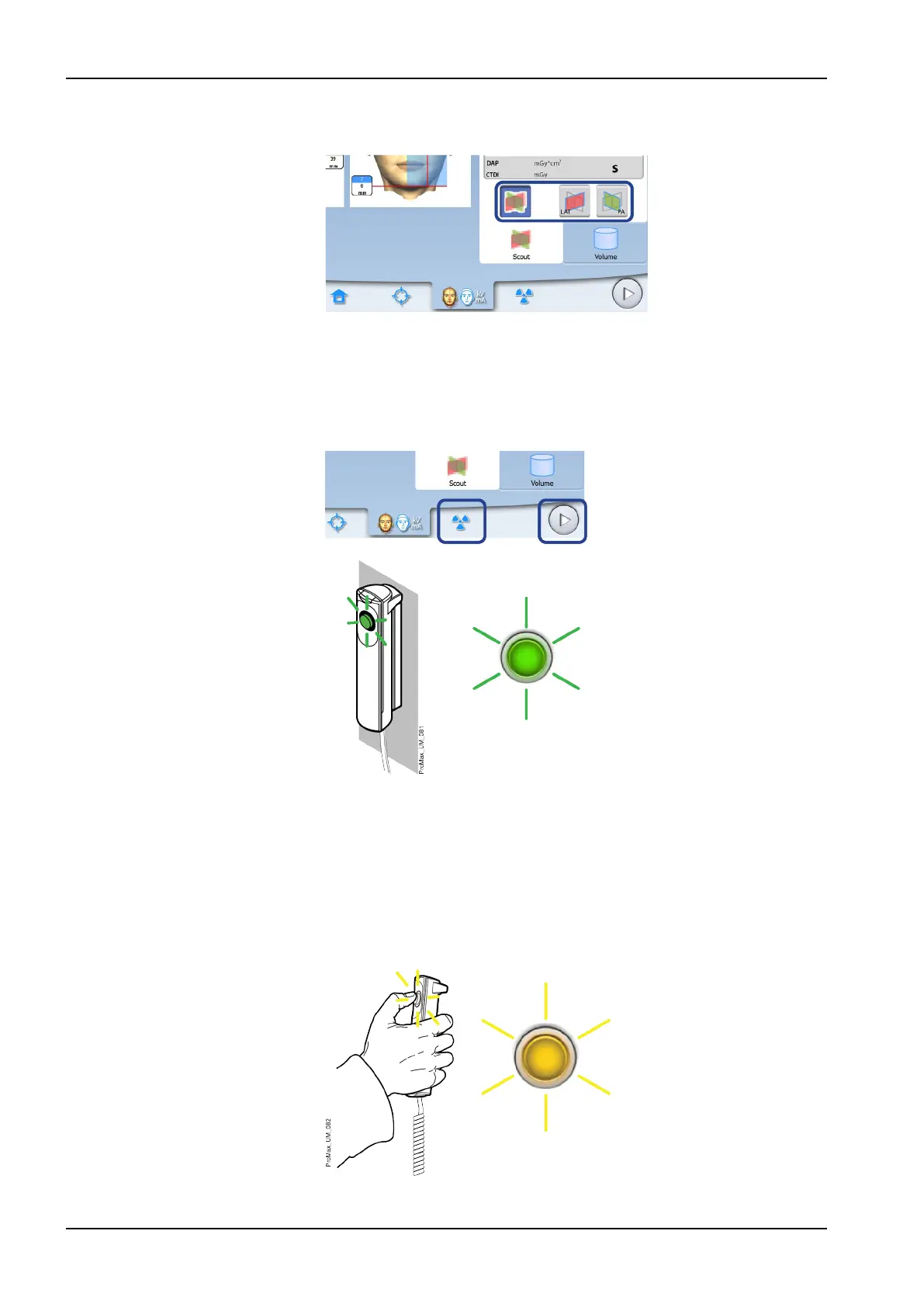
1. Select the view you wish to take. To take LAT-PA views, select both
buttons (LAT and PA).
2. Select the radiation symbol or the forward button.
Green lights flash on the touch screen and exposure button when the X-
ray system is getting ready for an exposure. The green lights stop
flashing and stay on continuously when the X-ray system is ready for an
exposure.
3. Ask the patient to stay as still as possible.
4. Move to a protected area.
5. Press and hold down the exposure button for the entire duration of the
exposure.
During exposure yellow radiation warning lights illuminate on the
exposure switch and on the touch screen, and you hear a radiation
warning tone.
Additionally, a radiation warning symbol is shown on the touch screen.
8 3D patient exposure
48 Planmeca ProMax User's manual














 To Next Page