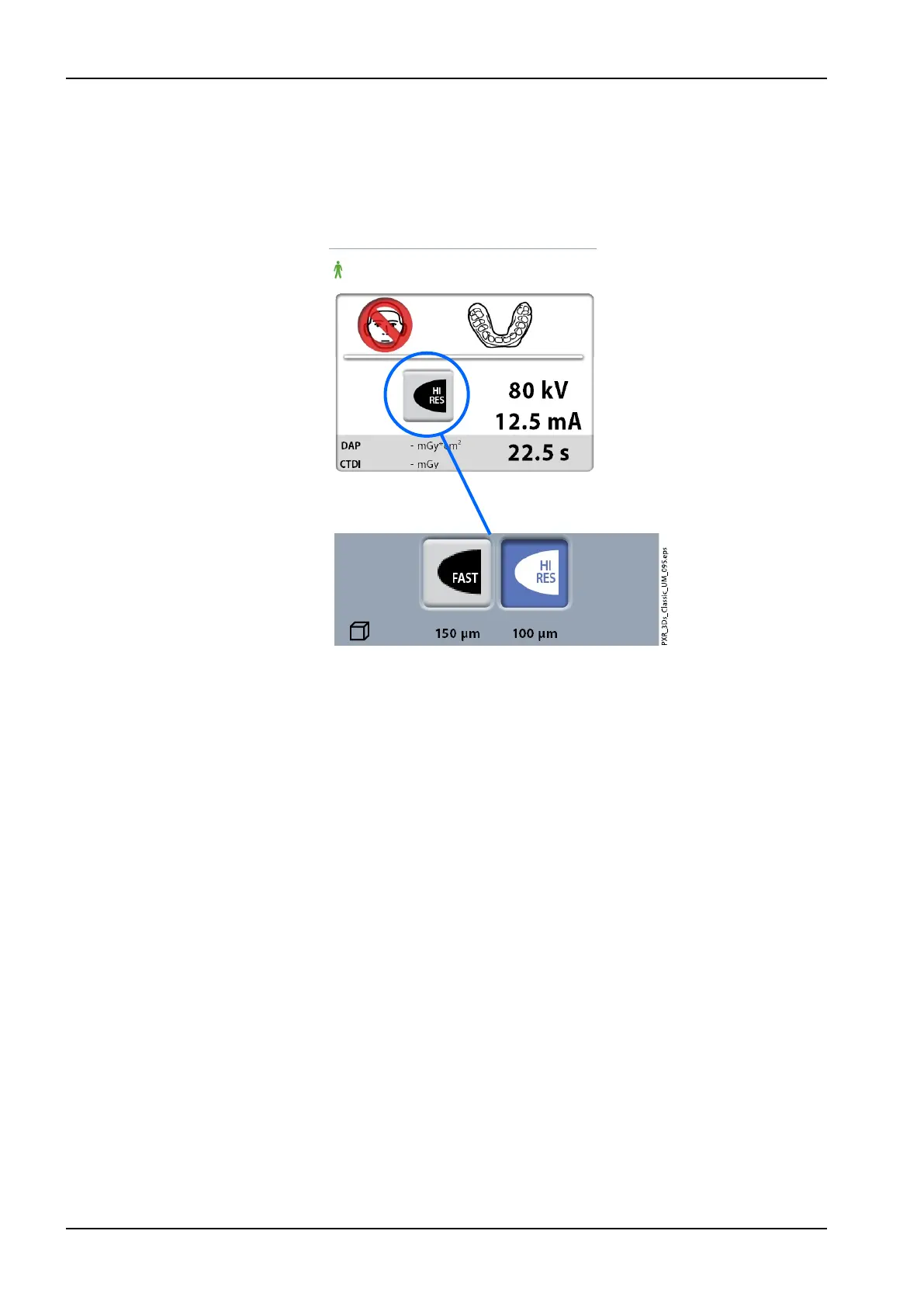
4. Select the image resolution you wish to use. The voxel size is shown
below the resolution button.
• Fast: Short exposure time and lower resolution for archiving
purposes
• High resolution: Long exposure time and higher resolution for best
results
5. Select the exposure values that you used in the calibration process for
this material. Refer to section "Adjusting exposure values for current
exposure" on page 37 if you need to adjust the preset exposure values.
10 3D model exposure
66 Planmeca ProMax User's manual














 To Next Page