9.1.4.2
Accessibility Settings
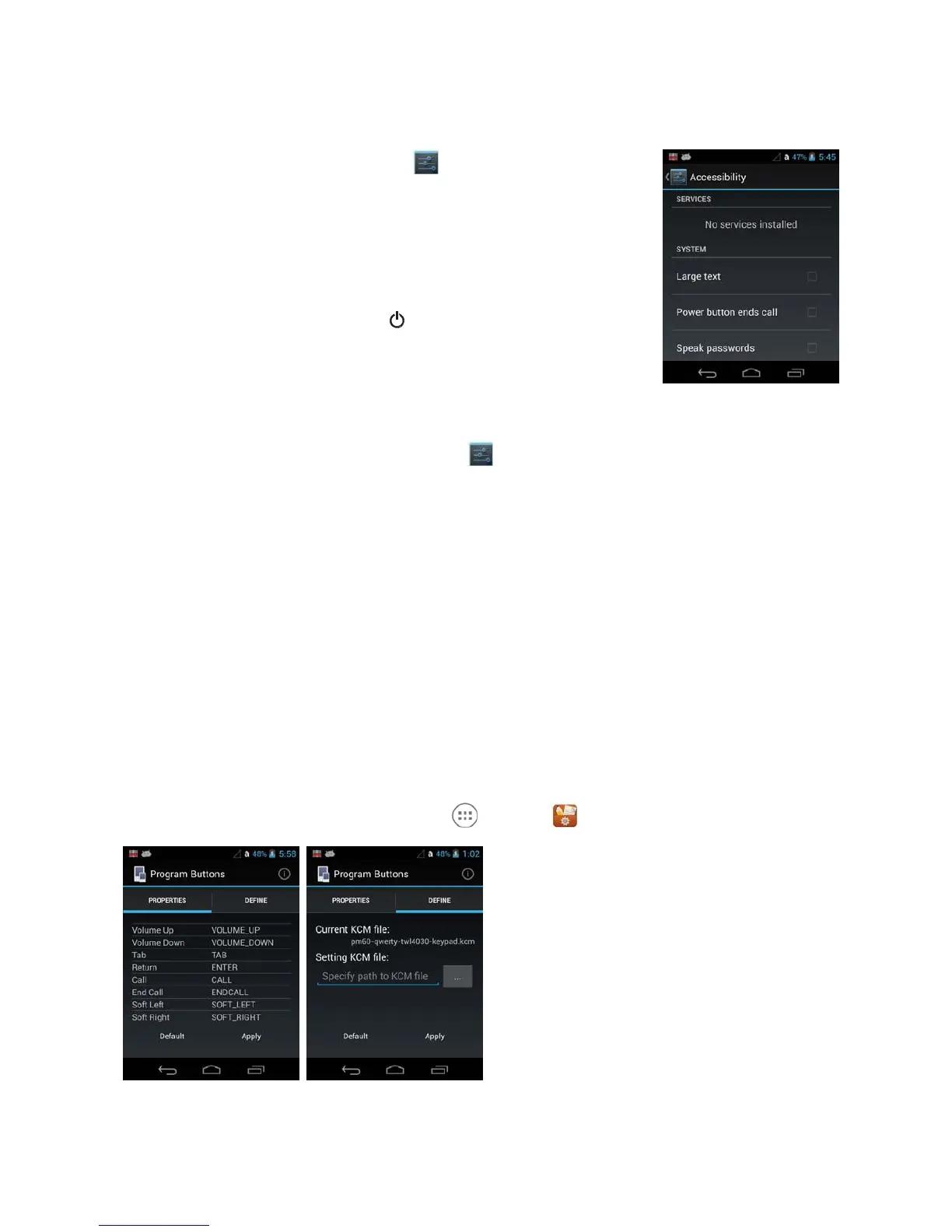
Touch Accessibility from the Settings screen to configure features
that make using the terminal
easier for people with certain physical
disabilities.
System
Under the
System
heading on the Accessibility screen, additional
options are available to enable or
disable Large Text, speak passwords, or
ending calls using the Power button . You can also set Touch & hold
delay settings and permissions for installing web scripts.
9.1.4.3
Developer options
Touch Developer options from the Settings screen to access advanced settings used by
Android
application developers. For information on these settings, Android APIs, and development
tools, refer to
the Android developer web site at http://developer.android.com.
9.1.4.4
About Phone
The About Phone screen displays specific information about the terminal including: Model number,
Android version, Baseband version, Kernel version, and Build number.
Touch System Updates to view the last time the Android operating system was updated or to
manually
initiate an Android update.
Touch Legal information to view important information on Open source software licenses.
☞
NOTE:
The content of the About phone is based on the terminal model type
9.2
Program Buttons Settings
To use the Program Buttons, tap All Apps > Tools > Program Buttons.
9.2.1 Properties
To change the setting of the button:
1. Select the button you want to change.



 To Next Page