Scanner / Decode
Capabilities
1D Laser model: N4313 laser engine. Decodes all standard 1D codes.
2D engine model: N560X 2D Imager. Decodes all standard 1D, 2D, Postal, and OCR
codes.
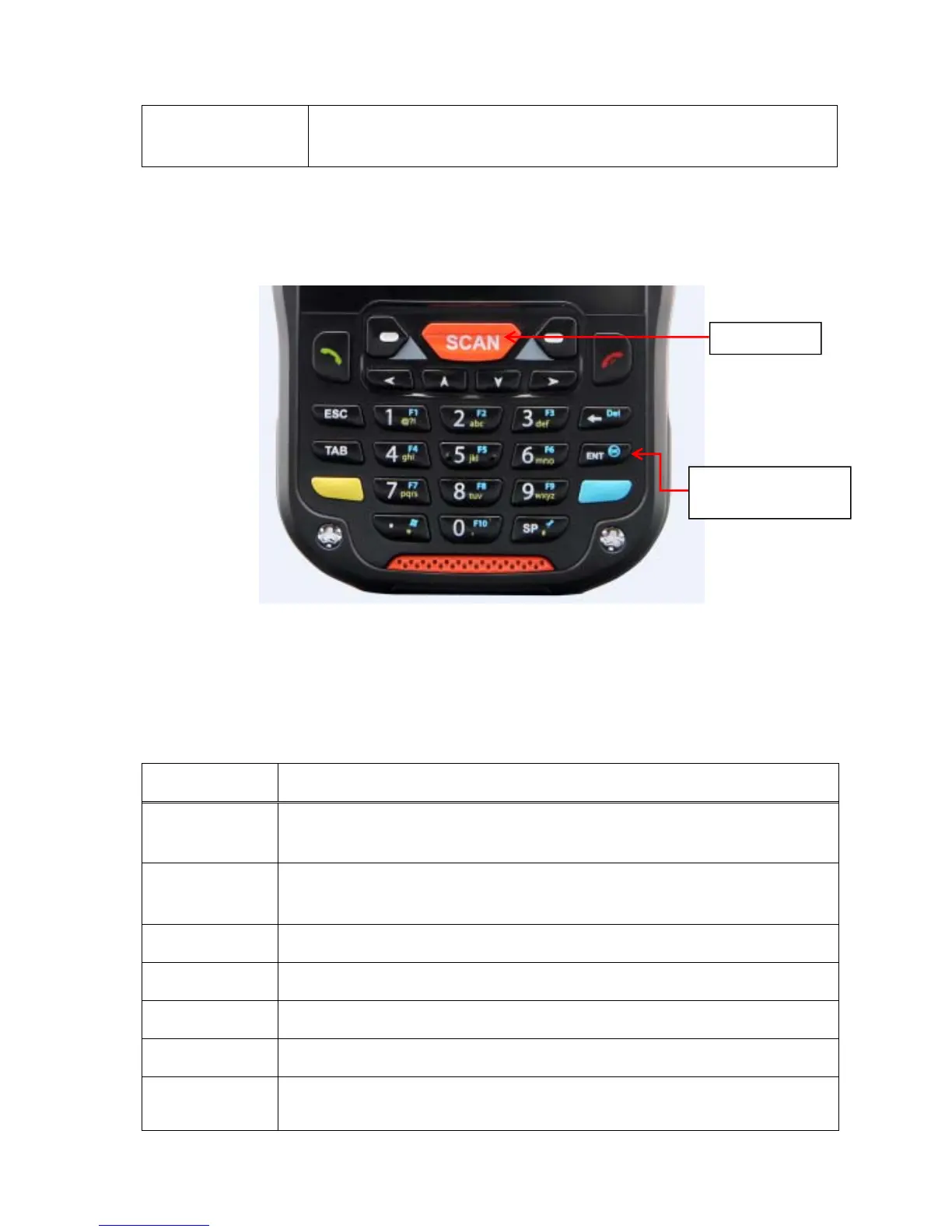
5 Using the Keypad
5.1 Numeric Keypad Layout
5.2 Navigation Keys
Located in the center of the keypad for easy access with either hand, the navigation keys enable
you to move the cursor up and down lines and from character to character.
5.3 Basic Keys
Name Function
BLUE Modifies the next key pressed to type specific functions.
Yellow(ALPHA)
Toggles the keypad between alpha (upper and lowercase) and numeric modes.
Indicator changes accordingly on the status bar.
Send Begin dialing. Start an action.
End Hang up. Cancels an action.
ESC returns to closing stage of program and stage before
Tab Moves to next control (Indent function to Text editor)
Backspace
Backspace moves the cursor back one space.
If you are typing text, a character is deleted each time you press the backspace
key.
Keyboard
(29-key numeric)
Scan key



 To Next Page