1. Attach the appropriate plug adapter to the power adapter.
2. Plug the power cable into the power source.
3. Plug the connector into the DC power jack on the back panel. The base is now powered.
When a terminal is properly seated, the base powers the terminal, charges the terminal’s main
battery pack, and launches MTP (see USB Communication on paragraph 10.4).
Pointmobile recommends that you leave the base connected to its power source at all times, so that
it is always ready to use.
12.7
Charging the Battery
The base powers the terminal and fully charges the battery pack in 5 hours depending on the
battery.
As battery packs charge, the charging circuitry follows the two-step charging process (CC-CV) that is
recommended for Li-Ion batteries.
The process monitors changes in temperature, current, and voltage.
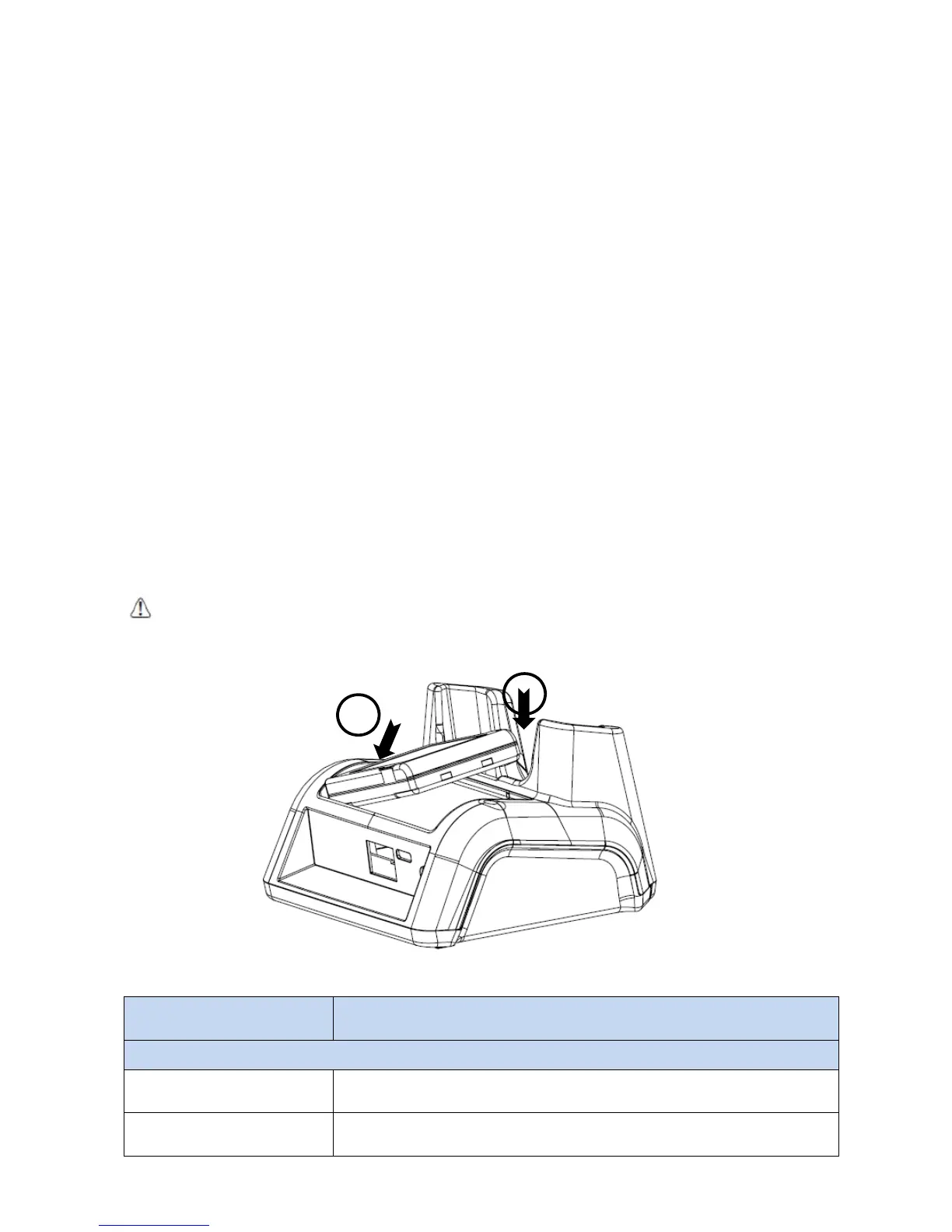
The battery can be inserted in the battery charging well in back of the terminal connection. Angle
the battery as shown. Once the connectors engage, the LED lights. If the LED is red, the unit is
charging; if it is green, the charge is complete
WARNING:
Do not short-circuit between each contact of the cradle. It may cause fire.
AVERTISSEMENT
: Provoquer un court-circuit entre les contacts de la station d’accueil, pourrait provoquer un incendie.
12.8
Technical Specifications for Cradle
Model
60-SSC (Single Slot Cradle)
60-SEC (Single Ethernet Cradle)
Structural
Dimensions 135.5mm(L) x 116mm(W) x 81mm(H)
Weight
Single Slot cradle -
315g
Single Ethernet cradle -
320g
1
2



 To Next Page