Installation and Operation Manual Page 69 of 104
(PVI-3.8/4.6-I-OUTD-US Rev.: 1.1)
4) Shows the instant output voltage value and whether it is within/outside range.
5) Displays the instant output frequency value and whether it is within/outside range.
6) If the measured instant values of voltage (point 4) and frequency (point 5) are
outside the allowed range, the following screens are shown alternately
-
Next connections (screen 3)
- Vgrid (screen 4)
- Fgrid (screen 5)
7) Measurement of instant value for insulation resistance (only for configurations
without connected grounding and inputs in parallel mode)
5.4.2 Error Messages
After the connection is established, the inverter runs a test cycle; if the wrong data is
found, the cycle is interrupted and an error code is displayed. Please refer to the table
in section 5.4 for error codes and their meanings.
To customize the message shown on the display, you must carry out the programming
procedure described in section 5.5.6.15 'Alarm Message'.
The system will continue to cycle through the following screens until the error has
been rectified:
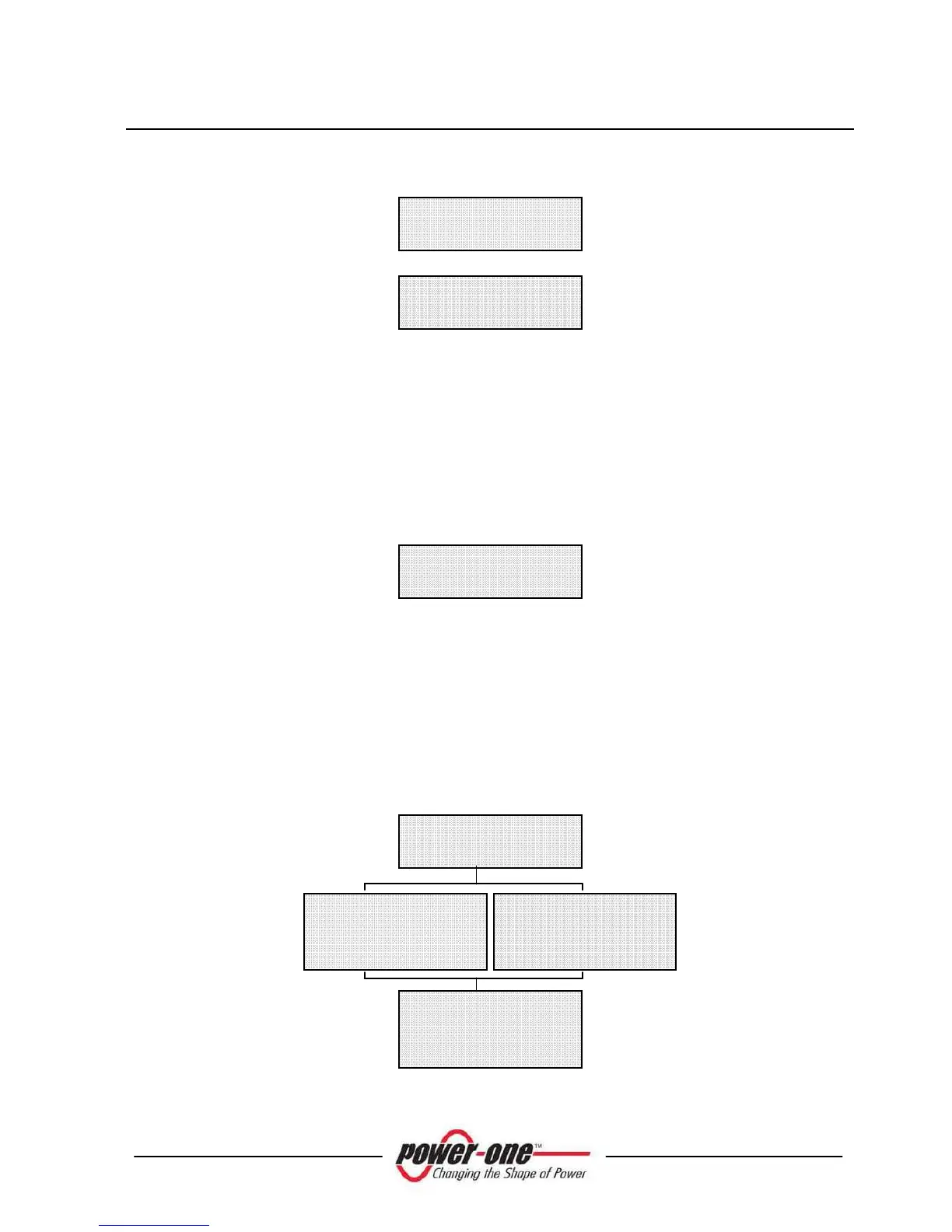
S/N ………..……..
Firmware……
In range
Custom msg………
Type OUTD
Part No………
In range
ERROR



 To Next Page