Installation and Operation Manual Page 78 of 104
(PVI-3.8/4.6-I-OUTD-US Rev.: 1.1)
5.4.6 Settings
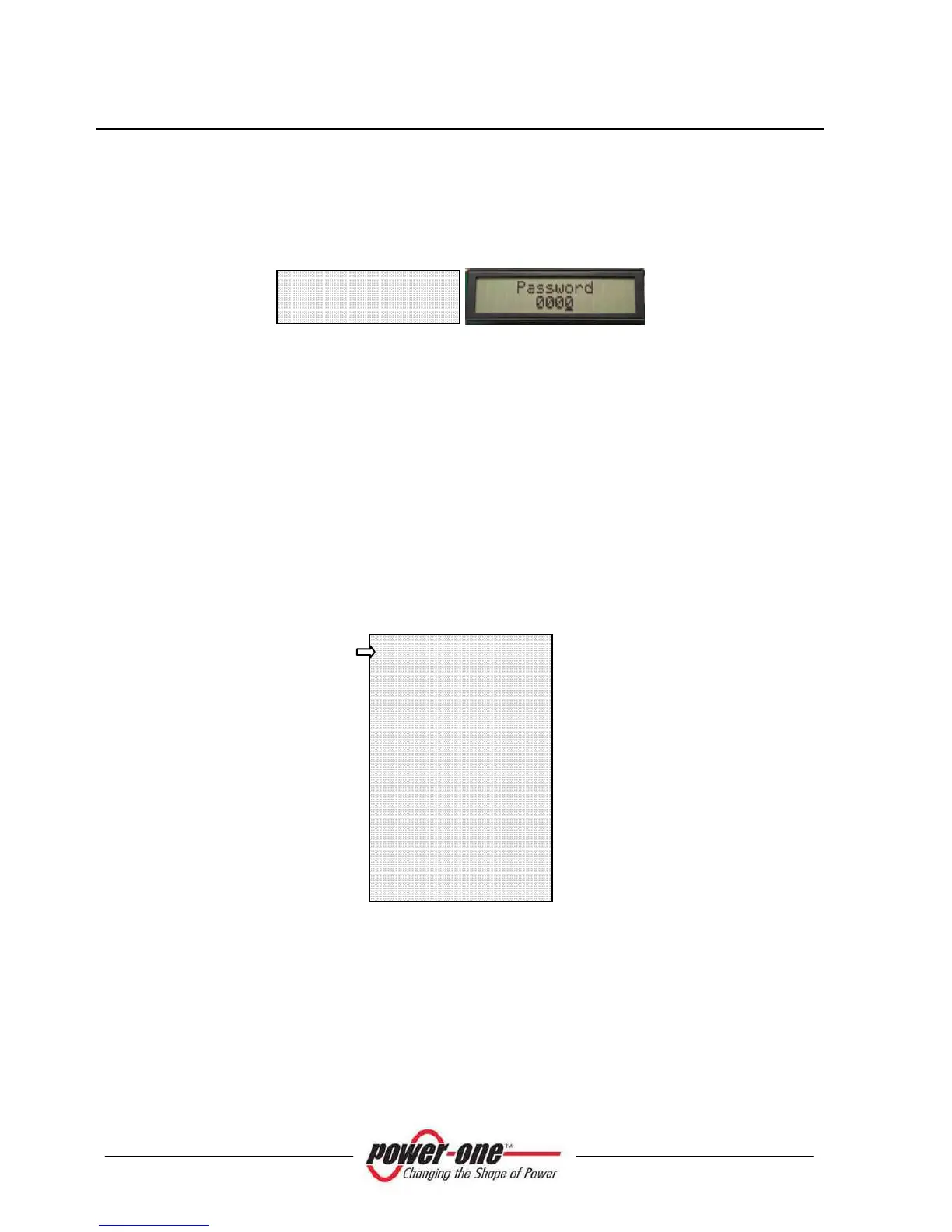
Select 'SETTING' from the Main menu (section 5.5.4) to display the first screen,
which refers to the password:
The default password is 0000. It can be changed using the display keys in the usual
way:
Use ENTER to move from one figure to the next (from left to right)
Use ESC to go back to the previous figure (from right to left)
Press ESC repeatedly to go back to the previous menus as described in
section 5.5.3
Press DOWN to scroll numbers backwards (from 9 to 0)
Press UP to scroll numbers forwards (from 0 to 9)
After entering the correct password, press ENTER to gain access to the various
information saved in this section:
The display has 2 lines; use the keys at the side of the display to scroll through items
or open the corresponding submenus as described in section 5.5.4 A FEW
POINTERS ON READING THE DISPLAY.
An arrow on left side of the display highlights your current selection. Once the chosen
item is selected, type ENTER to enter its submenu.
Address
Display Set
Service
New Password
Cash
Time
Language
Vstart
Alarm
Remote Control
UV Prot.time
MPPT
Alarm Message
Password









 To Next Page