Installation and Operation Manual Page 74 of 104
(PVI-3.8/4.6-I-OUTD-US Rev.: 1.1)
A FEW POINTERS ON DISPLAY KEY OPERATION:
- Press the UP (2
nd
key from display) and DOWN keys (3
rd
key from display) to scroll
through items.
- Press the ESC key (1
st
from display) to go back to the previous session described in
section 5.5.3.
- Press ENTER (4
th
key from display) to open the selected submenu.
5.4.5 Statistics
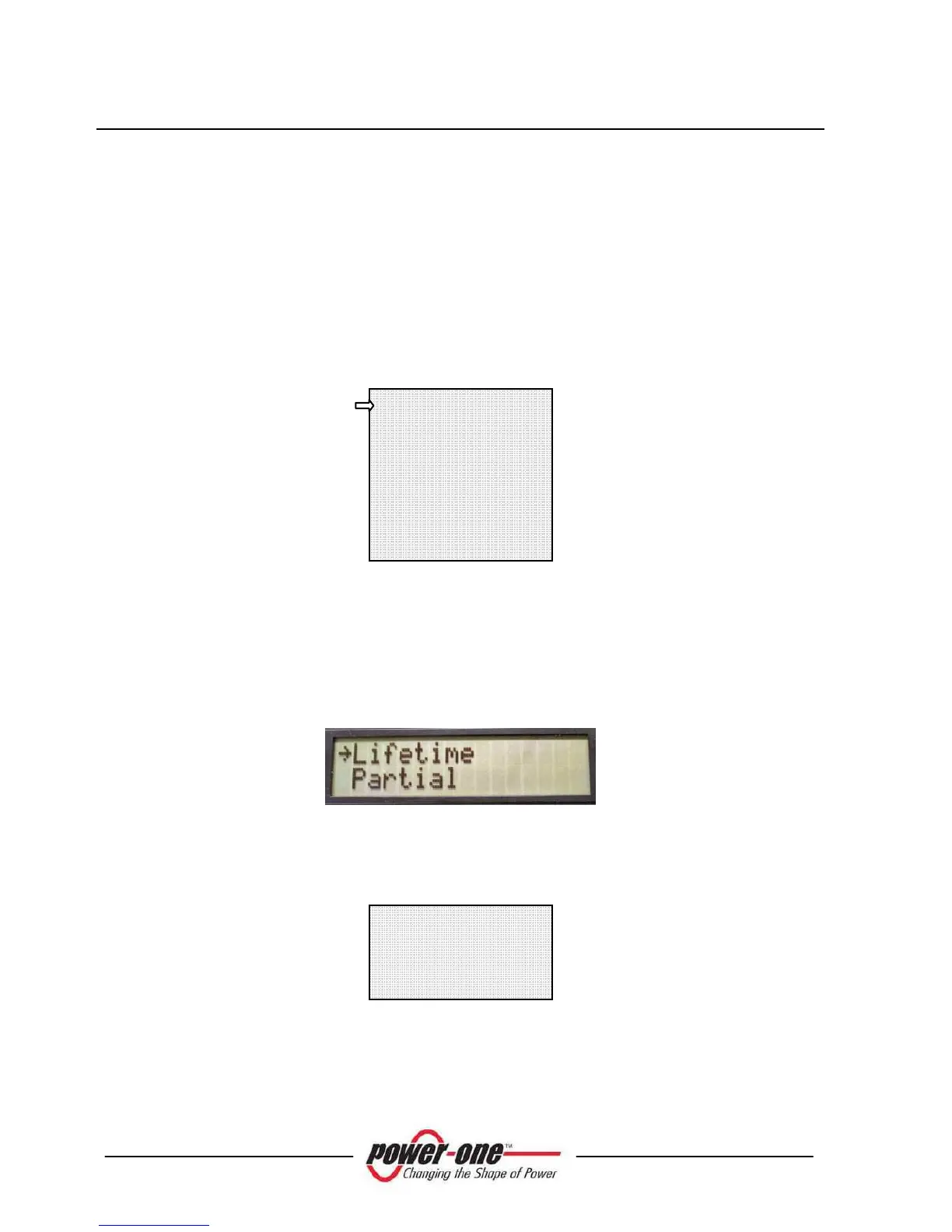
Select the STATISTICS menu to display the following submenu:
The display shows only 2 lines; use the keys at the side of the display to scroll through
items or open the corresponding submenus as described in section: 5.5.3 A FEW
POINTERS ON DISPLAY KEY OPERATION.
An arrow on the left side of the display highlights your current selection as shown in
the following figure:
5.4.5.1 Lifetime
Select Lifetime to view the following information:
Time: Lifetime operation time
E-tot: Total energy produced
Val. : Economic gain
CO2: CO
2
saving compared to fossil fuels
Time h
E-tot KWh
Val. EUR
CO2 kg
Lifetime
Partial
Today
Last 7 days
Last Month
Last 30 Days
Last 365 Days
User period









 To Next Page