Installation and Operation Manual Page 70 of 104
(PVI-3.8/4.6-I-OUTD-US Rev.: 1.1)
Once the error has been removed, the inverter resets all functions in progress and re-
starts the connection (Sect. 5.5.2 Connection of the system to the grid, item 2).
- Missing grid
- Waiting sun
5.4.3 First Phase - Electric Parameter Check
A FEW POINTERS ON DISPLAY KEY OPERATION:
During regular operation, the display will cycle through available data. The display
changes to a different screen every 5 seconds, or screens may be scrolled manually by
pressing the UP (2
nd
key from display) and DOWN keys (3
rd
key from display).
In any case, to return to the preceding menu, just press the ESC key (1
st
key from
display).
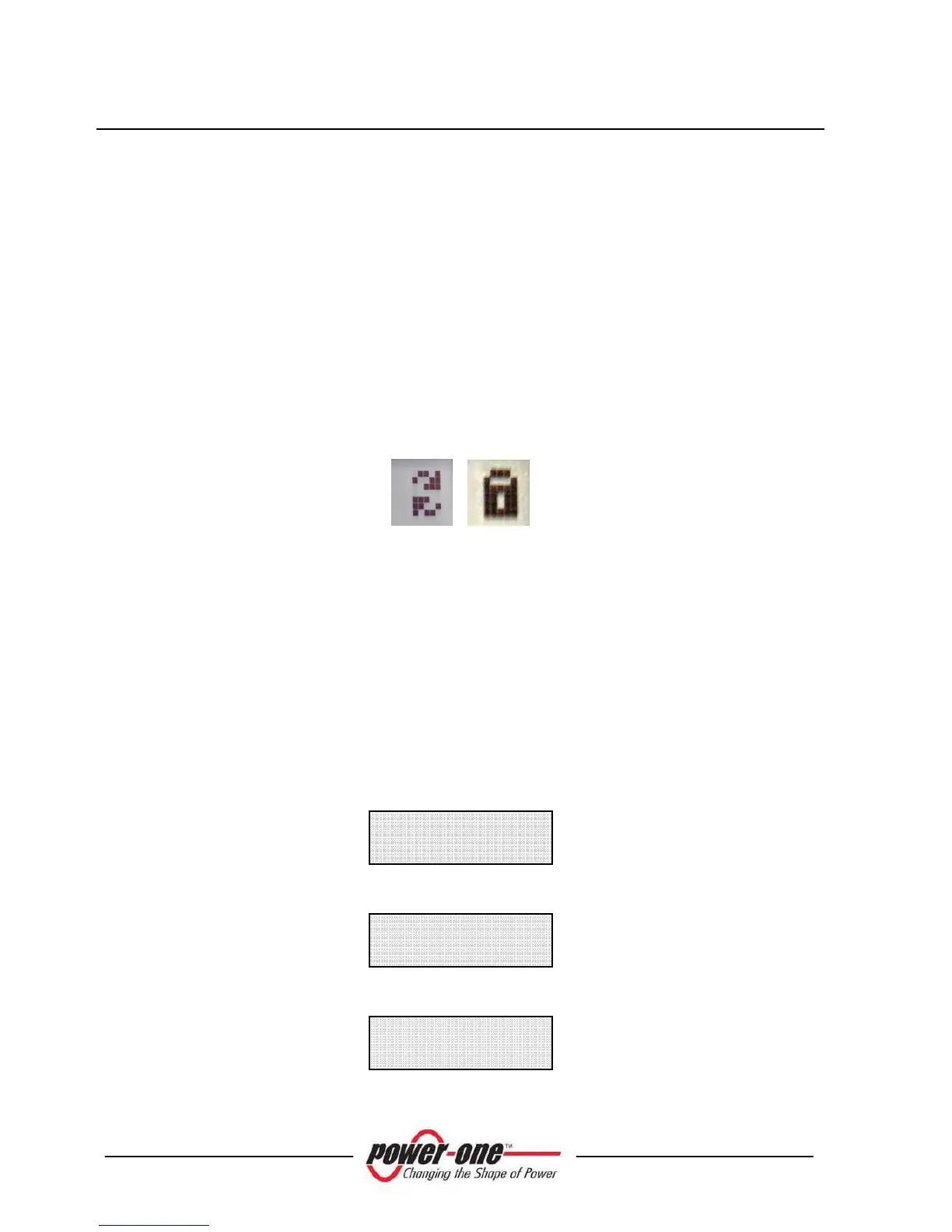
Fig. 24
Activation of cyclical scrolling is indicated by the 2 arrows in the top left corner of the
display (Fig. 24).
Scrolling can be blocked by pressing the
ENTER
key (4
th
key from display). A
padlock symbol will appear (Fig. 24).
1A) If the measurements taken previously (see section 5.5.1) are found to be correct,
the system will proceed to the next checks. The 12 screens outlined below are shown
alternately as listed in the section 'A FEW POINTERS ON DISPLAY KEY
OPERATION'.
2A) shows the inverter serial number and firmware revision level.
3A)
E-da 0 Wh









 To Next Page