PowerFleet
®
VAC4 and VAC4S Hardware User’s Guide
The VAC indicates different vehicle and VMS system conditions in the main screen using text as well as iconography
(some with animation). Common icons include the following:
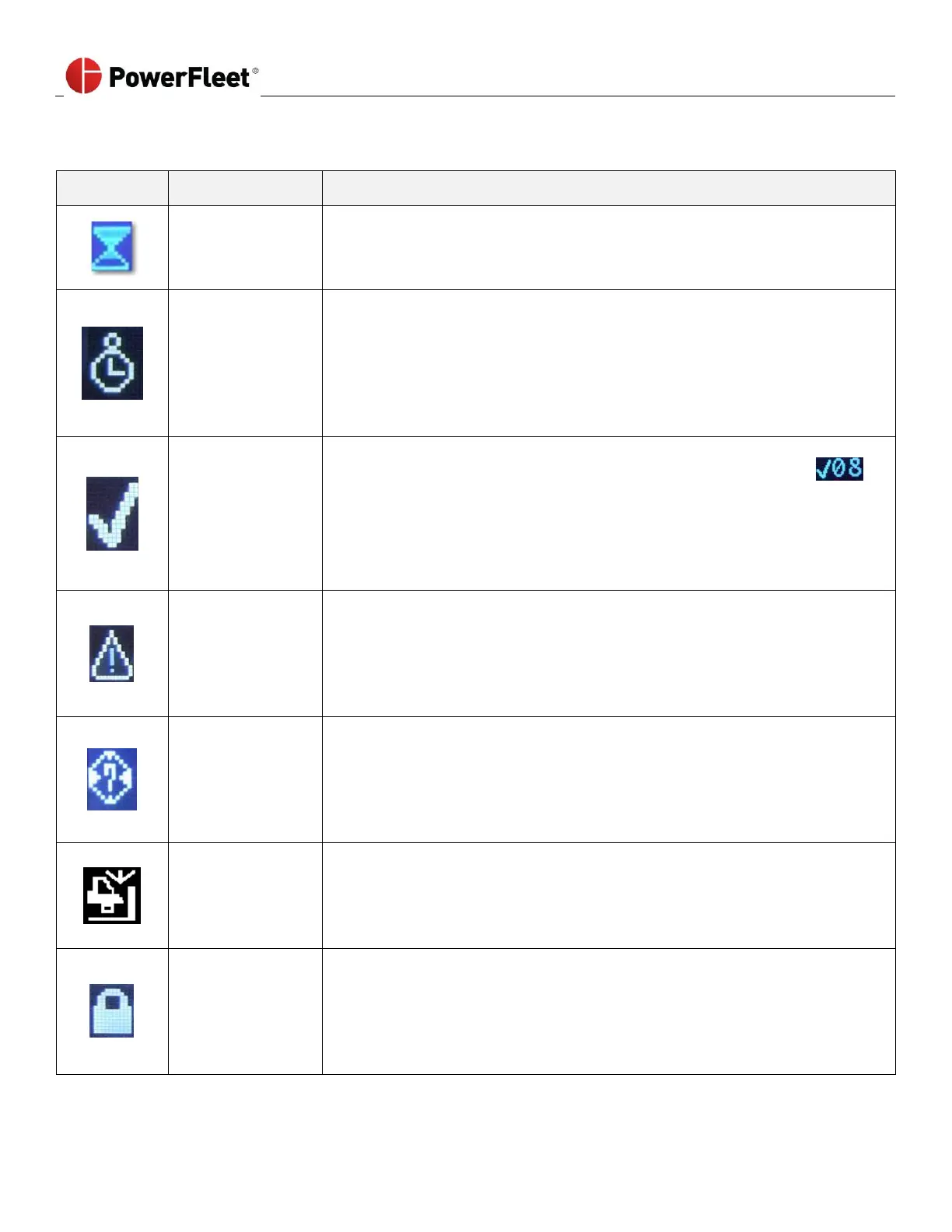
The Hourglass icon:
New battery request is being processed.
The vehicle is in Break mode.
This feature is used to keep the vehicle from being borrowed during short
breaks. The break time is typically 15 minutes. The one operator sets the
vehicle in Break mode and only a Master operator or a Maintenance operator
can log in until the Break time expires.
The Checklist icon is accompanied by a blinking yellow indicator LED. The
checklist icon is also sometimes accompanied by a grace period timer
indicating how long (in minutes) before a non-compliance event is created.
The same countdown will also appear in the Status Header. The vehicle has an
active checklist that requires a Standard operator to complete.
The blinking Diagnostic icon is accompanied by a blinking red LED.
The vehicle has active Diagnostic errors. A Maintenance operator must correct
and clear the error, or, in some cases, the error will clear itself.
See section 7, VAC Troubleshooting, for more details on diagnostic errors.
When the GPS icon is displayed, the vehicle cannot determine location using
the GPS sensor.
Make sure the GPS sensor is connected and configured properly and that the
GPS receiver has a clear line of site to a satellite symbol.
The Impact icon is accompanied by a blinking yellow indicator LED.
The vehicle has an active impact event. When displayed on its own, the impact
event did not result in a lockout and standard operator feedback is required by
completing a checklist.
The Lockout icon is accompanied by an alternating, blinking Green/ Orange
LEDs.
The vehicle is locked and can only be logged into using Master or Maintenance
operator credentials.



 To Next Page