AFV-P Series High Performance Programmable AC Power Supply
82
3) : Press to reset the desired Step to the default set-
tings.
4) : Press to reset all Steps of the desired Memory Set to
the default settings.
5) : Press to enter into the RAMP subpage (refer to Subsection 5.3).
6) : Press to enter into the LIMITS subpage.
7) : Press to move to the previous page of the GENERAL subpage.
8) : Press to move to the next page of GENERAL subpage.
D. RAMP Subpage
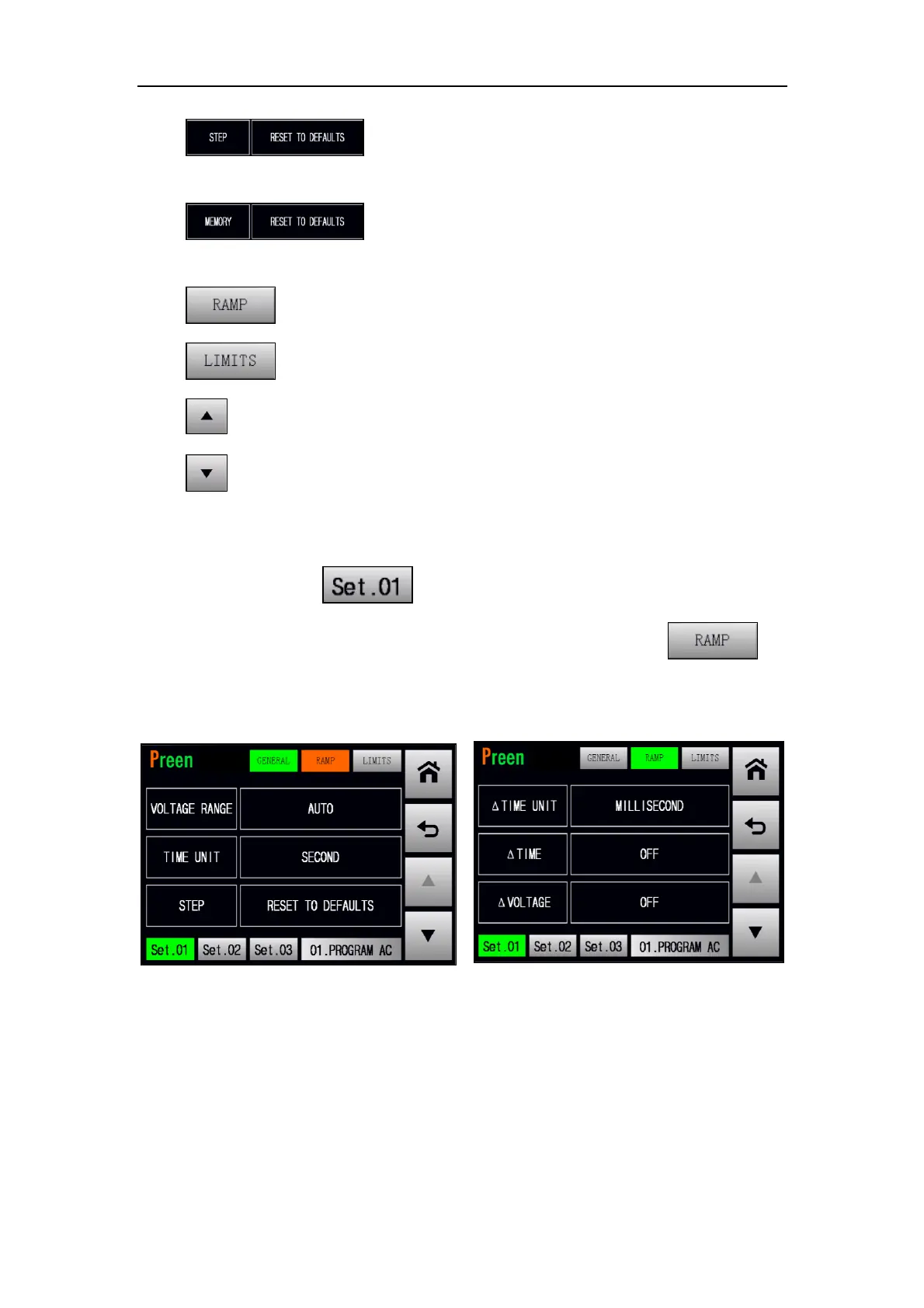
After pressing the icon at the STEP page, the GENERAL subpage will be
shown on the touch screen in advance, and users can press the icon to
enter into the RAMP subpage. For detail description of the RAMP subpage, please
refer to Subsection 5.2.
Figure 5.13 Enter into the RAMP subpage



 To Next Page