User Guide
DVS-21
02/2018 • V.1.0 • L. Wolle
© 2017 ProCom
®
Professional Communication & Service GmbH • Technical changes reserved.
4.1 Monitor
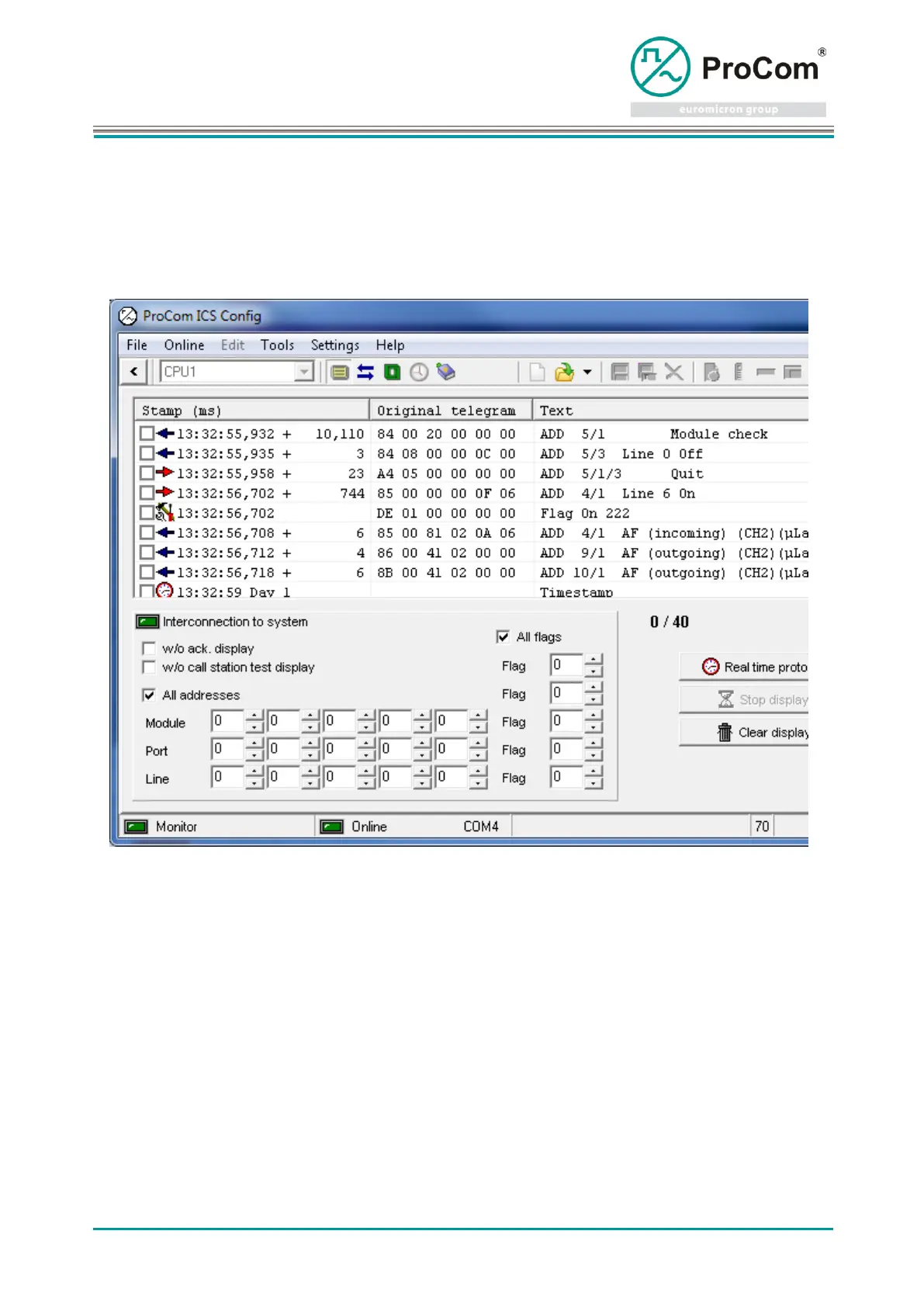
The Monitor is an optimal aid for checking the system functions and logical program sequences. All
telegram traffic between CPU1, the modules and the peripherals is displayed here. The telegram traffic
can be stored.
activates / deactivates telegram recording.
stops the updating of the display position
clears the content of the display
resets all marking of entries that have been marked by selecting this checkbox in the
left-hand column.
(In the case of the checkbox being selected, the lines are displayed in color.)
stores the display in a file.
For recording over an extended period of time. Data are written directly to a file.
Note! The number of entries in the list and per file can be specified under ICS Settings For performance
reasons, an excessively high value should not be selected for the list! The data of a recording are
additionally stored in a temporary file (ICS\temp\montemp.icsm).



 To Next Page