User Guide
DVS-21
02/2018 • V.1.0 • L. Wolle
© 2017 ProCom
®
Professional Communication & Service GmbH • Technical changes reserved.
Determining the threshold
In order to determine the threshold, the amp can transfer its own level. The values are sent at one-second
intervals and are displayed on a diagram. The program creates a recommendation for the threshold.
Recommended Programs
Public address
PA remote/local
V100-Impedance measurement:
Impedance measurement (Process control)
Flag timing (periodic initiation of
measurement)
Contact switch (Switching of LL relay)
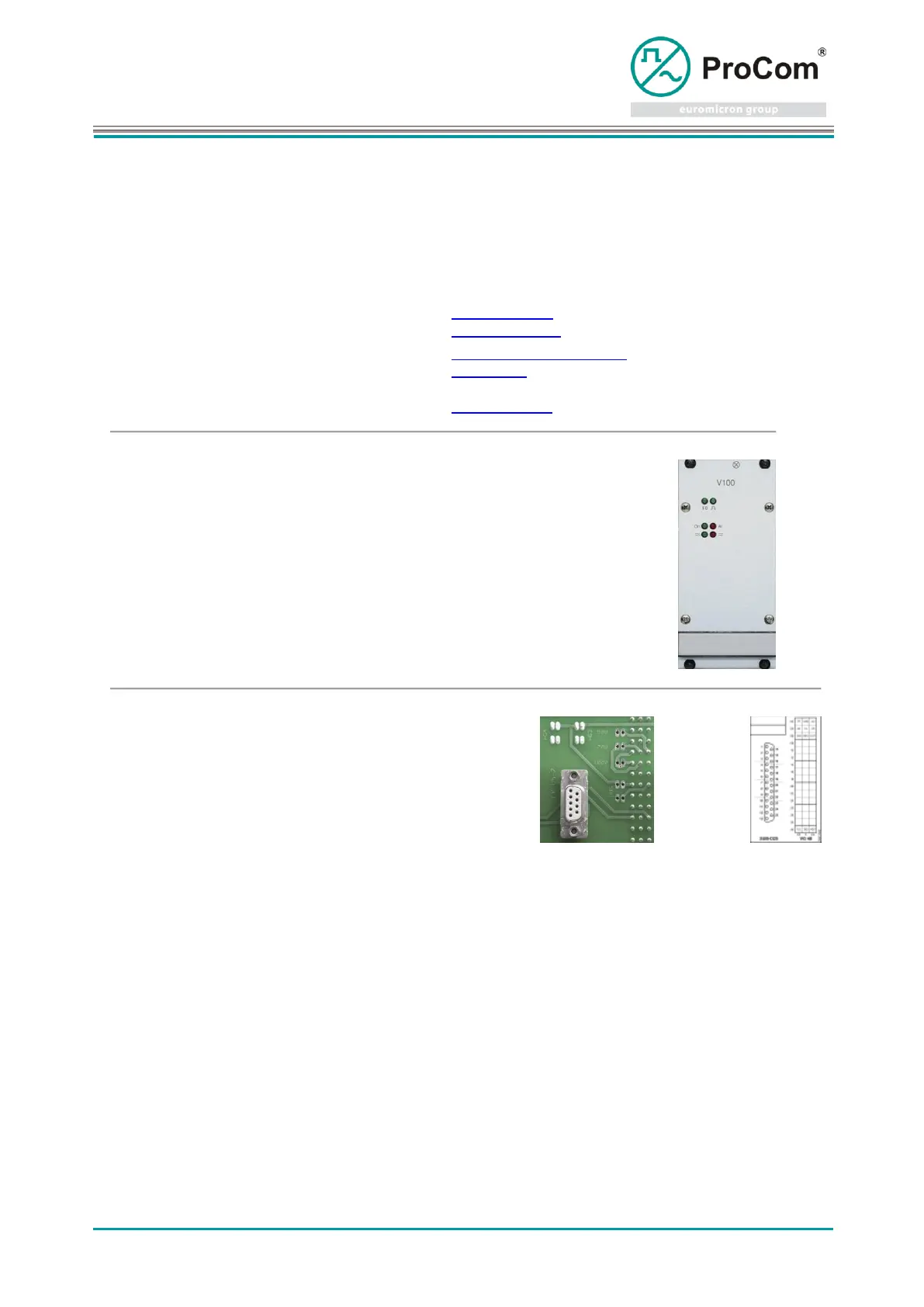
Display and control elements:
Error (no power supply, overload, impedance error)
Connection V4 is connected only on the first segment of BPE07 (7-fold expansion)!
For use with Standby amplifier there is a 2-pin connection on the backplane to all amplifiers, to which
the Standby amplifier switches its output. At each amplifier slot, this disaster line is segmented by
solder bridges(HVx). They must be closed at the Standby amplifier and at those all amplifiers that are
involved in the disaster plan.
On the backplane BPE07 (extension for 7 V100) the disaster line is segmented by more solder bridges
(HG x). They have to be closed all or partially, but always in pairs.
This photo shows the solder bridges for use with Standby amplifier!



 To Next Page