User Guide
DVS-21
02/2018 • V.1.0 • L. Wolle
© 2017 ProCom
®
Professional Communication & Service GmbH • Technical changes reserved.
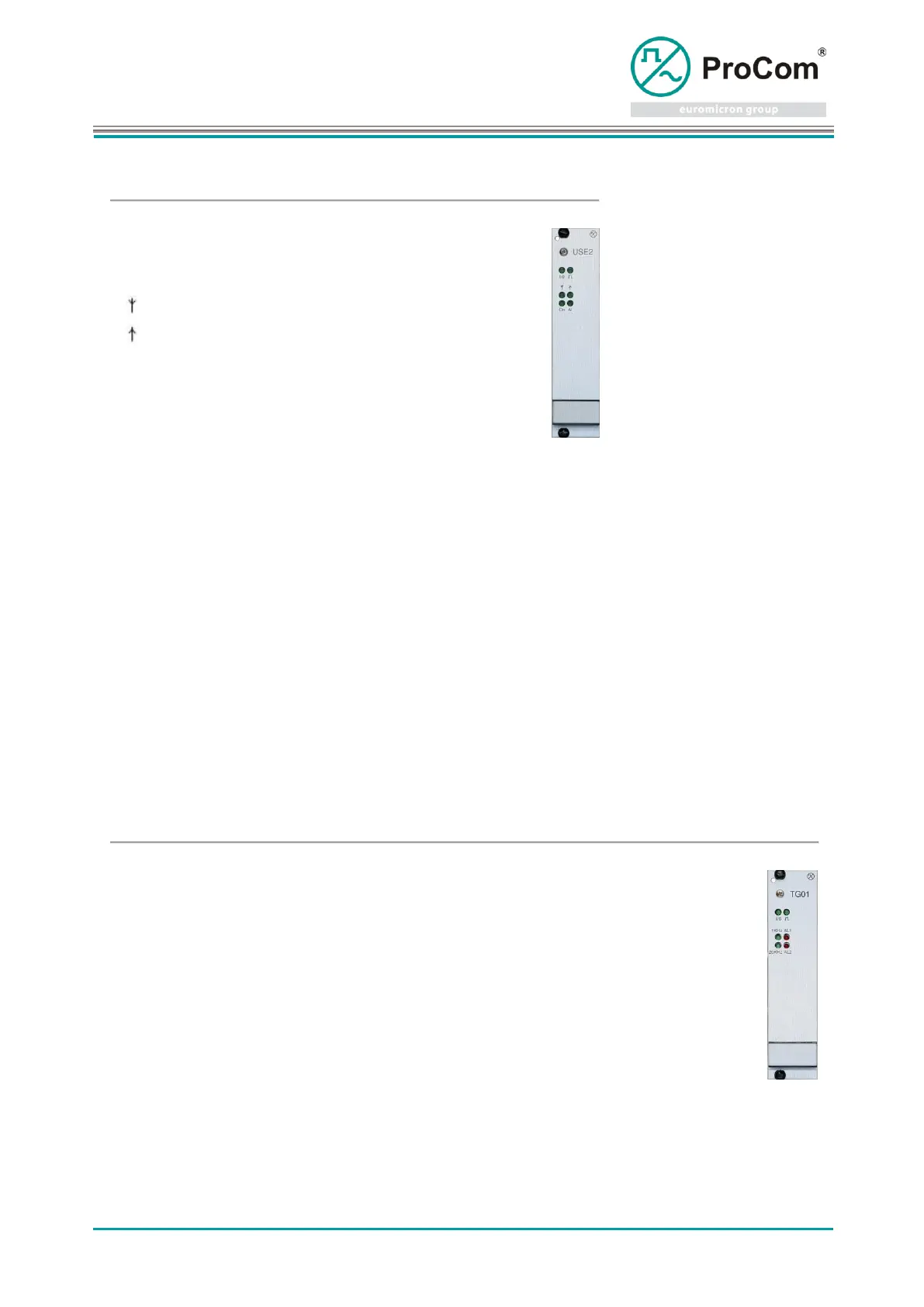
Display and control elements:
Incoming call signal, voice signal detected
Error or invalid call signal (OB)
7.16 TG01
Tone generator for Impedance Measurement Module 4LSL
Duration of impedance measurement
Note! Settings are no longer required as from 4LSL Firmware 4102!
Line function:
Begin measuring (Switch on tone generator)
Measurement completed (Tone generator off)
Begin measuring (Switch on tone generator)
Measurement completed (Tone generator off)
Ready to measure (Tone generator running) (Line 11 to 4LSL)
Ready to calibrate (Tone generator running) (Line 12 to 4LSL)
Display and control elements:
Earth leakage or bridge missing on backplane



 To Next Page