User Guide
DVS-21
02/2018 • V.1.0 • L. Wolle
© 2017 ProCom
®
Professional Communication & Service GmbH • Technical changes reserved.
6 System programming
Opening an existing program of a system to (Edit) or creating a (New system) starts the system
configuration with the System data component. This consists of 4 sub-pages for higher-level data and
settings.
6.1 System data
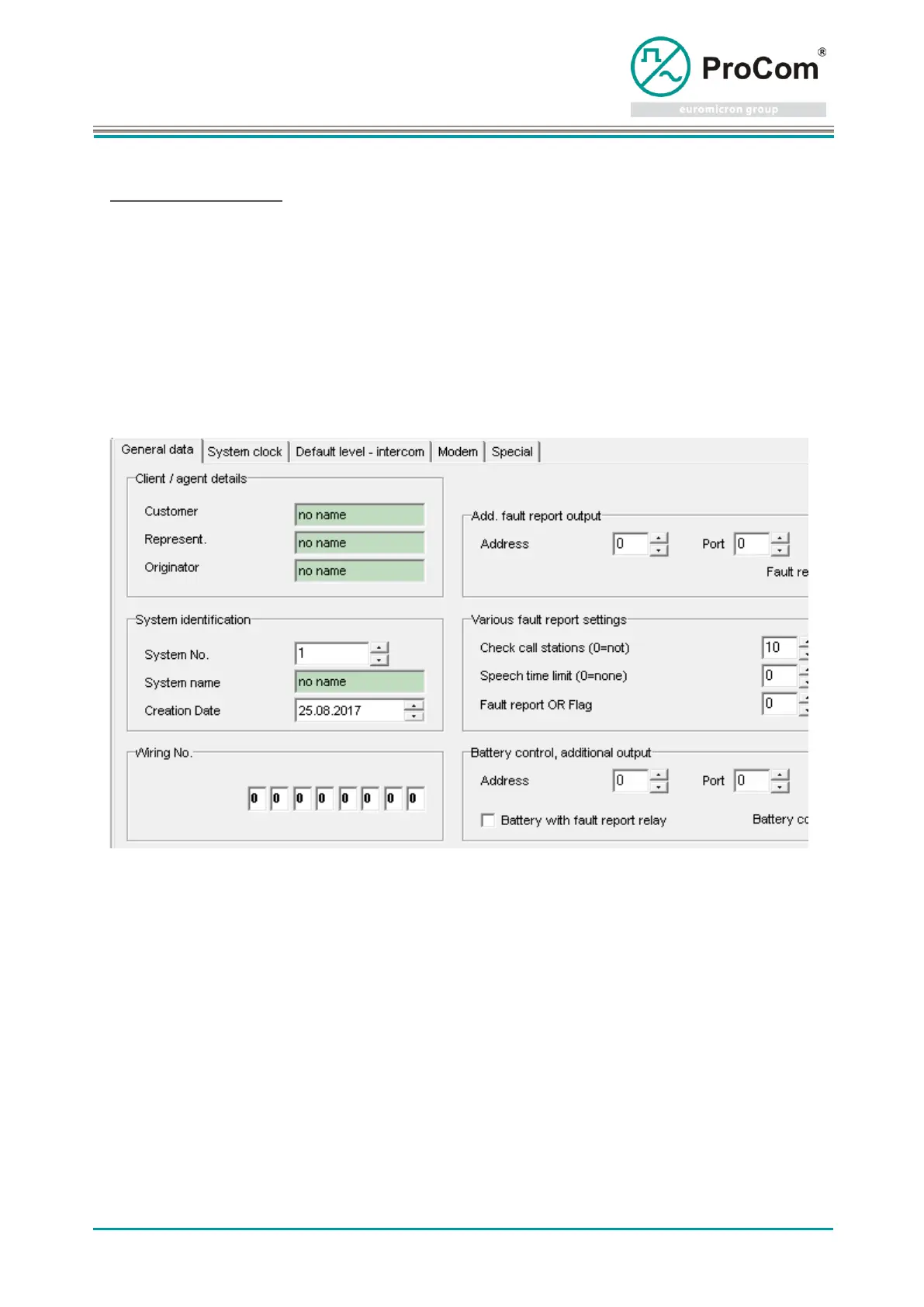
General data
The input fields are partially preconfigured automatically and should be checked and
adjusted. The editor can be stored under Settings - ICS Settings - Default as a
default.
The input fields are partially preconfigured automatically and should be checked and
adjusted. In the case of new systems, the system date is entered automatically.



 To Next Page