User Guide
DVS-21
02/2018 • V.1.0 • L. Wolle
© 2017 ProCom
®
Professional Communication & Service GmbH • Technical changes reserved.
The Offline monitor of a range of filter, marking and search functions for analysis. Only specific datasets
can be displayed or hidden by means of the positive and negative filters. Entries of interest can be
marked specifically by clicking on the entry according to the selected color.
An explanation of the syntax for searches and filters is contained in the Monitor.
It is possible to jump to specific matches by means of the Search prev/Search next switch.
The Mark colored switch marks all matches with the selected color.
Only entries to which the filter string applies are displayed
Entries to which the filter string applies are not displayed. (Exclusion filter)
Any entry can be set as a starting point for a time measurement by using the right-hand
mouse menu. Movement of the cursor or marking of other entries calculates the temporal
separation from the marked entry. This is displayed in the status line.
5.3 Compare files
Two configuration files can be investigated for differences by means of this dialog.
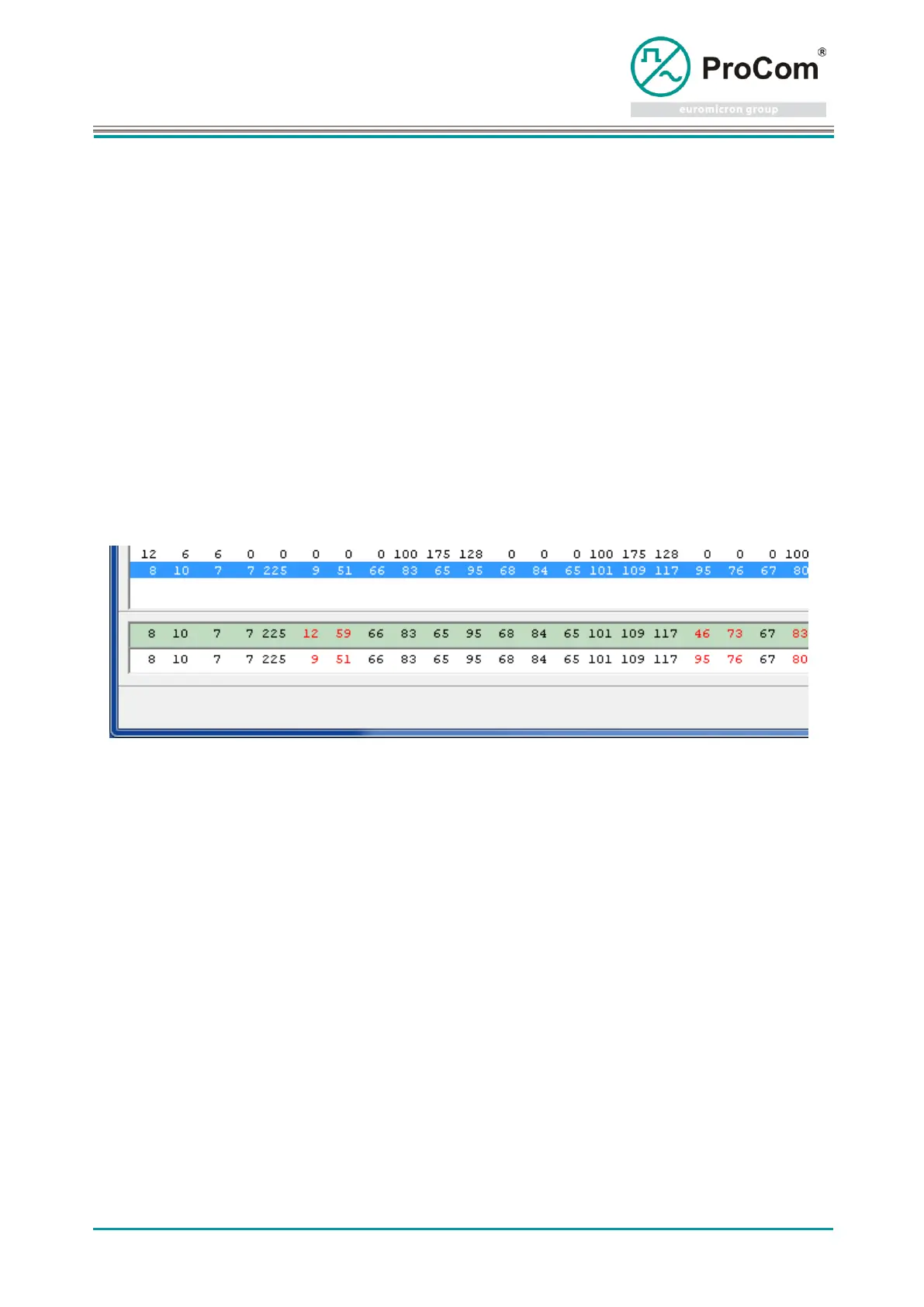
All datasets are displayed in the top two lists. Only those datasets for which there is no identical dataset
in the other file, are shown in the middle two lists. The affiliation to File 1 is highlighted in green in all
areas.
Marked datasets in the middle lists are transferred to the lower elements for direct comparison for direct
comparison. Differences in bytes are identified in red here.



 To Next Page