User Guide
DVS-21
02/2018 • V.1.0 • L. Wolle
© 2017 ProCom
®
Professional Communication & Service GmbH • Technical changes reserved.
DCF-77
The DVS-21 system clock can be synchronized with a DCF-77 receiver. The following soft- and hardware
versions are required:
(05.09.2007) manual change required
ProCom DCF-77 Radio clock module
Firmware as from Version 7.27
as from Version 7.00 Rev.012
The DCF-77 receiver is connected to the upper SUB-D9 port of CPU1.
The DCF-77 option activates the function and is configured by means of the expanded dialog.
Synchronization takes place either hourly or at a fixed time, always on the
hour.
If the receiver is not connected or does not answer, a Line and/or a Flag
switches for further use of this information. The Summary fault option
triggers the internal genera fault.
DCF-77 (no synchronization)
The "no synchronization" report by the receiver switches a Line and/or a
Flag for further use of this information. The Summary fault option triggers
the internal general fault.
Note! The DCF-77 receiver is deactivated during an active ICS session!
Tip! Synchronization of all connected systems can take place in conjunction with the System Time
program and just one DCF-77 receiver!
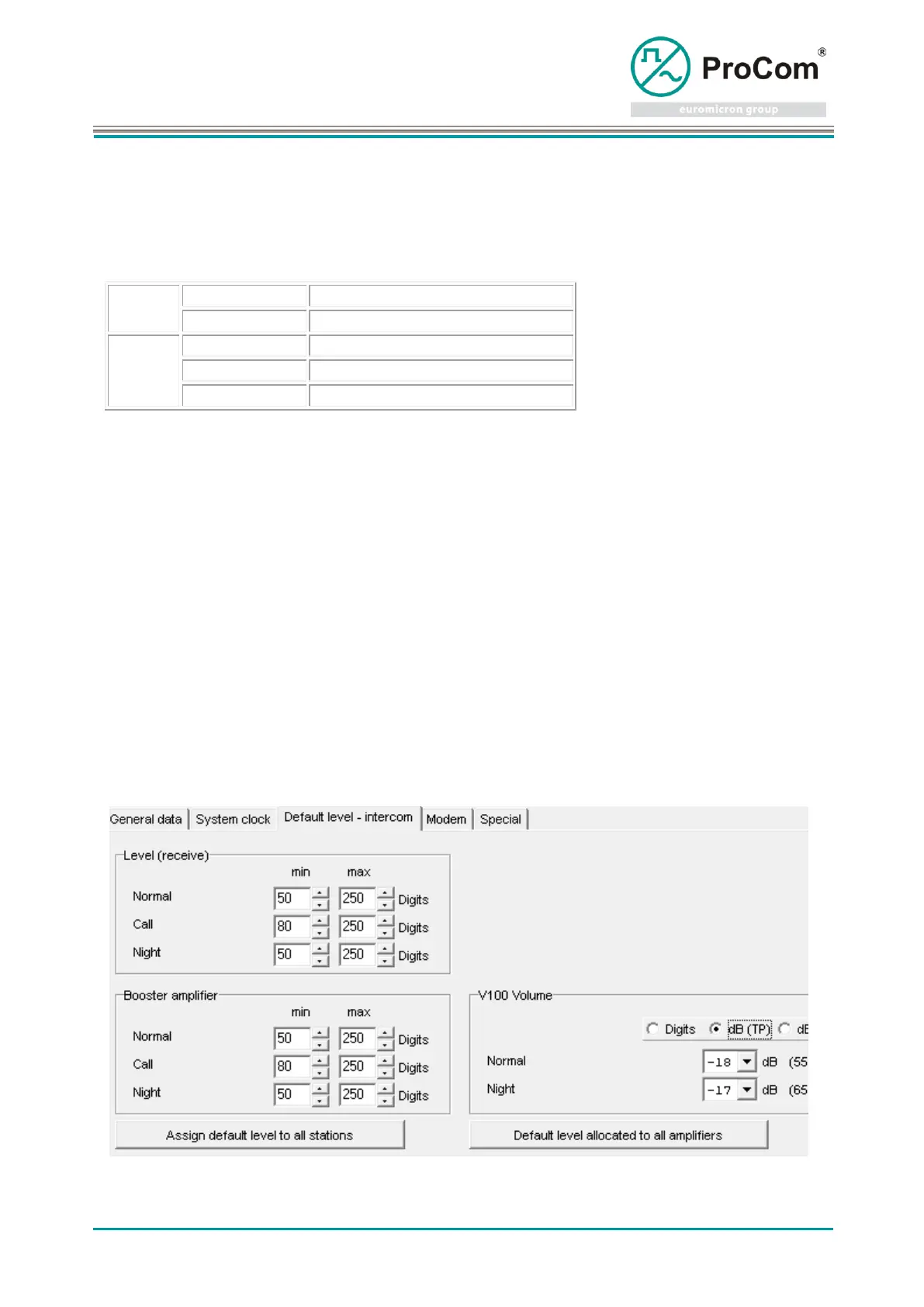
Default volume - intercom



 To Next Page