User Guide
DVS-21
02/2018 • V.1.0 • L. Wolle
© 2017 ProCom
®
Professional Communication & Service GmbH • Technical changes reserved.
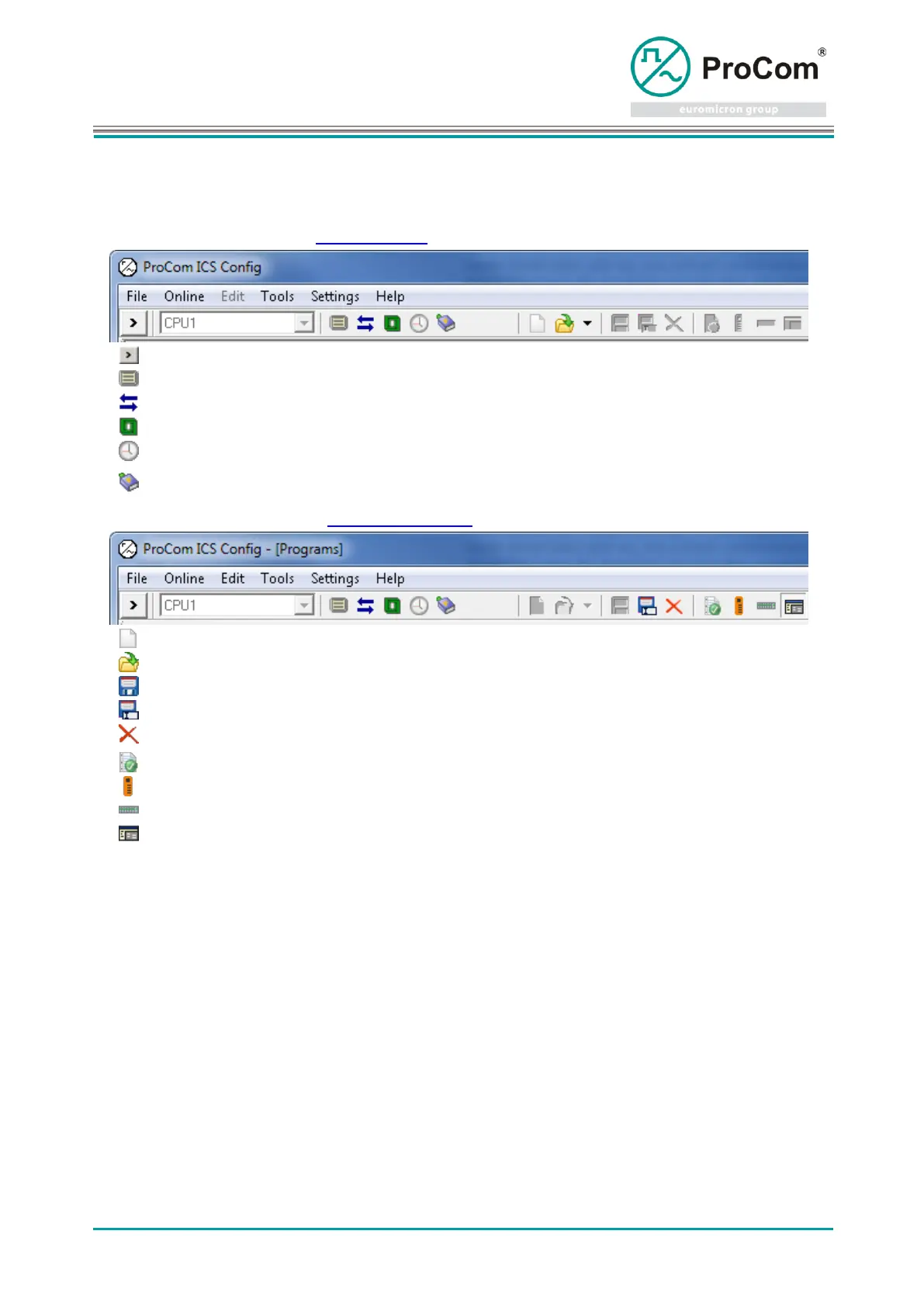
2.4 Toolbar
Left side of the toolbar: see Online functions
Show and hide the window area. (Online functions)
Recording the message traffic.
Transfer and activate the configuration files
Transfer local PC time to the CPU.
By simulating, messages can be sent to modules, telegrams from modules can
be emulated, and flags can be switched.
Right side of the toolbar: see System configuration
Create a new system file.
Open and edit a system file.
Save the current configuration.
Save the current configuration in a new system file.
Close the opened system file.
General data and preferences of the system.
Manages the call stations of the system.
Manages the hardware equipment of the system.
Manages the programming of the system.



 To Next Page