User Guide
DVS-21
02/2018 • V.1.0 • L. Wolle
© 2017 ProCom
®
Professional Communication & Service GmbH • Technical changes reserved.
Connected load too high
(when calibrating)
Completion message of
automatic measuring
process
Completion message of
automatic calibration
process
Port not correctly calibrated
Display of information:
"Impedance calibration
takes place with
loudspeaker line disabled"
A port with an impedance
error, short circuit or line
break
Any port with earth fault
(Input Line 13)
Any port with impedance
error, short circuit or line
break
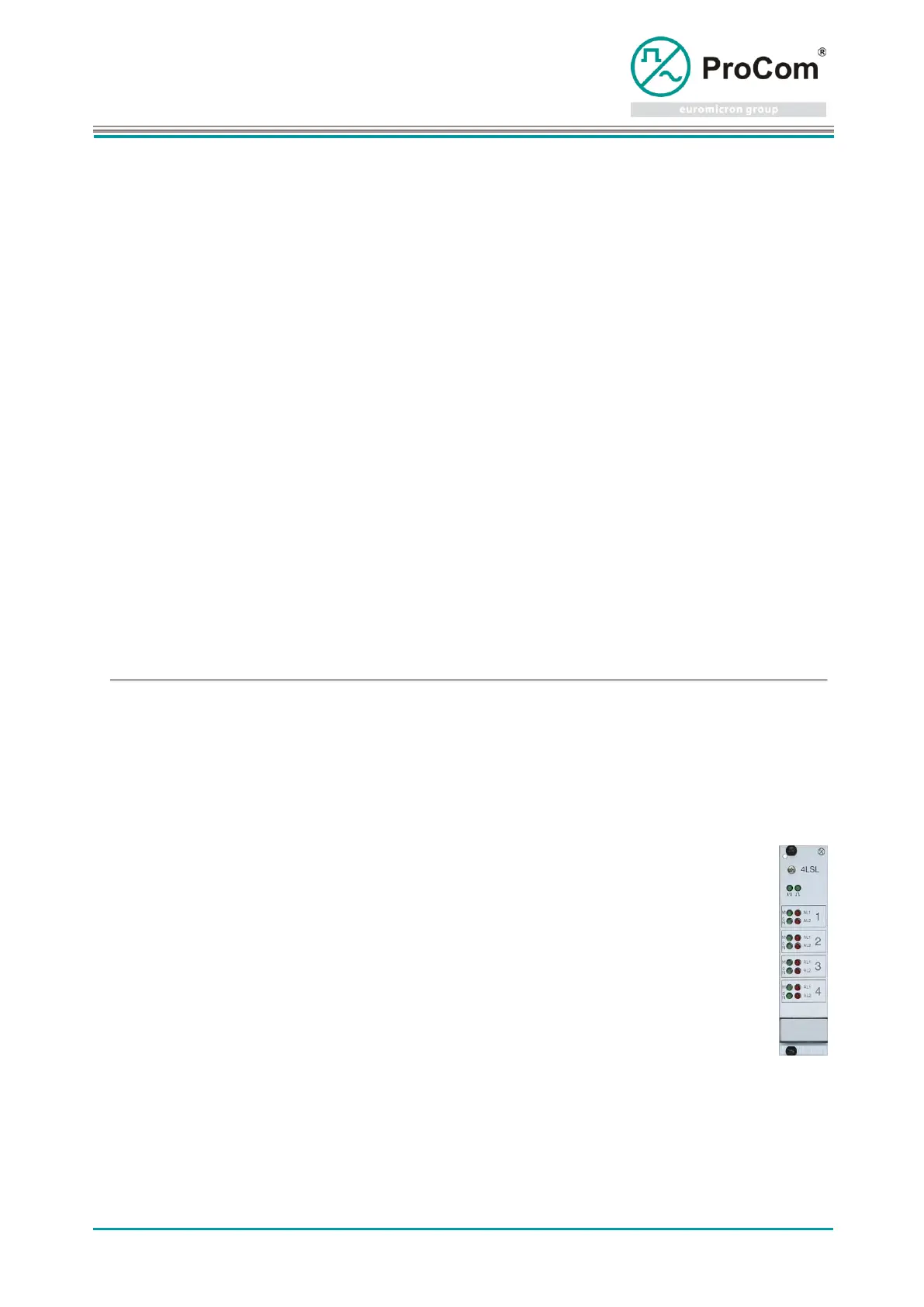
Display and control elements: (Normal mode)
ON-LED ON: Measurement
interrupted or pending due to
priority of a public address, or
blocked by Line 14.
ON-LED OFF: S Safety lock active
(2 sec)
no public address request
Public address active, no
acknowledgment
Public address active, positive
acknowledgment
Public address denied due to short
circuit
Port is calibrated no fault
Measurement disabled due to
insufficient load. (<2,5W)
Measurement disabled due to
excessive load (>150W) or no
signal from TG01.
Impedance error detected
(Tolerance exceeded)



 To Next Page