Add Parts
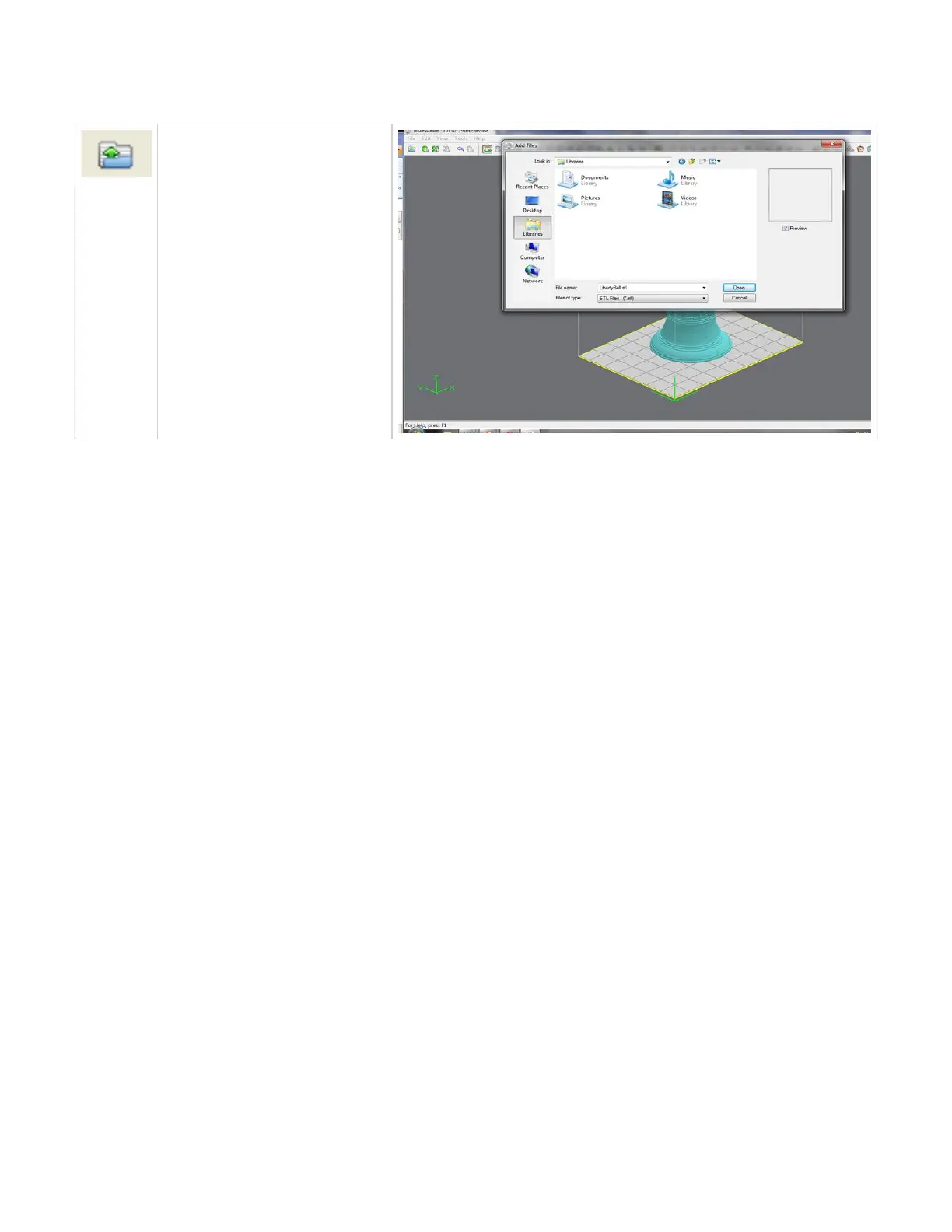
To add a part, click the buttonAdd Part
or select .File, Add a STL or CTL File
The system displays a file browser
dialog box which you can use to select
one or more parts. After selecting the
parts, the system adds them to the
model job and and sets the parts to a
specific Z location.
Click here to return to Print Preview Browser



 To Next Page