06.2 Uncrating Printer
Ensure that printer is placed on a sturdy work table and meets the requirements that are described in . Please follow theseSystem Requirements
requirement to ensure optimal operation of your printer.
Cut tie straps and open the top of package.
Remove the ProJet Material Starter Kit, Parts & Tool Kit, power cord, internet cable, print pads and build platforms.
Lift carton up over printer.
Remove the corner boards from the bottom of carton.
Lift printer from carton bottom.
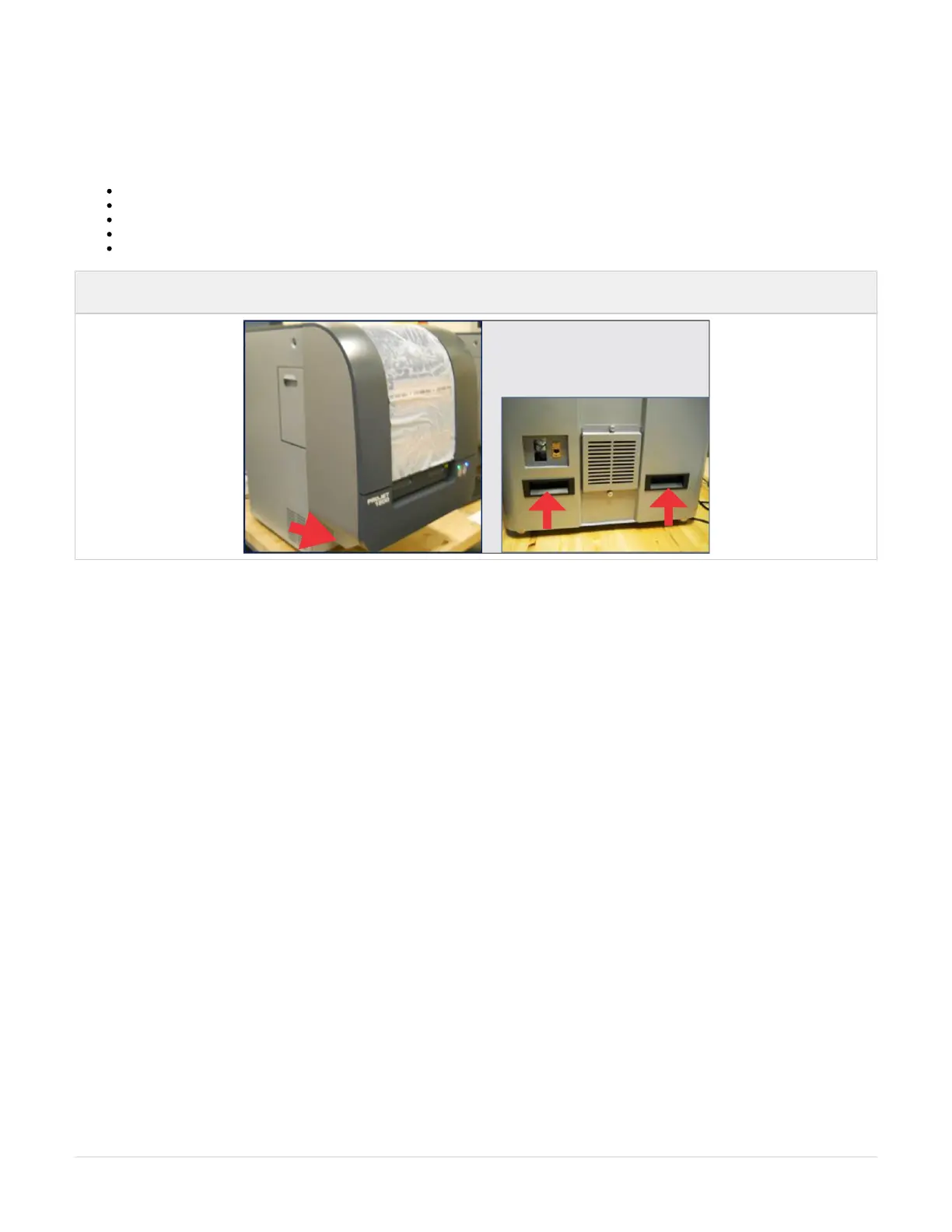
NOTE: With two people lifting printer, lift with the handles located at the back of printer; lift at each front end where arrows are
pointing.



 To Next Page