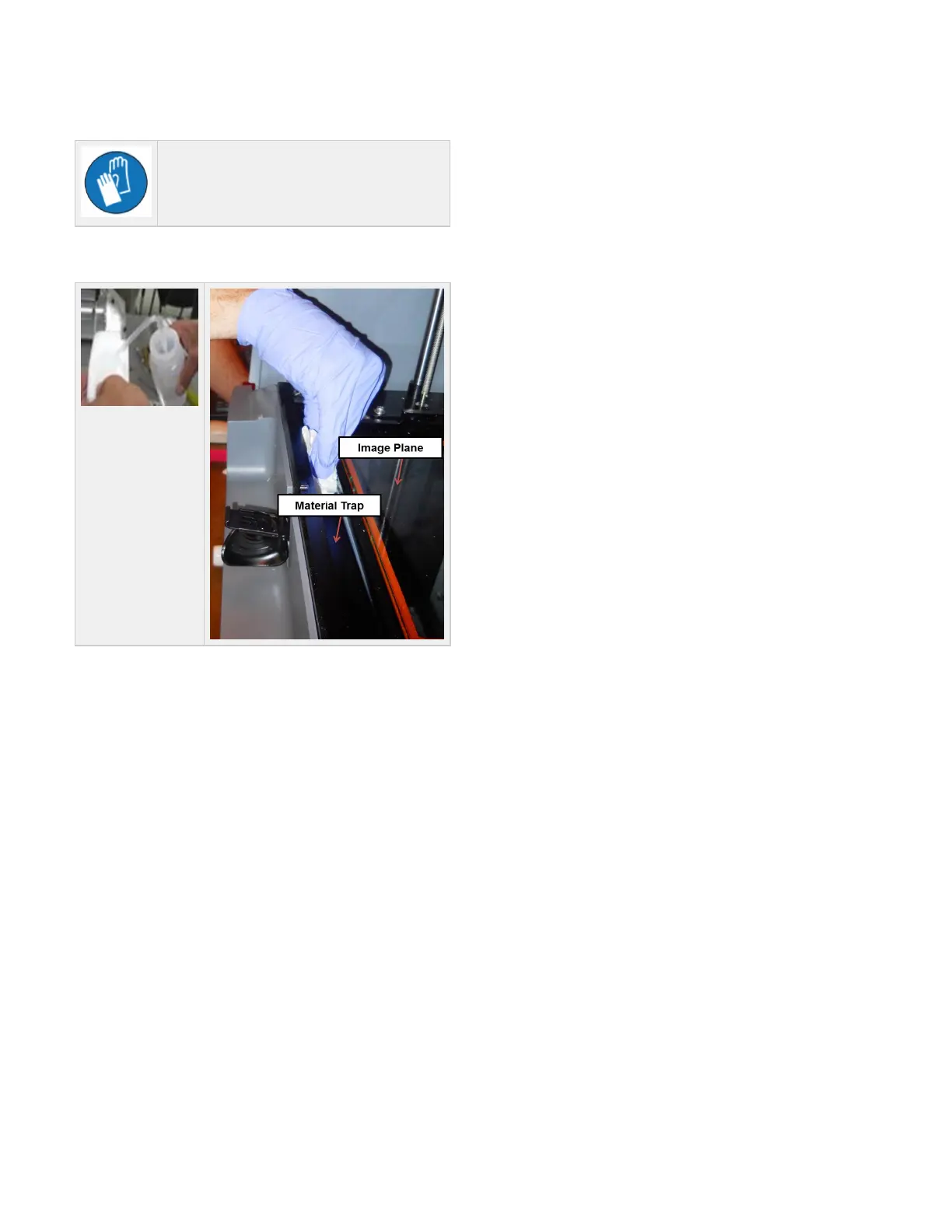
1. Clean Image Plane & Material Trap
Wear gloves when handling VisiJet® FTI Material.
Unlock shuttle plate and lift up. Using a lint free cloth and Isopropyl alcohol, dampen the cloth with alcohol and wipe the image plane completely to
remove material debris from the glass. Also, clean the image plane, chassis and shuttle frame to remove resin.



 To Next Page