08.4. Shutting Down System
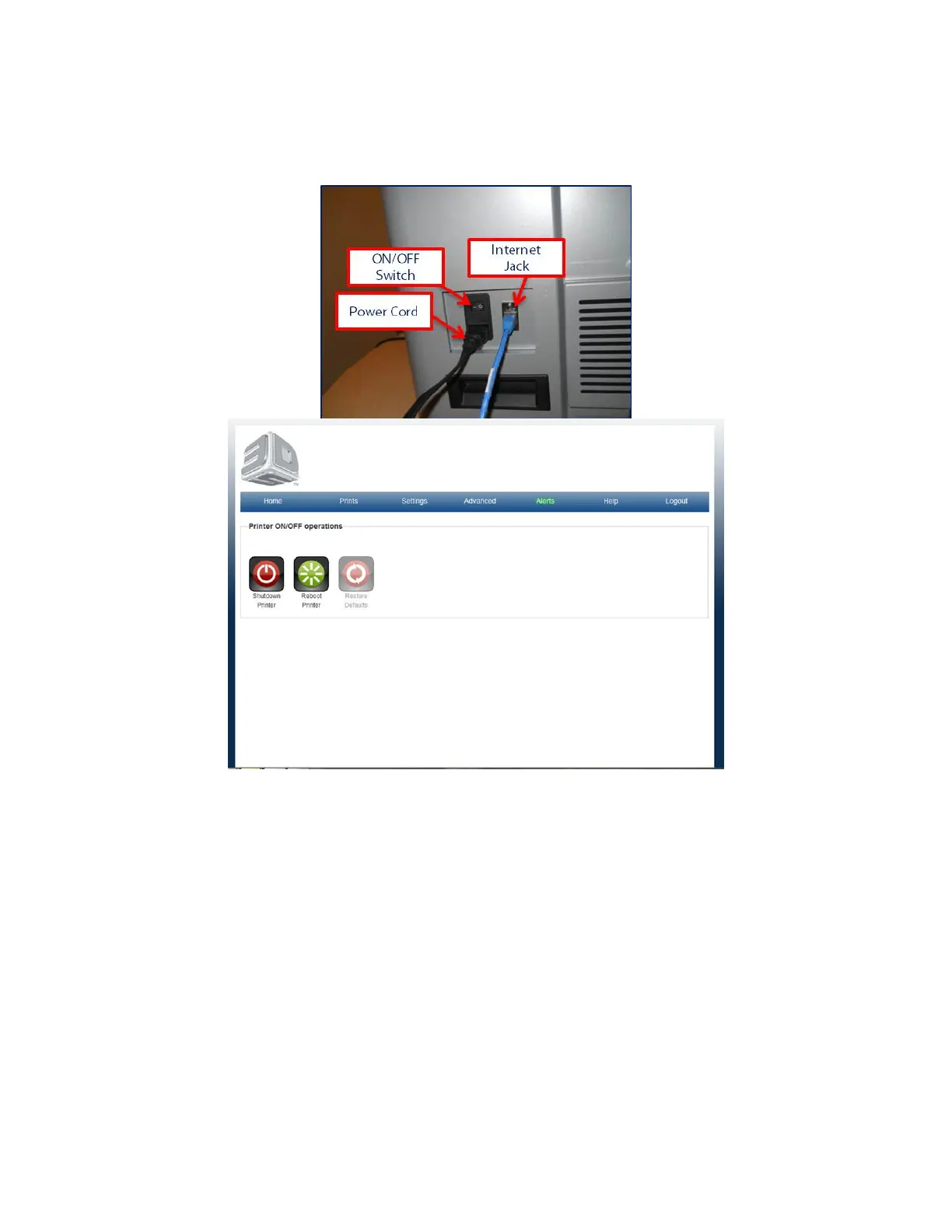
If print queue is empty and the printer is not going to be used for a period of time, shut down system by going to "Advanced" tab and selecting
on/off, then shutdown printer. After a few minutes the speed up indicating that the system is shutting down. Once this has occurred, you may turn
the unit off at the switch on the rear panel



 To Next Page