06.5.3 Network Setup for Offline Printer Registration
If internet service is not available where the printer is located, you will need to get access from another location to obtain the registration token.
This token allows you to continue registering the printer. A RJ45 cross-over cable will be needed to communicate with the printer from your PC.
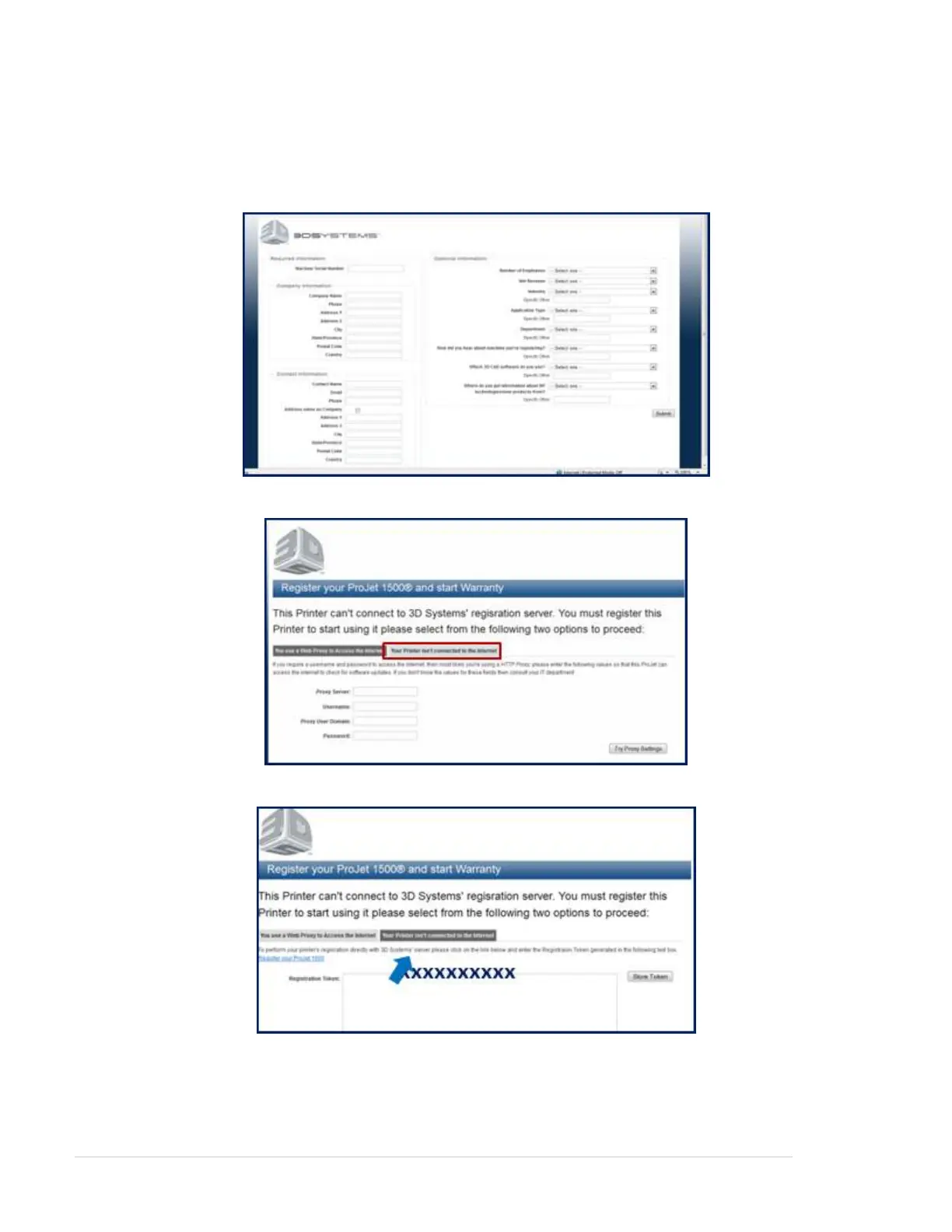
In the web browser that is specicied in , please enter . Fill in the requiredClient's Computer & Network Interface http://registration.3dsystems.com
information and click on submit.
To obtain the registration token, select "Your Printer isn't connected to the internet" tab.
Copy the registration token. You will need this token to continue registering once you get to the printer's site.
Turn power on to the printer and connect the cross-over cable to your PC and the back of ProJet 1000 / 1500 Printer.



 To Next Page