08.1 Print Process & Previewing Print
Before starting to your print, preparing the printer for a print must be accomplished. Please refer to and complete the06.4 Printer Preparation
steps before printing.
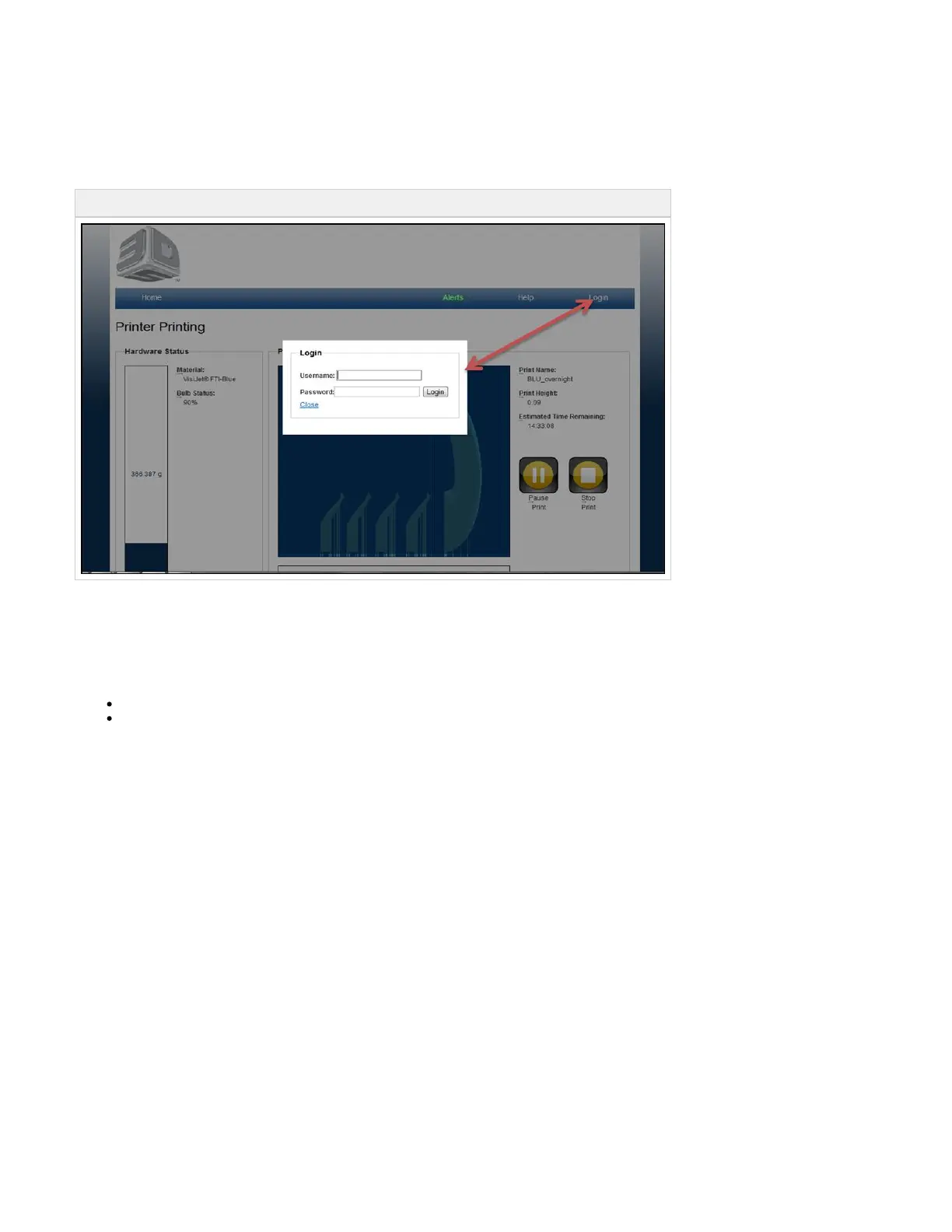
Login to the printer to begin the print process.
08.1.01 Create a New Print
08.1.02 Submitting a Print to Print Preview
08.1.03 Previewing Prints
8.1.03.1 Print Preview
8.1.03.2 Preview Browser Overview
08.1.04 Save a Print



 To Next Page