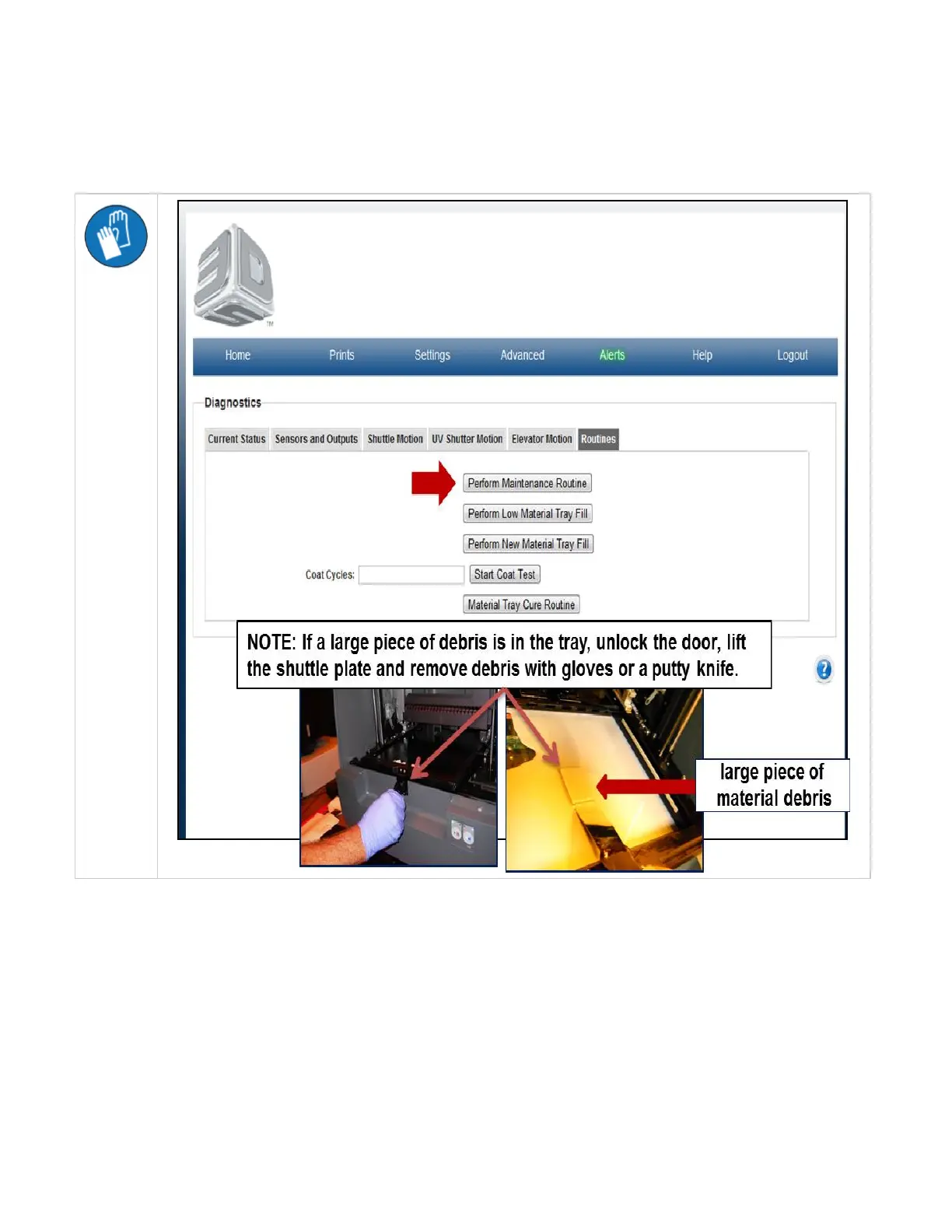
Perform Routine Maintenance
To start routine maintenance, click on the "Perform Routine Maintenance" button. All buttons will fade and messages will appear in the screen
during the process. The shuttle will move back and forth clearing the material tray of debris. It may be necessary to remove large pieces of debris
using a putty knife; wear gloves if this is necessary. When maintenance is completed, the buttons will become normal.



 To Next Page