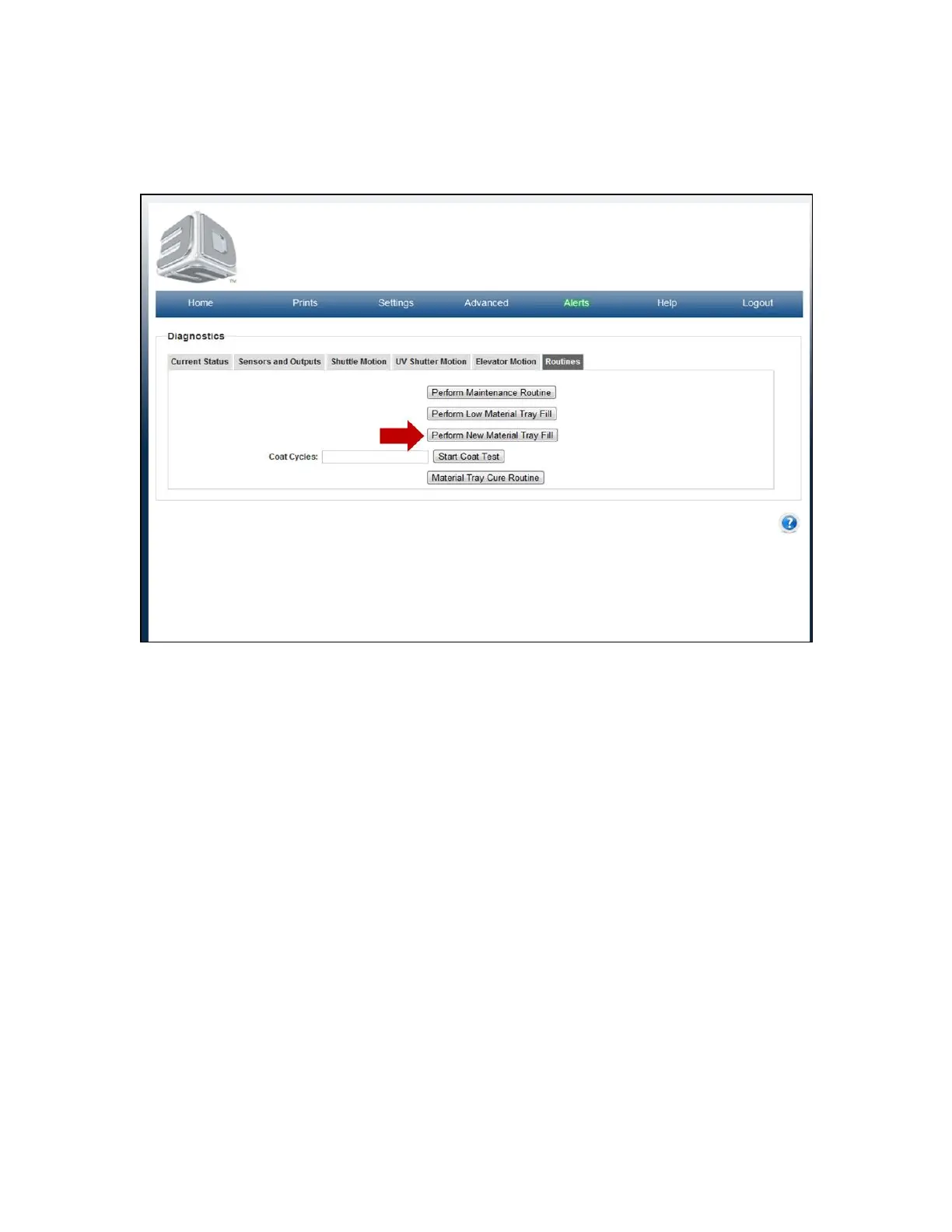
Perform New Material Tray Fill
To start routine, click on the "Perform New Material Tray Fill" button. All buttons will fade and messages will appear in the screen during the
process. Material will begin flowing into the material tray. NOTE: The material tray MUST be empty or near empty or the material tray could
Once completed, the buttons will become normal and a message will appear stating complete.overflow.



 To Next Page