06.4.1 Cleaning Image Mirrors
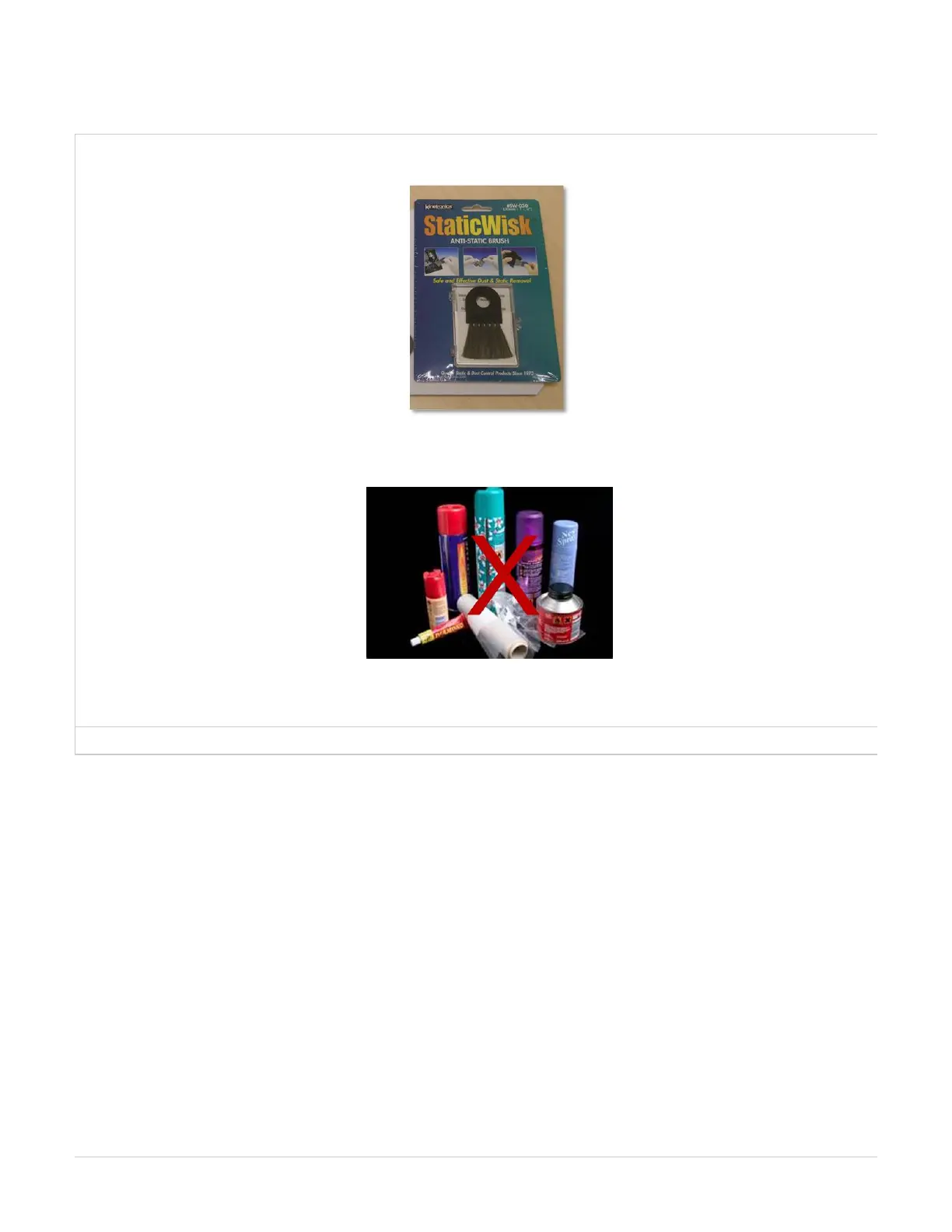
It is very important to clean the image mirror after unpacking the printer and before printing to remove any dust that may have occurred during
transit. This is accomplished using the anti-static brush that is packed in your printer's tool kit.
Never use solvents or cleaning materials other than the anti-static brush. Doing so could cause scratches on the mirrors that affects the quality of
the print.!
Please follow the instructions below to properly clean mirror.



 To Next Page