4. Air Filter Replacement
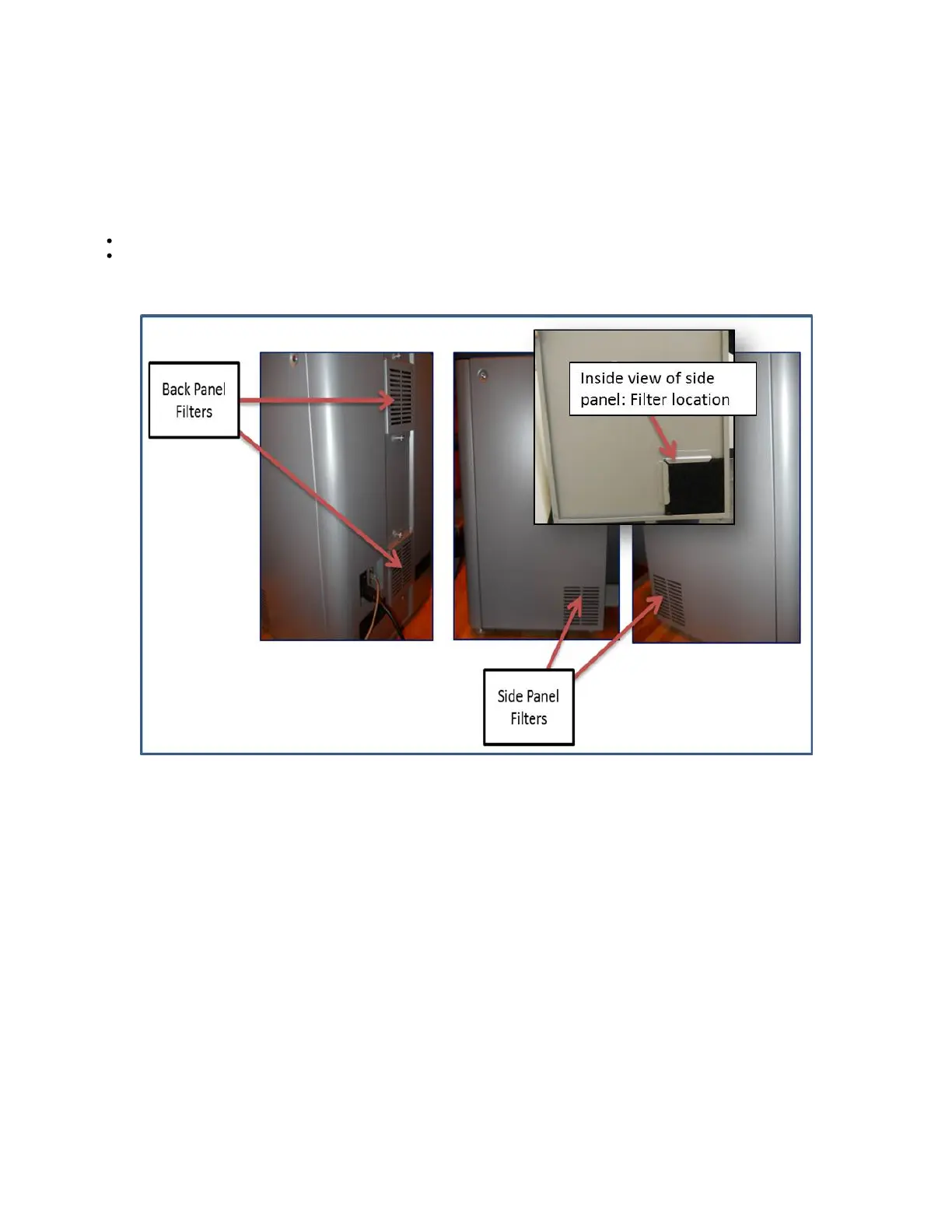
There are four air filters in the system; two in the back panel and one in each side panel. These filters will need be changed over a period of time
depending on the room environment and the usage of the printer. Please check filters periodically to ensure that they are not clogged with dust
and debris. Re-tighten panels.
To replace filters:
Side Panels: Using a flat head screwdriver, loosen the two captive screws from the side panels. Pull filter out and replace with new filter.
Back Panel: Using a Phillips screw driver , loosen the two captive screws from the back panel filter holders. Pull filter out and replace
with new filter. Re-tighten
filter holders to back panel.



 To Next Page