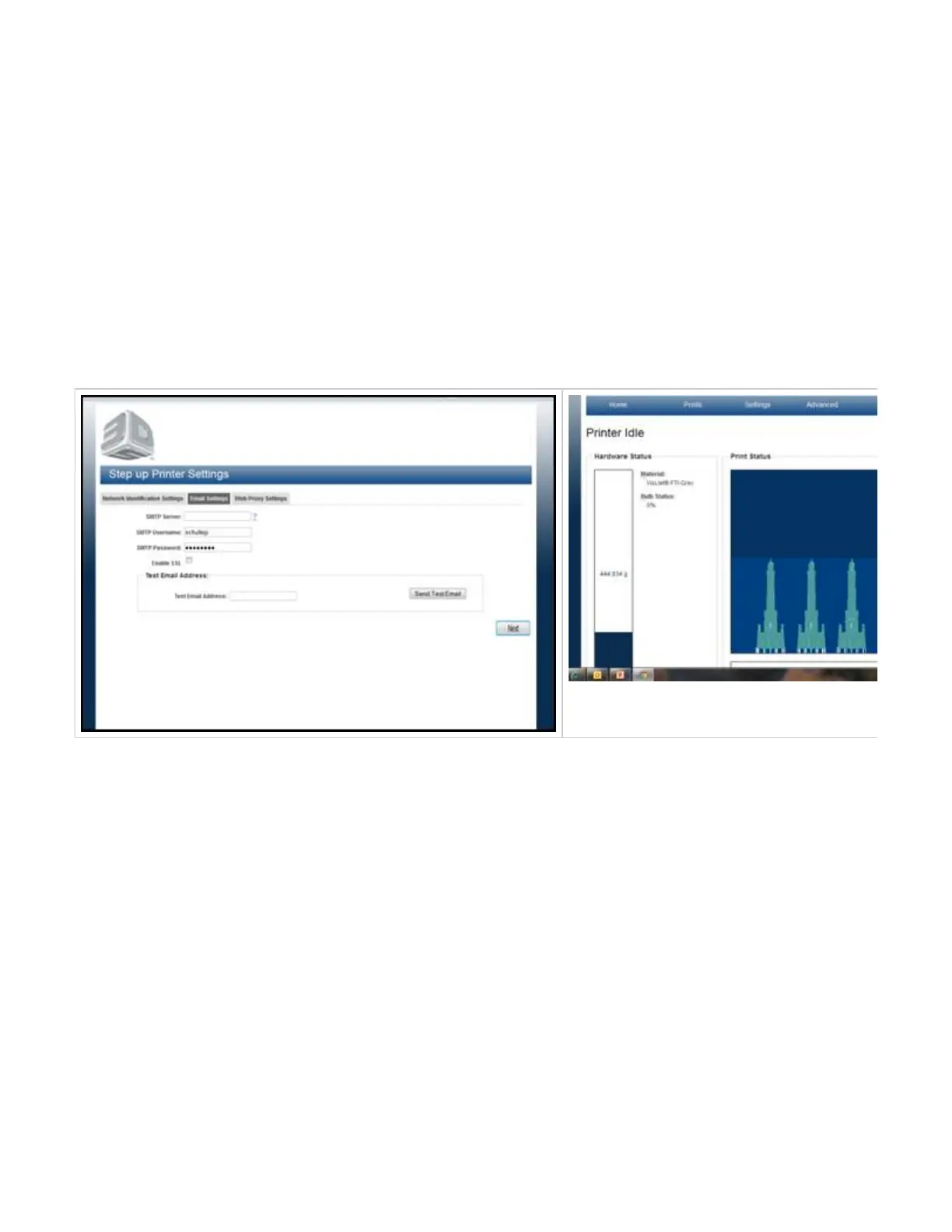
06.5.4 Printer Network Configuration & User Profile
Printer Network
DHCP is the default setting for the printer. When the computer is turned on, it will look for the DHCP server in the network and will automatically
set up your IP address (recommended setting).
If Static IP address is desired, the system's administrator should configure the fields in the highlighted area to access the printer. Be sure to
document the IP address. NOTE: Use extreme caution when changing the static IP address. *
IMPORTANT: If the IP address is not correct, you will not be able to view the modeler in the network.
To change Machine Name to your own user-friendly name, enter the new name in the Machine Name box.
Enter an e-mail address that will that will receive the job status uploads, notifications and system updates from the printer's server.
NOTE: If you choose a new name for the printer instead of the host name, be sure to write the new name down and keep it in a secure
location. The printer's name is used to log in to your printer.
Click "Next" to continue with configuring your printer network. After the network configuration completed, the printer desktop will appear.



 To Next Page