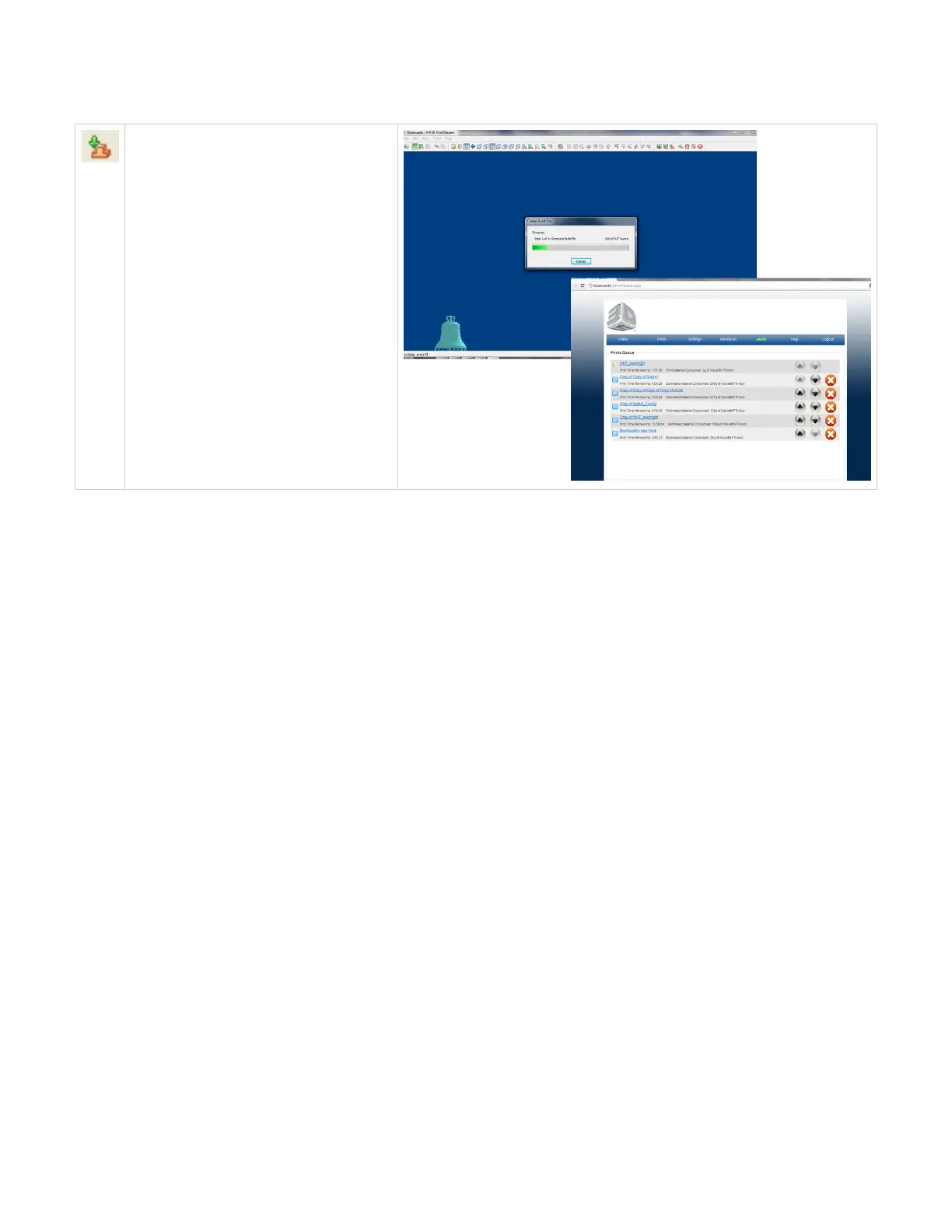
Create Job and Return to Web Browser
Select create job and return to web browser
when part is ready to go into the print queue.
Once selected, a dialog box will open and give
you progress on generating the print file. Once
completed, the job will be submitted to the print
queue.
Click here to return to Print Preview Browser



 To Next Page