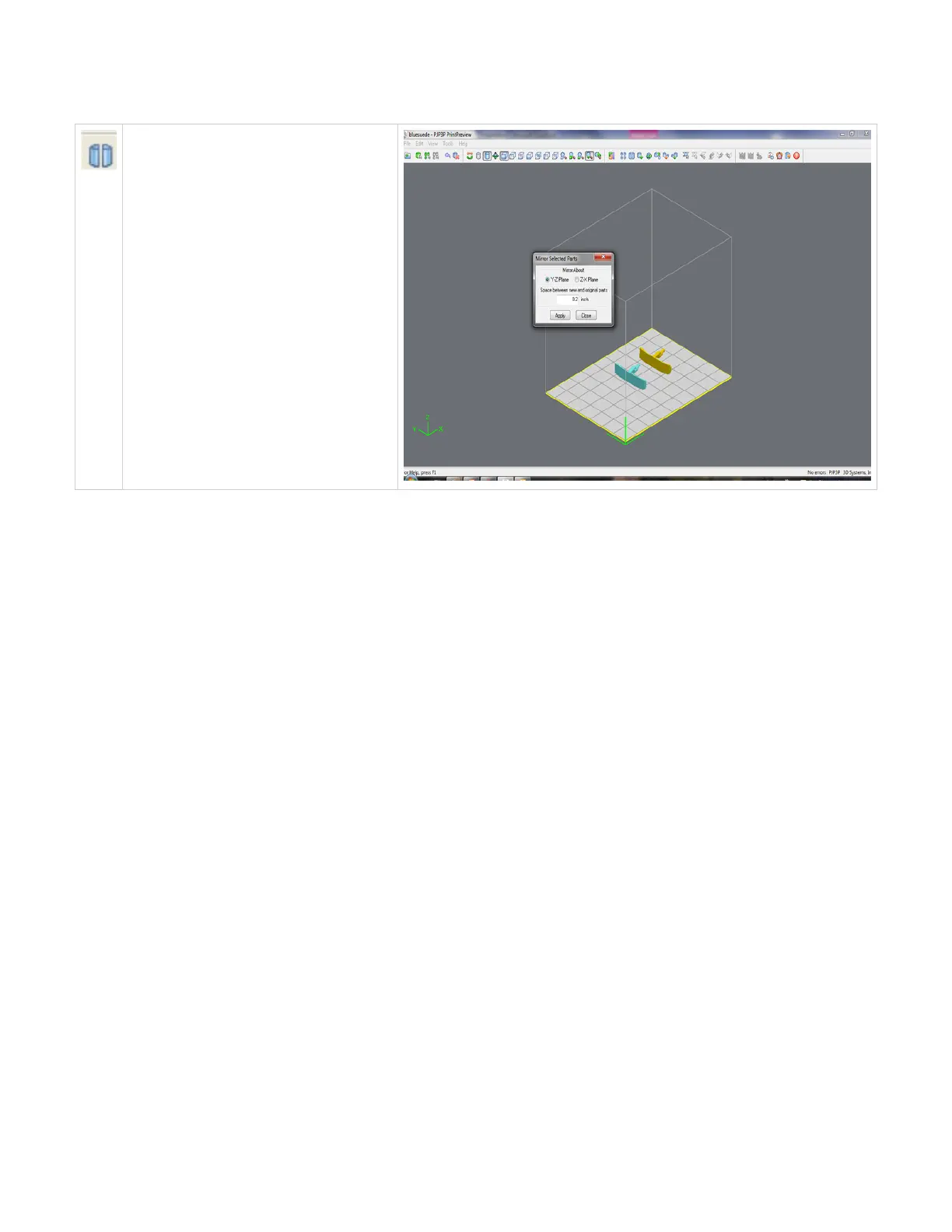
Mirror
To create a mirror image of one or several
parts, select the parts and click the mirror icon;
the dialog box will appear. Choose an axis
around which to mirror the part, and a
separation distance, click Apply.
Click here to return to Print Preview Browser



 To Next Page