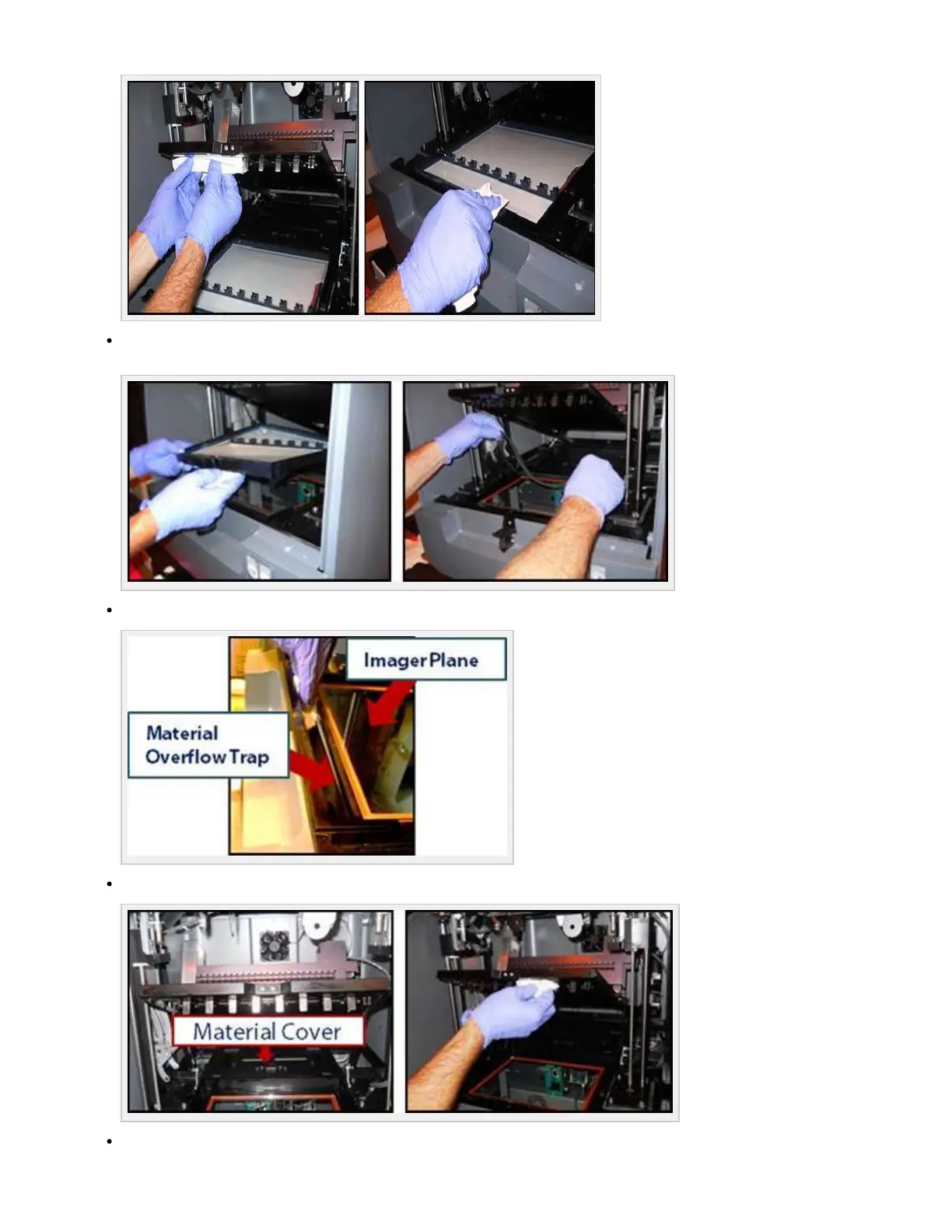
Lift out material tray and wipe the front of tray with Isopropyl alcohol and a lint free cloth. Remove material gasket and dispose gasket.
Set material tray and scraper bar aside.
Clean the image plane glass and the material overflow trap located at the front of image plane.
Remove material cover and place it over the top of material tray for curing process of waste material.
To start a new print with another material cartridge, refer to:



 To Next Page