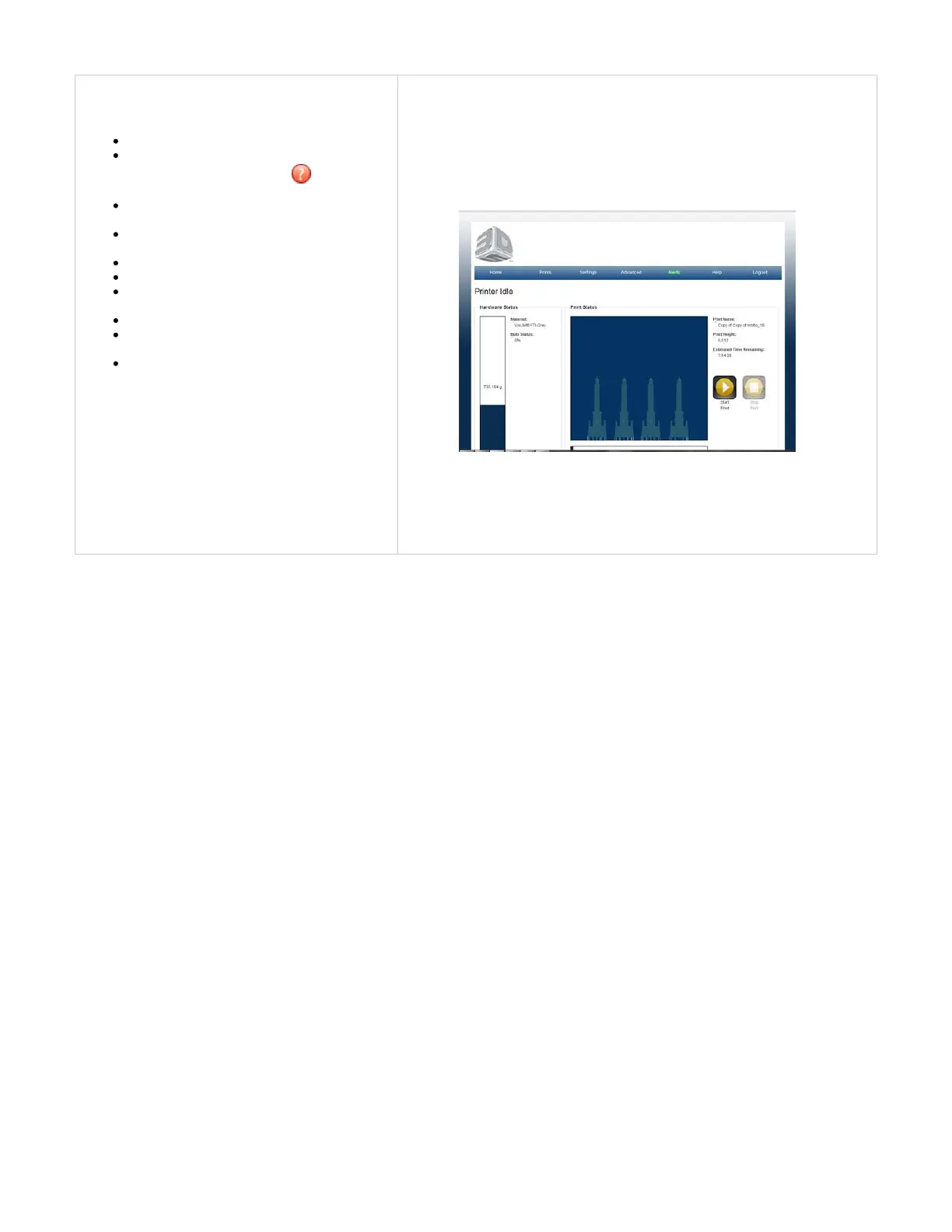
Software
Easy set-up - software pre-loaded on 3D printer
Get help during the printing operation is by
clicking on the question mark at the right
corner of software screens
Print Preview provides Tips on how to
manipulate the part for ultimate part placement
3D printer warranty activation at the initial
system registration
Easy STL, CTL file loading
Easy job preparation and submission
Automatic and manual part alignment on build
platform
Automatic part support generation
Part support can be generated manually to add
supports where needed
STL file verification



 To Next Page