GTR-3455
Doc Ref: Page: 58
Date: 13/01/13 Issue: H
Pr
seal
®
uk
Tray Sealing Solutions
To Monitor a PLC Program Via Serial Connection
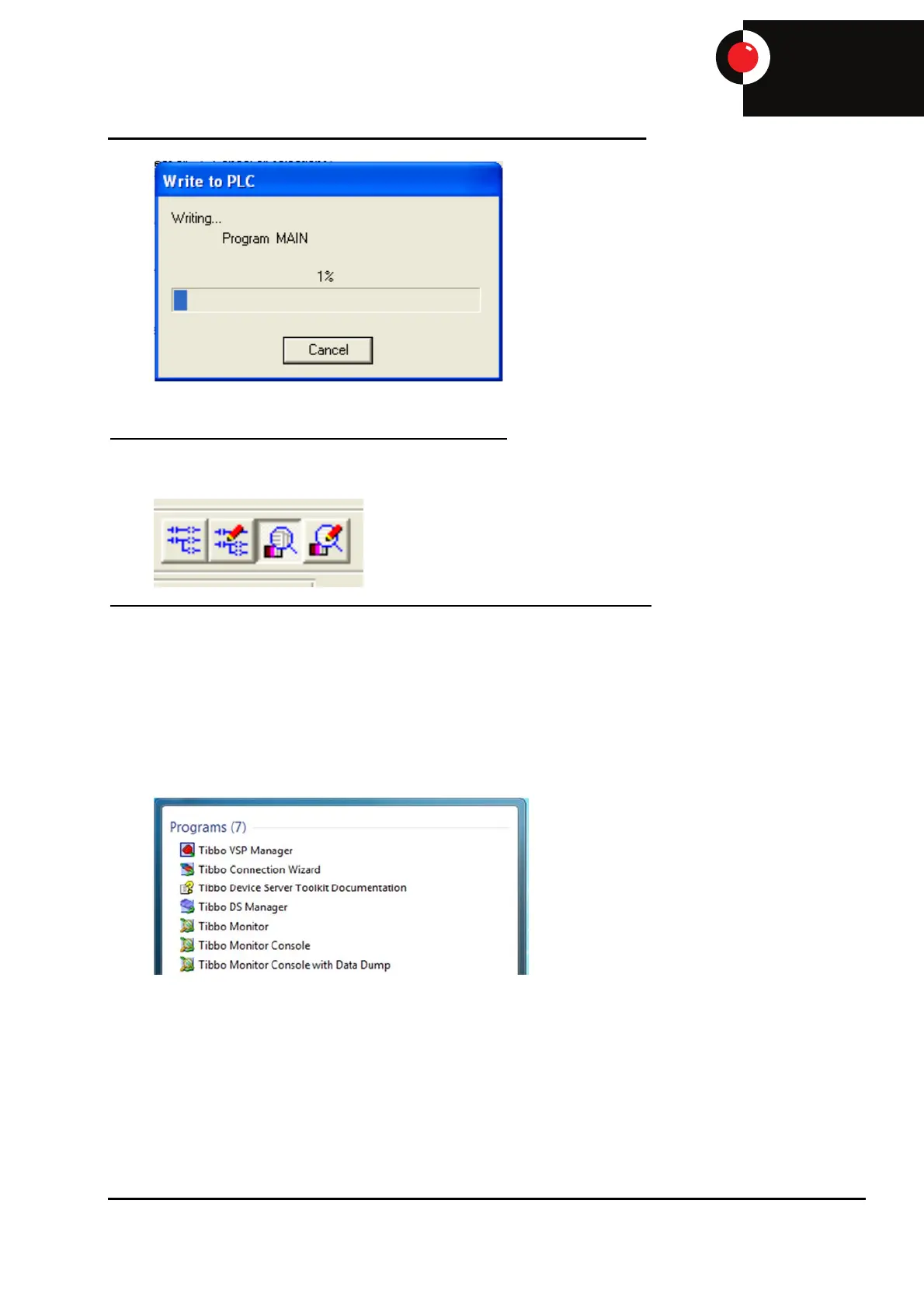
Open the PLC program and select the ‘Monitor’ icon.
To Monitor a PLC Program Via Ethernet Connection (Through HMI)
Refer to document ‘To communicate with E1032 and E1101 HMI’ to ensure correct HMI settings.
When monitoring the PLC program it is useful to use this method as full operation of the machine is
maintained through the touchscreen whilst being able to monitor the PLC program at the same
time. To use this function Tibbo software must be installed on the PC (This software is free to
download from tibbo.com).
To configure Tibbo – Go to ‘Start’ – ‘Tibbo’ – ‘VSP Manager’.
Create a Virtual Serial Port (VSP) by selecting ‘Add’.


 To Next Page