Configuring the MVI56-PDPMV1 Module MVI56-PDPMV1 ♦ ControlLogix Platform
User Manual PROFIBUS DPV1 Master
Page 106 of 251 ProSoft Technology, Inc.
A complete backup consists of the Project and Master Configuration files, plus
the GSD configuration files. The default location for the GSD files is
C:\Documents and Settings\All Users\Application Data\ProSoft\GSD (Windows
XP / 2000) or C:\My Documents\.
PCB does this complete backup for you automatically. The default location for
these backup files is C:\PCBExportFiles. All the files associated with your PCB
configuration will be stored in a folder with the same name as the name you used
to save your PCB configuration (.ppf) file. When you exit PCB, you will be
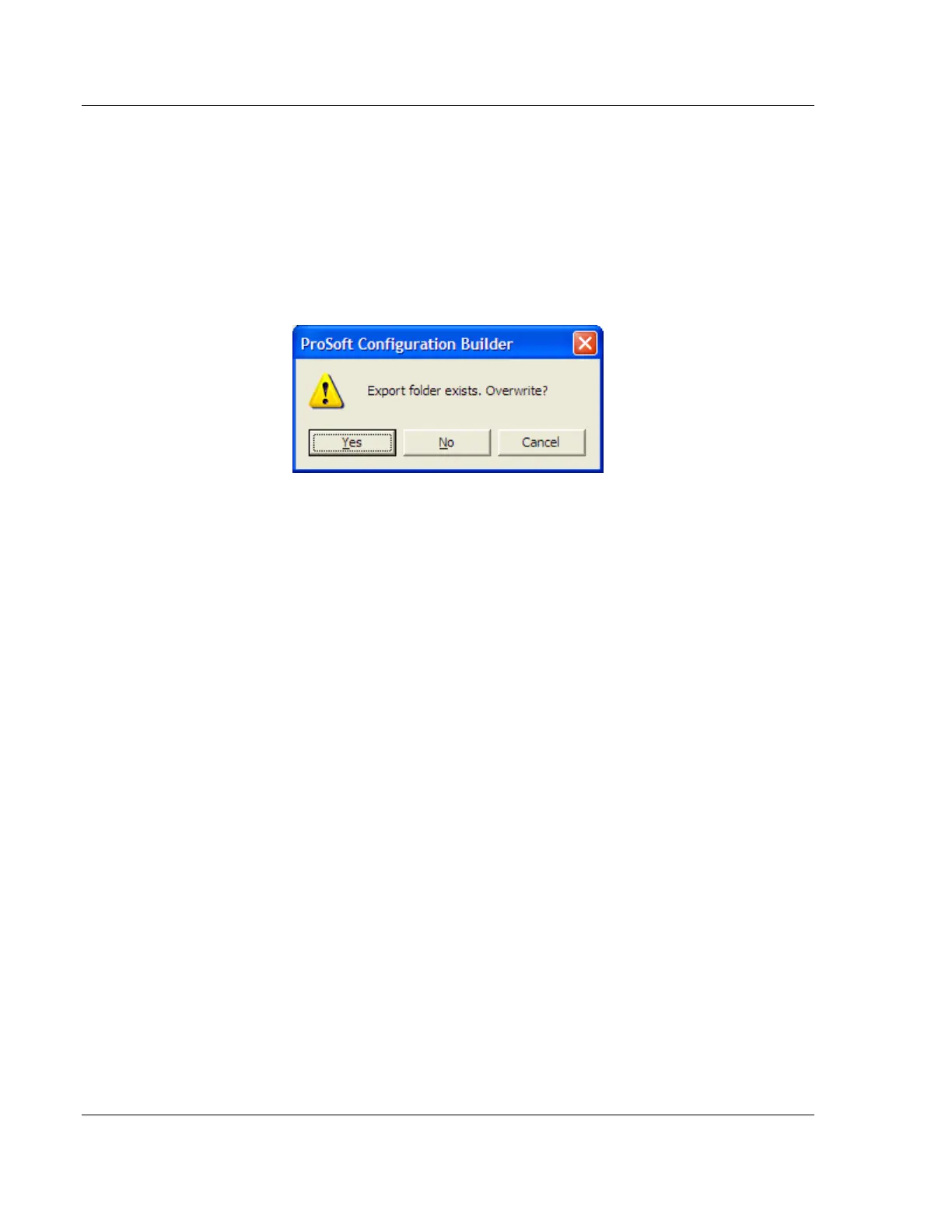
prompted to overwrite your Export folder files.
If you have made changes to your configuration settings, you should click the
YES button every time you see this dialog box to have the backup files updated.
Having all the files for your PCB configuration stored in one folder makes it easier
to transfer the application from one system to the other or to send your files to
ProSoft Technical Support when you need assistance.



 To Next Page