EasyManua.ls Logo

ProSoft MVI56-PDPMV1 - Mailbox Message: Set Operating Mode

ProSoft MVI56-PDPMV1
251 pages
Print Icon
To Next Page IconTo Next Page
To Previous Page IconTo Previous Page
Loading...
Mailbox Messaging MVI56-PDPMV1 ControlLogix Platform
User Manual PROFIBUS DPV1 Master
Page 164 of 251 ProSoft Technology, Inc.
3.5.9 Mailbox Message: Set Operating Mode
This command allows setting the operating mode of the module (STOP, CLEAR,
or OPERATE).
Parameter
Description
Command Initiator
Application
Command Name
SET OPERATING MODE
Command Number
0200h
Fragmented
No
Extended Header Data
Fault information may be returned in the header of the response.
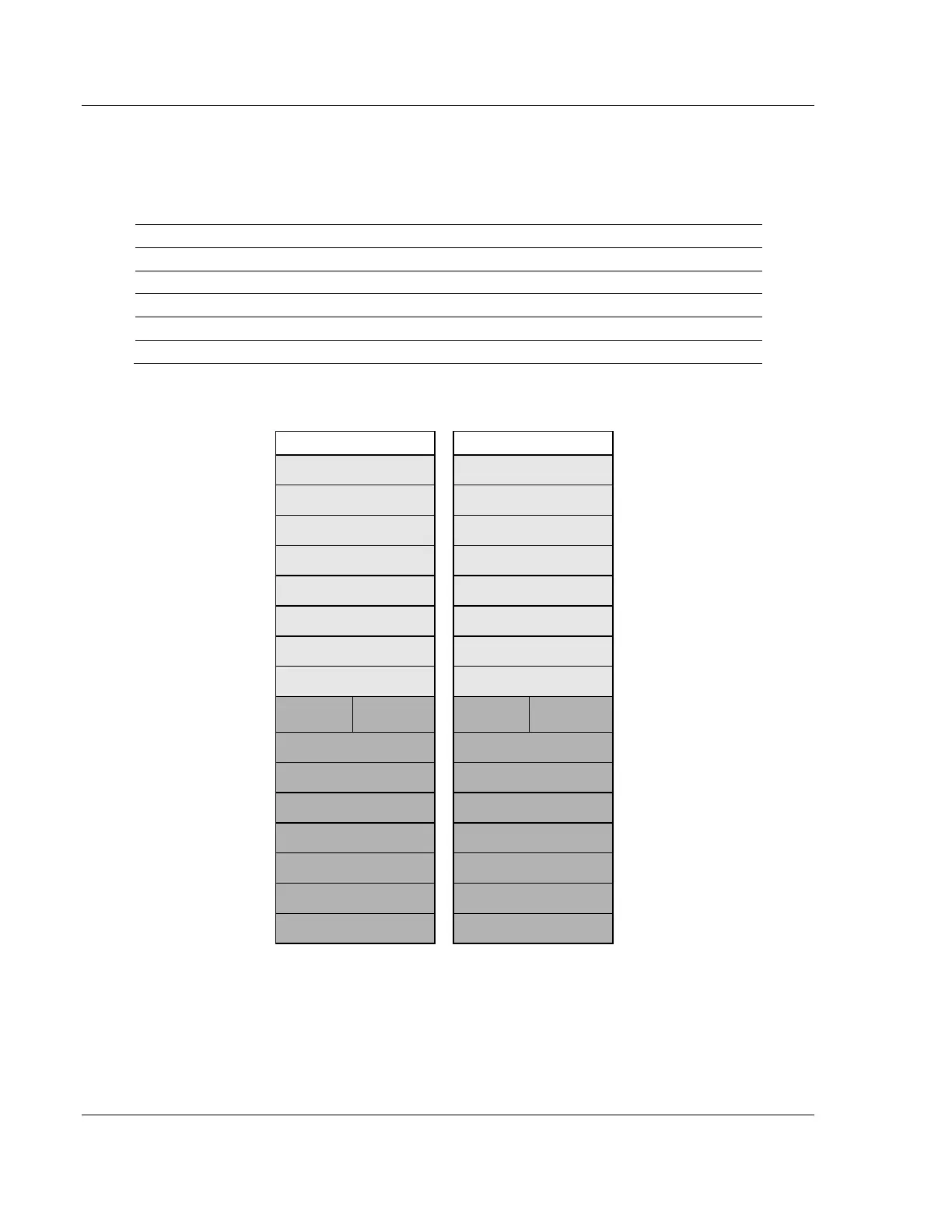
Command and Response Layout: Set Operating Mode
Command
Response
Message ID
(ID)
(ID)
Message information
4002h
0002h
Command
0002h
0002h
Set Operation Mode
Data size
0000h
0000h
Frame count
0001h
0001h
Frame number
0001h
0001h
Offset high
0000h
0000h
Offset low
0000h
0000h
Extended word 1
Mode
Conf. Req
Mode
Conf. Req
Extended word 2
-
-
Extended word 3
-
-
Extended word 4
-
-
Extended word 5
-
-
Extended word 6
-
-
Extended word 7
-
-
Extended word 8
-
Fault Information
Mode
40h: STOP
80h: CLEAR
C0h: OPERATE

Table of Contents