MVI56-PDPMV1 ♦ ControlLogix Platform Start Here
PROFIBUS DPV1 Master User Manual
Page 21 of 251 ProSoft Technology, Inc.
1.7.1 LEGACY Sample Add-On Instruction Import Procedure
Note: This section applies only if your application meets one or more of the following conditions:
MVI56-PDPMV1 module firmware version 0.30
MVI56-PDPMV1 module firmware version 1.21 (or later) AND configured in LEGACY mode
(USE LEGACY MODE = YES)
Before You Begin
The following file is required before you start this procedure. You can
download it from www.prosoft-technology.com.
MVI56PDPMV1_LEGACY_AddOn_Rung_*.L5X
(where * is the current sample program version
number)
L5X file containing Add-On Instruction, user-defined
data types, controller tags and tag arrays, and ladder
logic required to set up the MVI56-PDPMV1 module
in Legacy mode
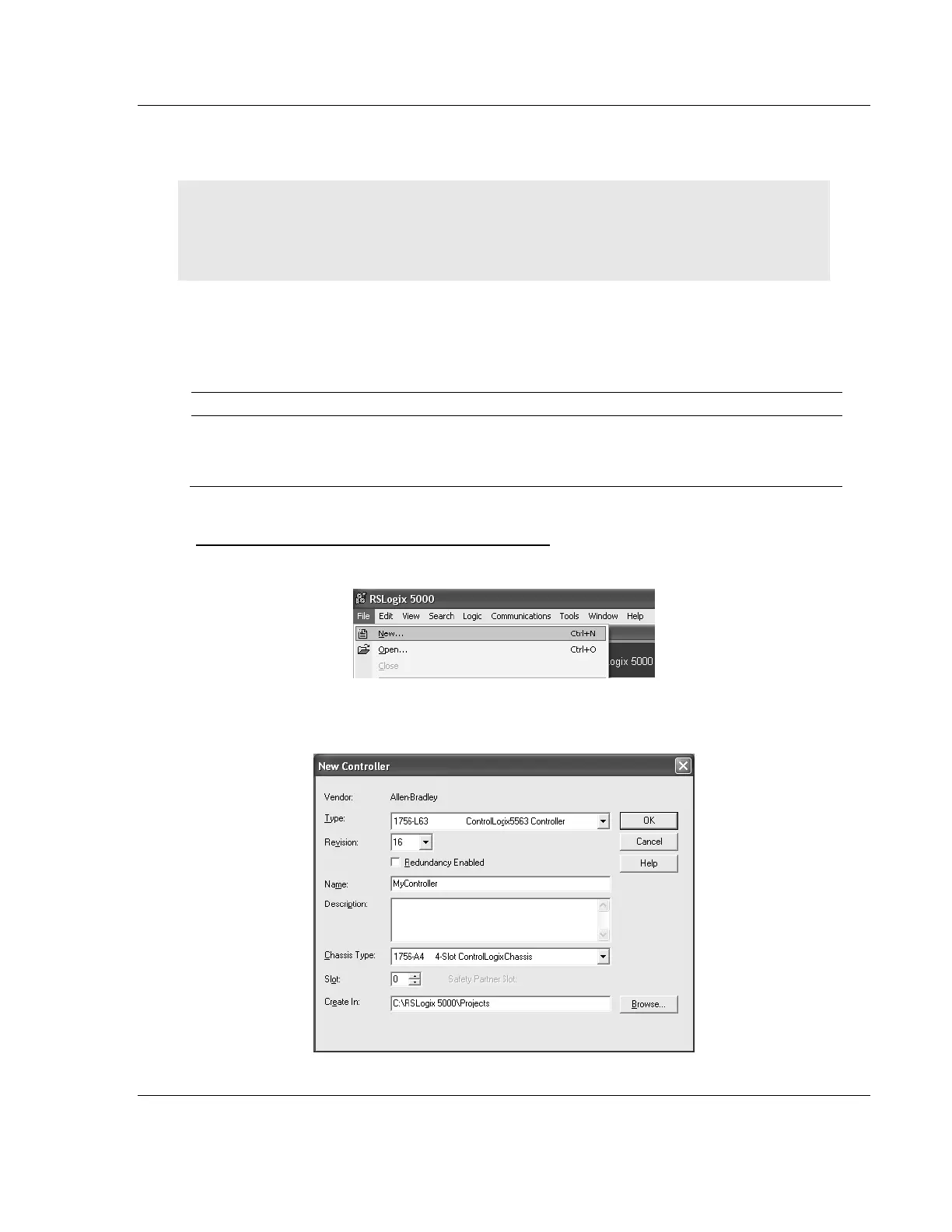
Creating a New RSLogix5000 Project - Legacy
1 Open the File menu, and then choose NEW.
2 Select the REVISION of your controller. Depending on the revision, there may
be some small differences in the appearance of dialog boxes.



 To Next Page