Reference MVI56-PDPMV1 ♦ ControlLogix Platform
User Manual PROFIBUS DPV1 Master
Page 214 of 251 ProSoft Technology, Inc.
5.3.4 Installation
Important: You must have Administrator rights on your computer to install this application.
Important: Please open and read the Readme file before starting the installation.
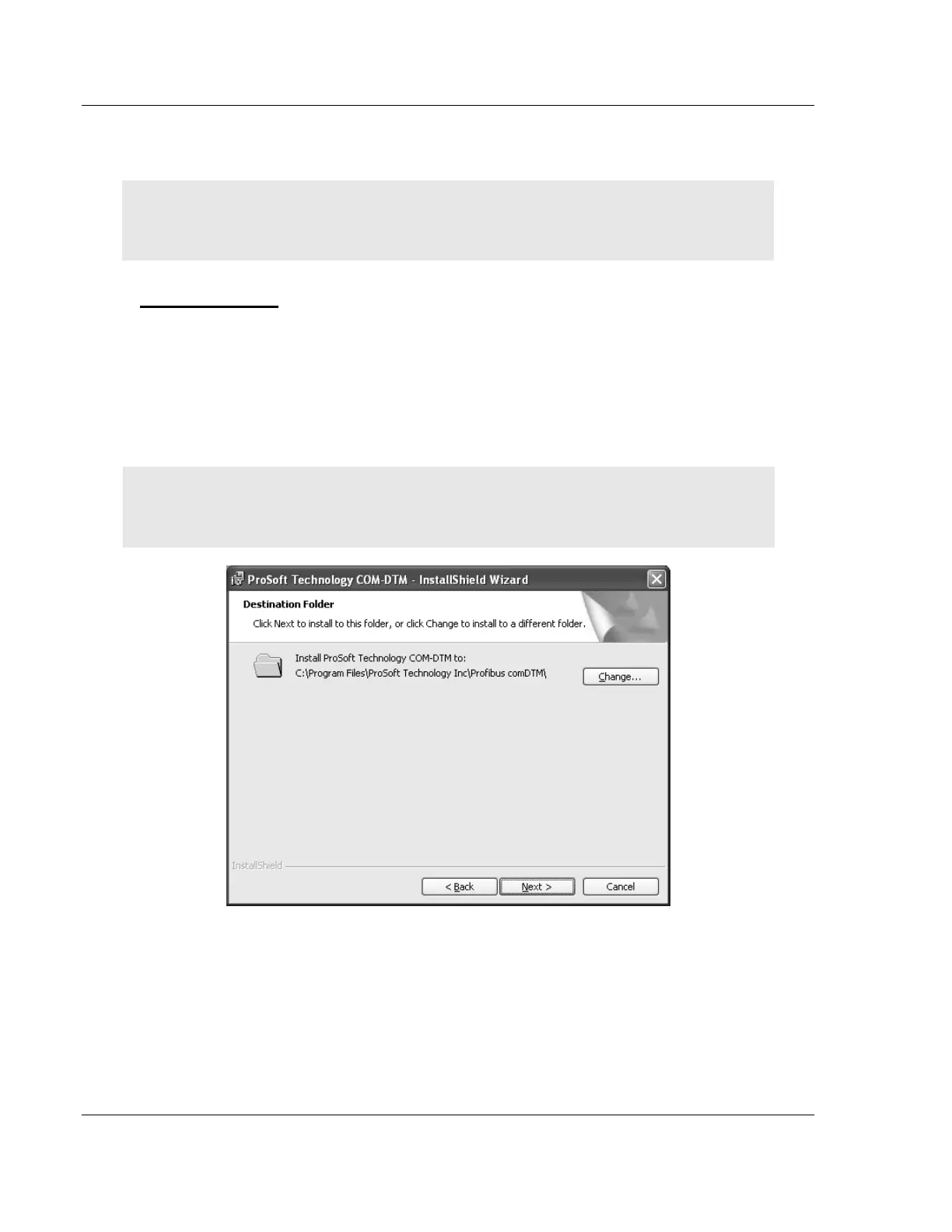
To install comDTM
1
Download the comDTM file from www.prosoft-technology.com.
2 Double-click the SETUP.EXE
file. This action starts the installation wizard.
3 Follow the instructions on the installation wizard to install the program.
4 Click FINISH to complete the installation. If you are prompted to restart your
computer, save your work in any applications that are running, close the
applications, and allow the computer to restart.
Note:
The CIPconnect
®
components are installed with comDTM version 1.0.1.5 with install ve
rsion
1.01.0003 and later. For information on how to check the comDTM version and install version, refer
to
Verifying the comDTM Version and comDTM Install Version (page 224
).



 To Next Page