MVI56-PDPMV1 ♦ ControlLogix Platform Configuring the MVI56-PDPMV1 Module
PROFIBUS DPV1 Master User Manual
Page 81 of 251 ProSoft Technology, Inc.
2.2 Setting Module Parameters
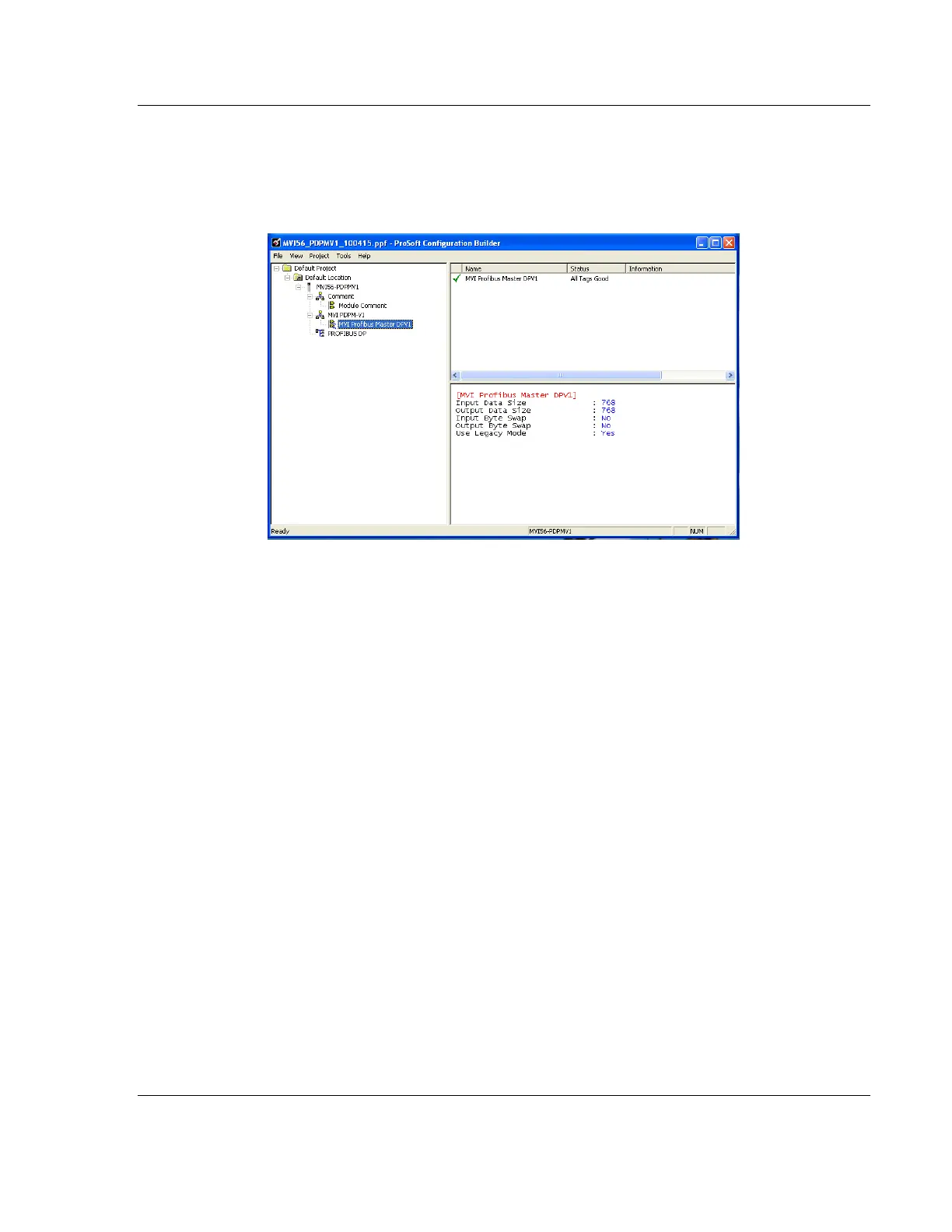
Notice that the contents of the information pane and the configuration pane
changed when you added the MVI56-PDPMV1 module to the project. The red
"X" icon indicates that the module’s configuration is incomplete.
In the following steps, you will provide the missing information to make the red
"X"s go away.
1 Click the plus sign [+] next to the module to expand the module tree, and
then expand the MVI PDPM-V1 tree.
2 Double-click the MVI56 PROFIBUS MASTER object. This action opens the
Edit dialog box.
3 In the Edit dialog box, configure the values for INPUT DATA SIZE and OUTPUT
DATA SIZE (PROFIBUS input and output words) to match the values required
by your application. To change a value, select the parameter to modify in the
left pane, and then type the new value in the edit field in the right pane.



 To Next Page