MVI56-PDPMV1 ♦ ControlLogix Platform Start Here
PROFIBUS DPV1 Master User Manual
Page 71 of 251 ProSoft Technology, Inc.
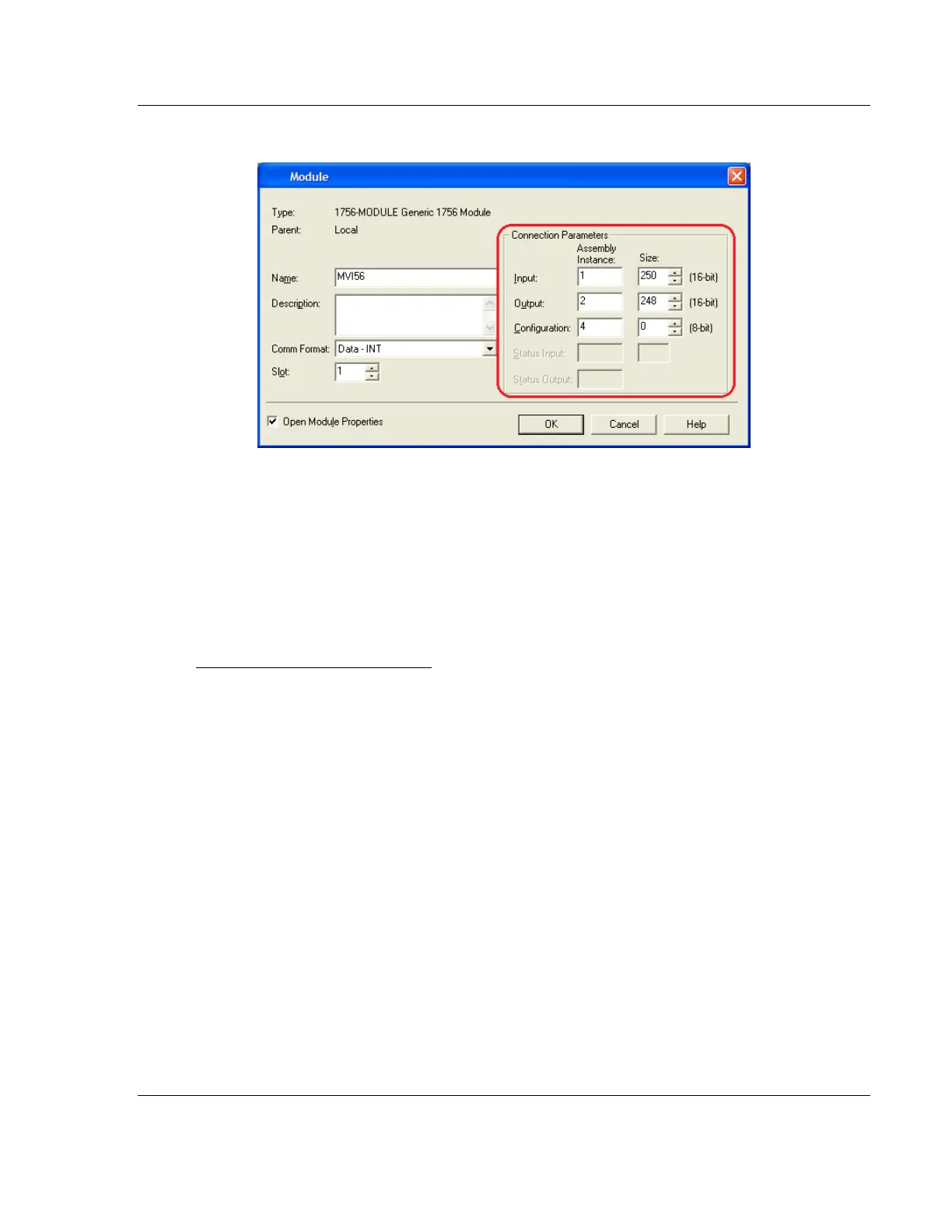
Set Module Properties in RSLogix 5000 According to Mode Selected
For additional details about setting connection parameters for FLEX mode, see
Adjusting the Connection Sizes for Your Application (page 40).
1.8.4 Selecting the RPI Time for the Module
Refer to the Connection tab and enter the RPI time. The connection is scheduled
to move data to or from the module at least this often.
The RPI time to enter depends on your application as follows:
RPI Time 5 to 750 milliseconds
For ANY of the following conditions
MVI56-PDPMV1 module firmware version 0.30
MVI56-PDPMV1 module firmware version 1.21 (or later) AND configured in
LEGACY mode (USE LEGACY MODE = YES)
MVI56-PDPMV1 module firmware version 1.21 (or later) AND configured in
FLEX mode (USE LEGACY MODE = NO) AND MVI56-PDPMV1 is located in a
remote rack through ControlNet



 To Next Page