Start Here MVI56-PDPMV1 ♦ ControlLogix Platform
User Manual PROFIBUS DPV1 Master
Page 40 of 251 ProSoft Technology, Inc.
Adjusting the Connection Sizes for Your Application
Note: ProSoft Configuration Builder (PCB), version 2.2.0, or higher, will automatically make the
following adjustments for you based on the configuration information you enter in PCB. The newer
versions of PCB allow you to export custom-made RSLogix 5000 .L5X Add-On Instruction (AOI)
Rung Import files that are already tailored to your application-specific configuration. These custom
files will be similar to the provided sample AOI Rung Import files but will already include the
adjustments shown in the next few topics. If you use the custom import files, you will not need to
do any of the following; it will be done for you already. If this is the case, all you need to do is
import the custom .L5X file according to the procedure found in Importing the Ladder Rung - Flex
(page 52).
For additional information on how to export custom-made .L5X files from PCB, please see the
topic, Exporting the Processor Files Prior to PCB v2.2.0 (page 102).
The information provided in this topic shows you what kind of modifications are being done
automatically for you by PCB. This information can also help you manually edit the standard FLEX
sample files to better fit your application or help you determine what kinds of modifications you
might need to make to any existing applications you may already be using.
1 The AOI Connection Input and Output parameters use certain data type sizes
that must be set based on how you configured the MVI56-PDPMV1 module.
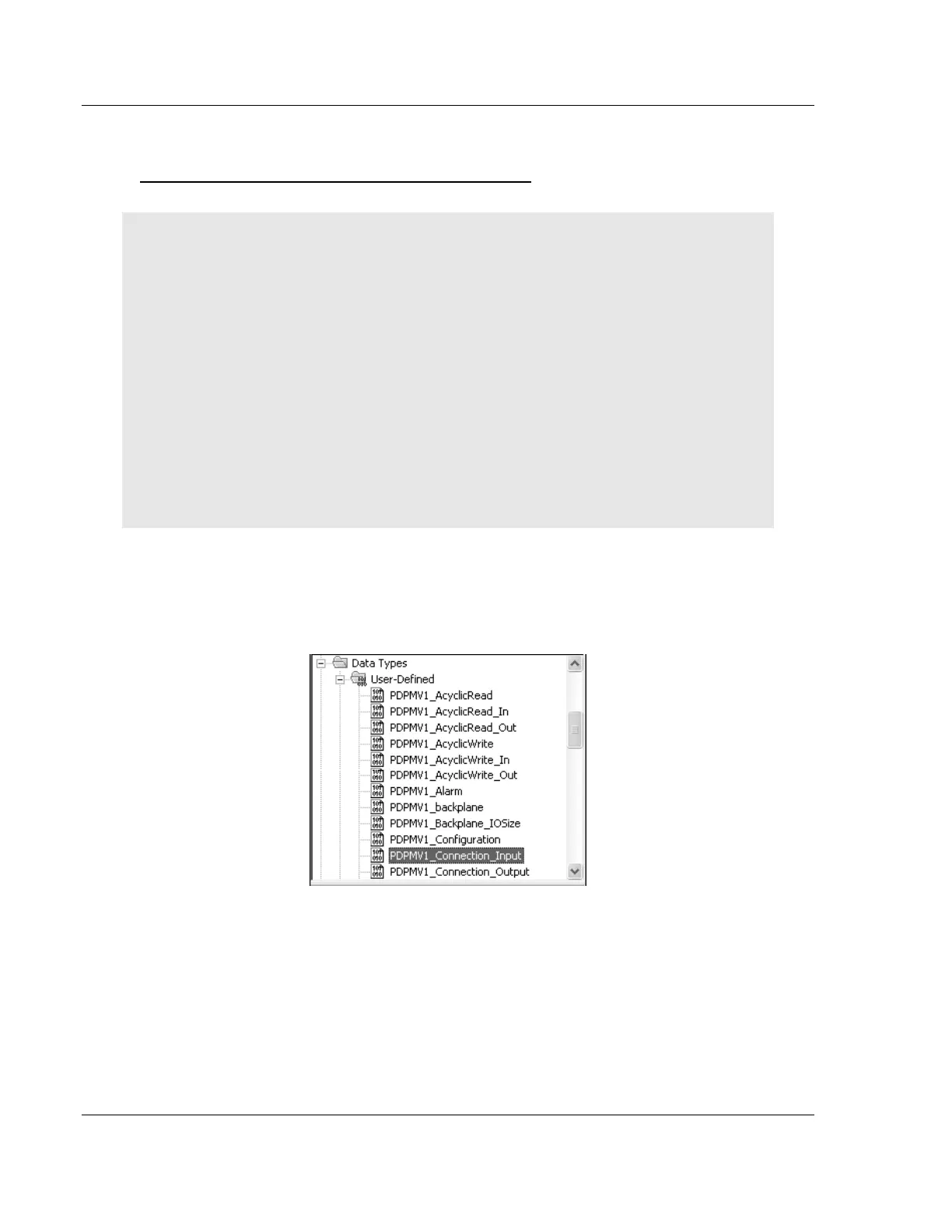
2 In the DATA TYPES/USER-DEFINED folder, double-click
PDPMV1_CONNECTION_INPUT data type.



 To Next Page