Start Here MVI56-PDPMV1 ♦ ControlLogix Platform
User Manual PROFIBUS DPV1 Master
Page 70 of 251 ProSoft Technology, Inc.
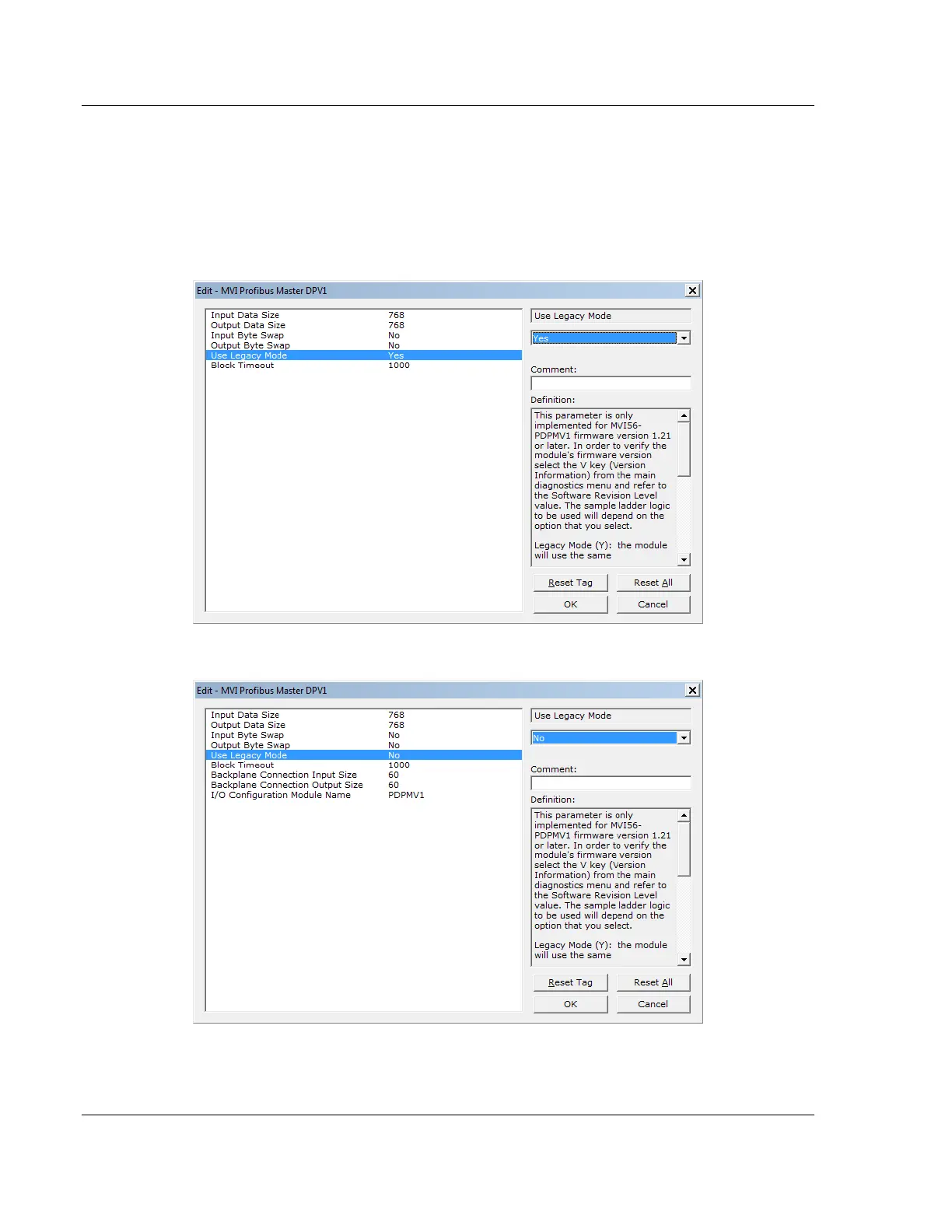
The following settings are configured in ProSoft Configuration Builder for
modules with firmware version 1.21 or later only. Note that the parameters that
are displayed on the Edit screen vary depending on whether YES or NO is
selected for the Use Legacy Mode parameter. For more information, refer to
Setting Module Parameters (page 81).
Select LEGACY mode (USE LEGACY MODE = Y)
Select FLEX mode (USE LEGACY MODE = N)



 To Next Page